RESET LATCHED ALARMS
Reset Latched Alarms function resets smoke detectors, zone troubles and zone tampers
alarms. Note: If the code pad begins beeping, the reset did not execute properly. Enter your
code to silence the code pad. Wait a few minutes and repeat the reset function to attempt
another reset. If the code pad still beeps after repeated attempts, please contact your
installer.
Key Sequence Operation
1. Enter you code to silence the
code pad sounder.
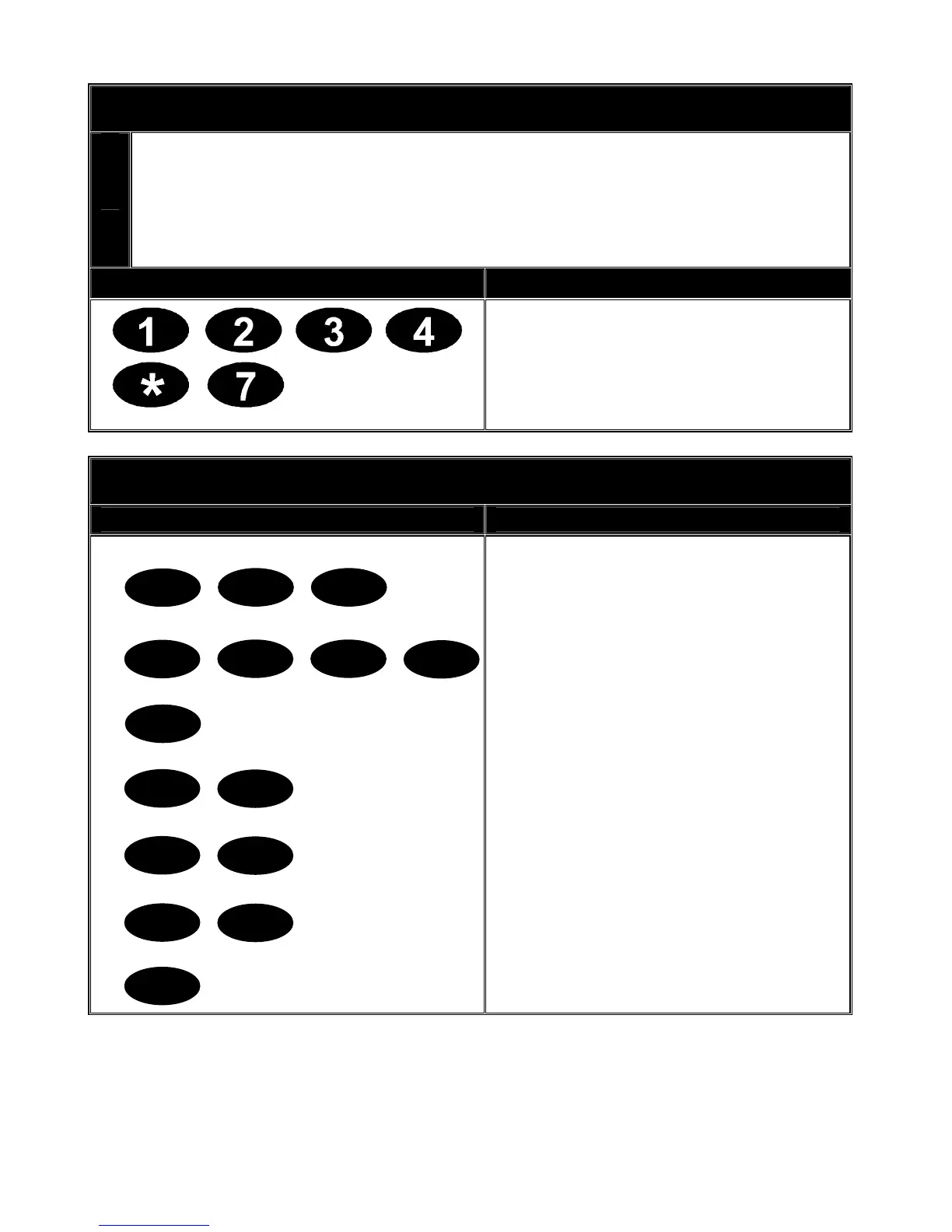
2. Press [*] [7] to activate the reset
function.
SETTING SYSTEM DATE
Key Sequence Operation
Example shows setting date as
Monday, June 11, 2007.
1. Press [*] [9] [6] keys.
2. Enter the master code.
3. Enter the day of the week
(1=Sunday, 7=Saturday).
4. Enter the month code. Must be
two (2) digits. E.g. [0][6] for June.
5. Enter the day code. Must be two
(2) digits. E.g. [1][1] for the 11
th
day.
6. Enter the last two (2) digits of the
year code. E.g. [0][7] for 2007.
7. Press [#] to exit. Your date is now
set.
*
1
9 6
3 2
4
2
0
6
1
1
0
7
#
V2.02
Page 15


 To Next Page