SETTING SYSTEM TIME
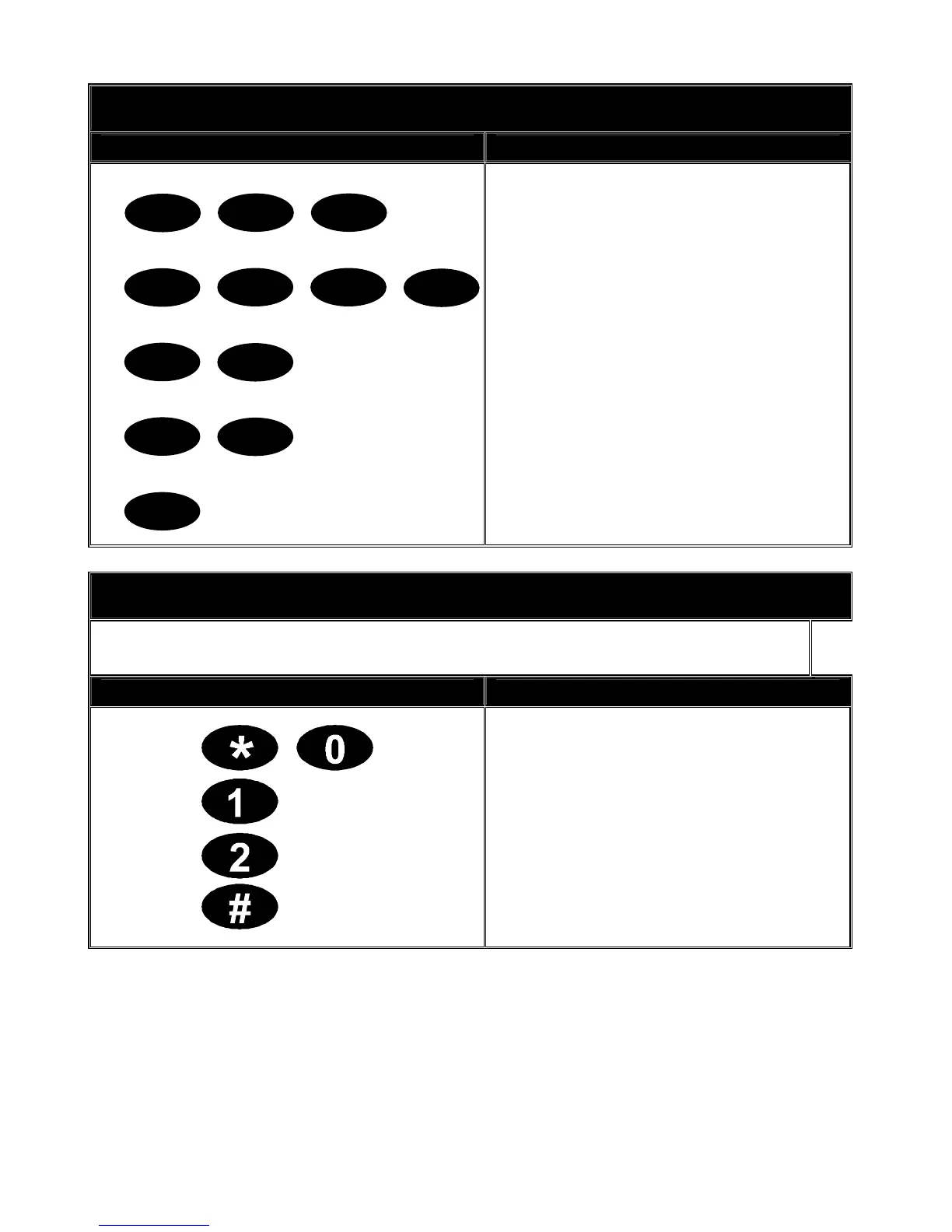
Key Sequence Operation
Example shows setting time at
9.30am.
1. Press [*] [9][7] keys.
2. Enter the master code.
3. Enter the hour code. Must be two
(2) digits. E.g. [0][9] for 9am.
4. Enter the minutes code. Must be
two (2) digits. E.g. [3][0] for 30
minutes.
5. Press [#] to exit. Your time is now
set.
9 7
*
3
1
2
4
0
9
3
0
#
SET CODE PAD TONES
Each code pad can have its sounder tone frequency adjusted to your individual
requirements. Follow the steps bellow to adjust the code pad sounder.
Key Sequence Operation
1. Enter [*] [0] to start the code pad
tone adjustment. The code pad
sounder will sound at the current set
frequency.
2. Enter the one [1] key to raise the
tone or the two [2] key to lower the
tone.
3. Enter [#] to exit and save the
selected code pad tone.
V2.02
Page 16


 To Next Page