Digital Video Recorder User Manual
57
Alarm Output
Trigger an alarm output when an alarm is triggered.
Steps
1. Go to Configuration → Event → Normal Event → Alarm Output.
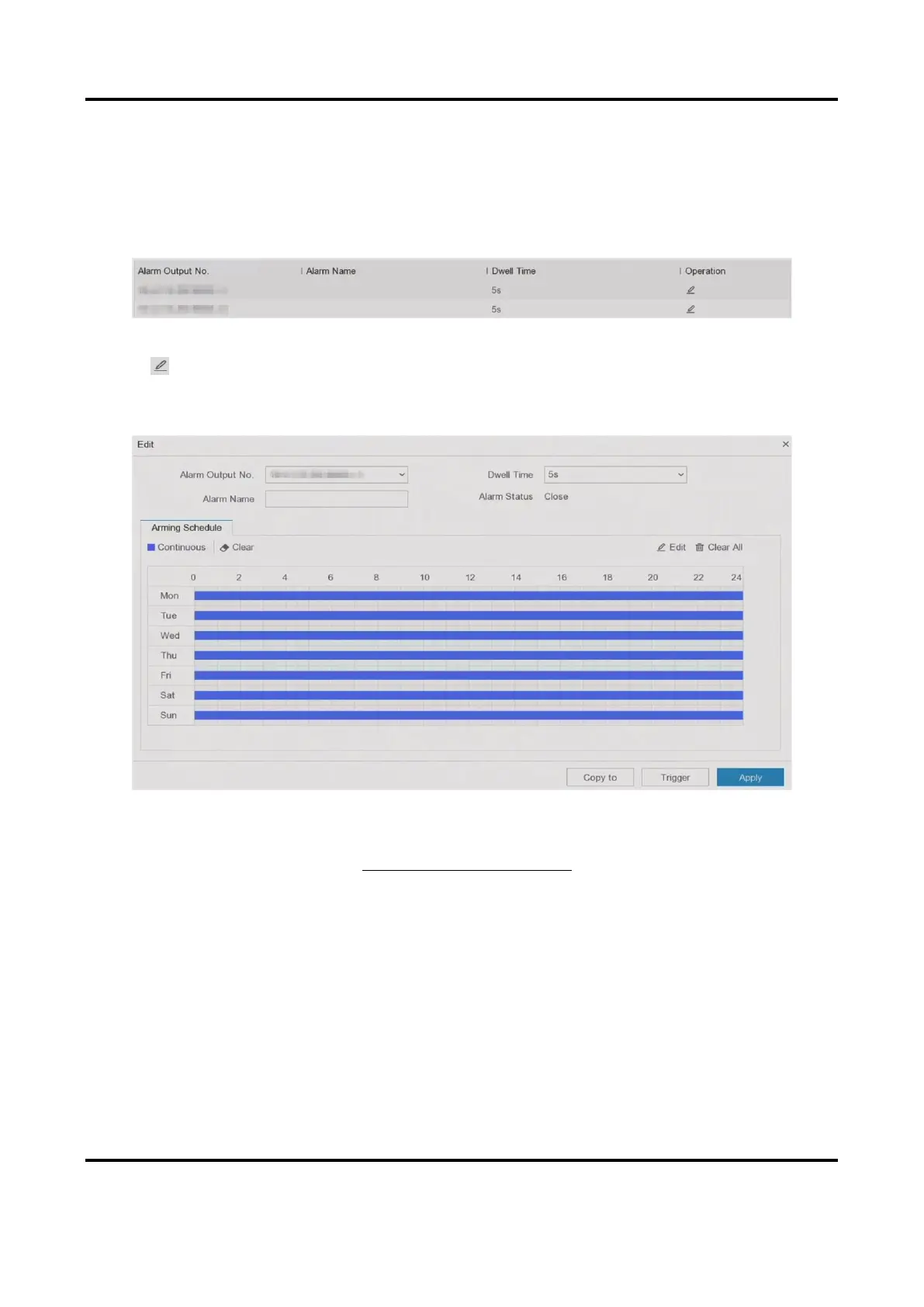
Figure 6-18 Alarm Output
2. Click of a desired alarm output.
3. Customize Alarm Name.
4. Select Dwell Time.
Figure 6-19 Edit Alarm Output
5. Set Settings as Input to enable the function.
6. Set the arming schedule. Refer to Configure Arming Schedule for details.
7. Click Apply.
Exception
Exception events can be configured to take the event hint in the live view window and trigger
alarm outputs and linkage actions.
Steps
1. Go to Configuration → Event → Normal Event → Exception.
2. Configure event hint. When the set events occur, you will receive hints in alarm center.
1) Enable Event Hint.



 To Next Page