8
Basic Features
Using the Quick Settings Menu
Audio Track: In ATV mode, select the audio track if the program has multi
audio tracks.
Subtitle: In DTV mode, select the subtitle if the program has multi subtitles.
Audio Language: Select the audio language.
Teletext: Select the desired teletext of the program that is broadcasting.
Using the Setting Menu
You can press the [Setting Menu
] button to access the Setting Menu.
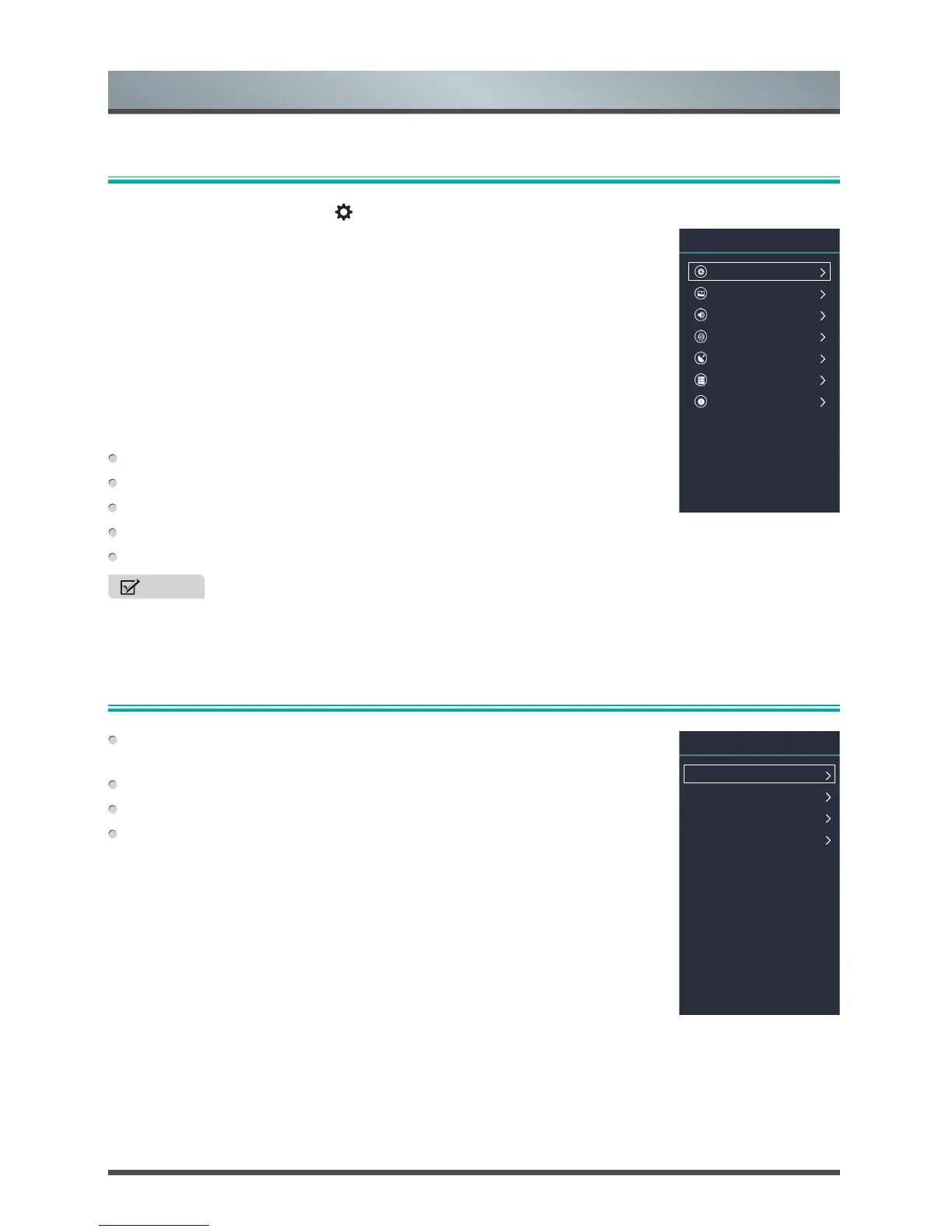
The Setting Menu consists of the following settings:
• Quick Settings
• Picture
• Sound
• Network
• Channel
• System
• About TV
In each menu, you can:
Press the [˄ / ˅] buttons to select an item.
Press the [˂ / ˃] buttons to adjust the value.
Press the [OK] button to enter the submenu.
Press the [BACK] button to return to previous menu or exit the menu.
Press the [EXIT] button to exit the menu.
NOTE
• The menus in the user manual may vary slightly from the actual screen.
Quick Settings
Picture
Sound
Network
Channel
System
About TV
Setting
Audio Track
Subtitle
Audio Language
Teletext
Quick Settings



 To Next Page