4
Basic Features
7. Input
Select how you receive your TV channels. Choose
from one of the sources.
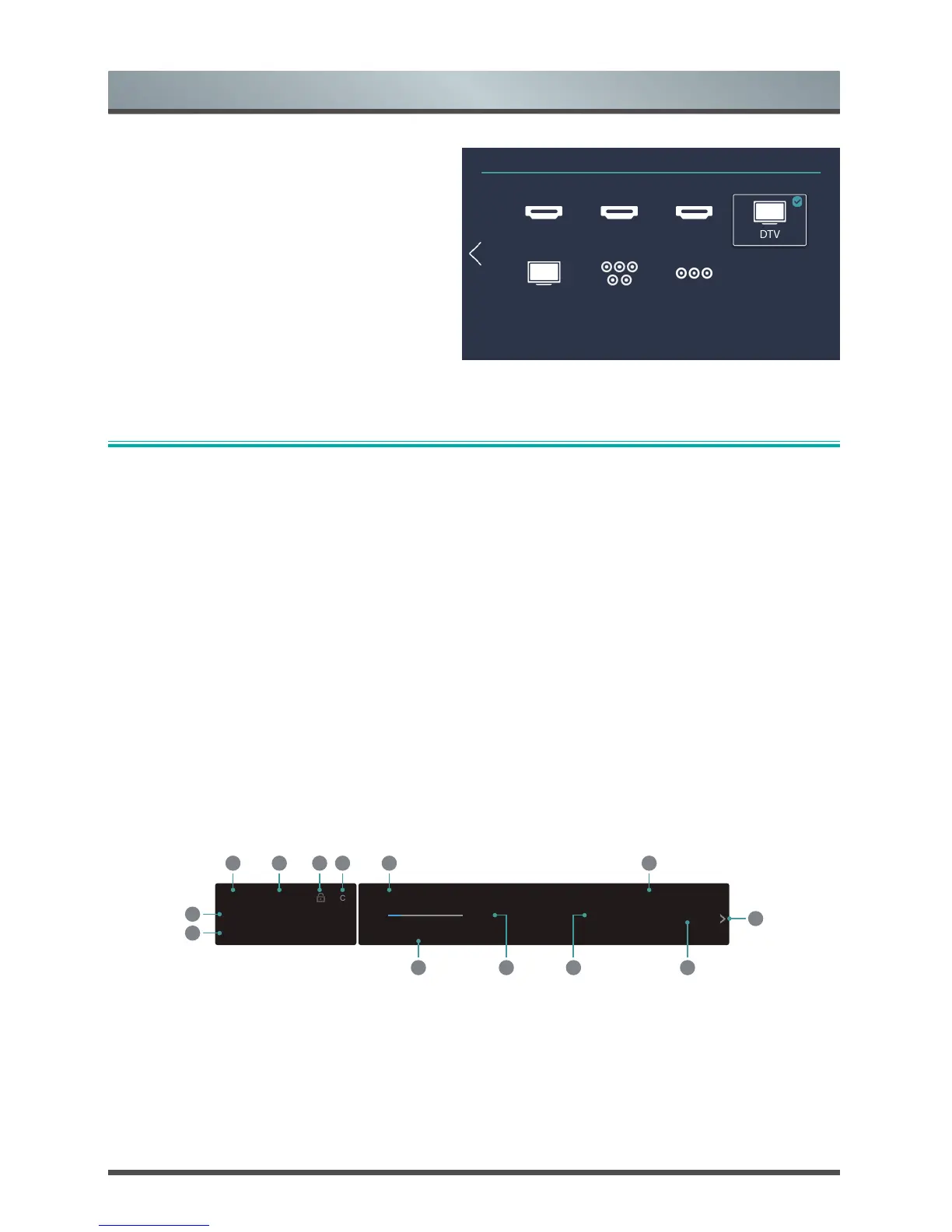
TV Input Source
HDIM1 HDMI2 HDMI3 DTV
ATV Component AV
①②③④⑤⑥
Shortcuts Instructions
You can use shortcuts on the remote control for fast operation.
Selecting the input source
Select the Input Source depending on the video device you have connected to your TV.
To select the input source:
1. Turn on your TV, then press the [INPUT] button on the remote, the list of Input appears.
2. Press the [< / >] buttons to select the input source.
3. Press the [OK] button to confirm your selection.
Using the Live TV
Only some countries support Live TV.
Viewing channel information
As you use the [CH+ / CH-] button on your remote to scroll through channels, an information banner appears
on the top of the screen.
The information banner displays the following information:
1. Current date and time
2. Channel Name
3. Channel number
4. Subtitle
5. Lock status
06:30 Thu,01.July.



 To Next Page