11
Basic Features
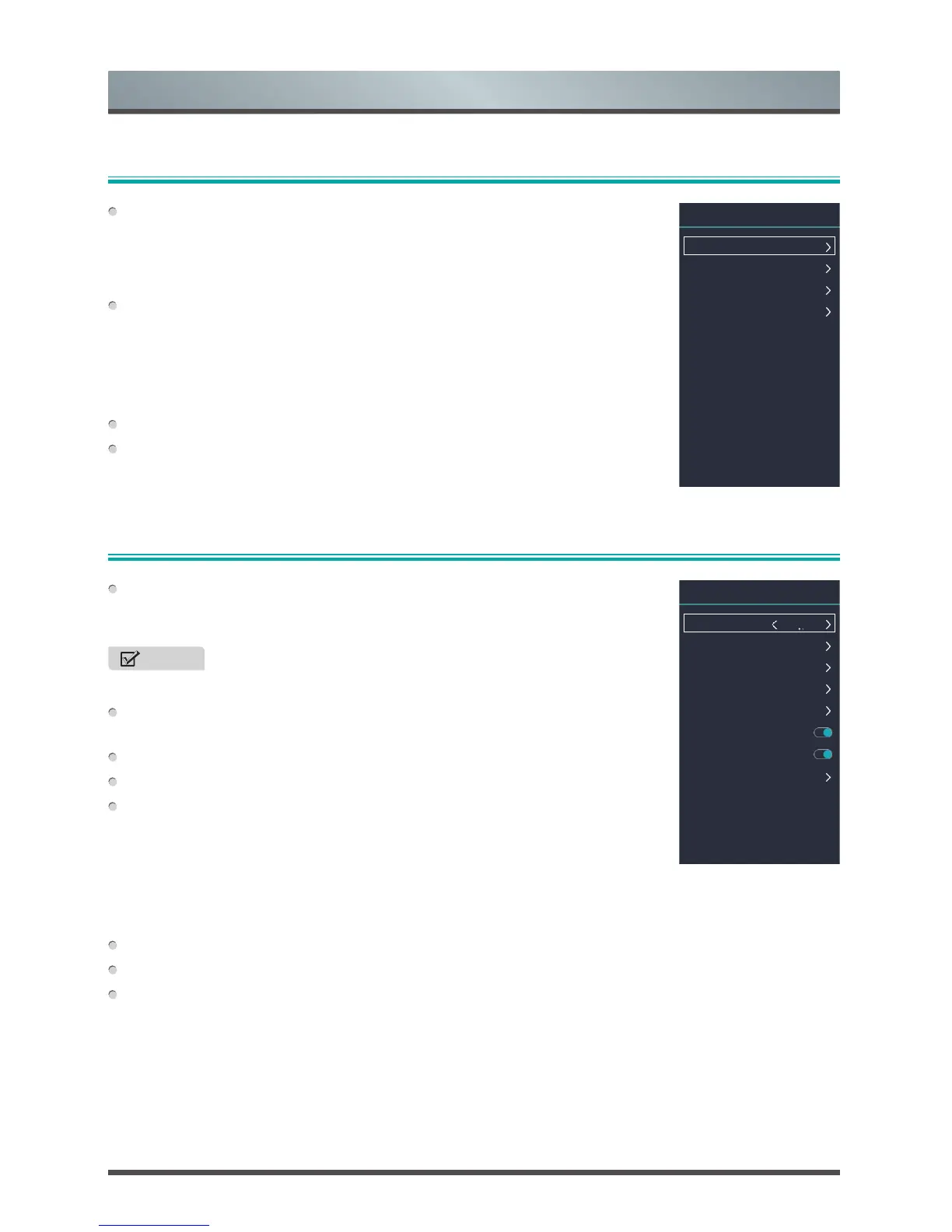
Using the Channel Menu
Using the Network Menu
DVB Antenna: Select Tuner Mode if you receive TV channels over the Air
(antenna), through a Cable (set top box). The input will be used during a
channel scan.
NOTE
• The menu will vary according to the tuner mode.
Auto Tuning: Automatically scan for channels to view programming from your
TV source.
DTV Manual Scan: Manual scan TV program in digital signals.
ATV Manual Scan: Manual scan TV program in analog signals.
Channel Edit:
• DTV Channel Edit / ATV Channel Edit: You can delete, move, skip and
filter the channels by pressing the Special function buttons ([RED/GREEN/
YELLOW/BLUE]). Also you can add the channels to create Favourite list.
• Export to USB: You can export the channel list to a storage device.
• Import from USB: You can import the channel list from the storage device.
LCN: You can select the Logic Channel Number on or off.
Auto-Update CH List: Select whether auto-update the Channel list or not.
CAM Setting: View CI information.
Cable: Choose a wired network connection to access the Internet.
• Mode: Select Auto or Manual configure your IP setting.
• IP / Netmask / Gateway / DNS: Configure the IP setting for your network
connection.
Wi-Fi: Choose a wireless network connection to access the Internet.
• Advanced Settings: Configure the advanced wireless network settings for
the TV. And you can also add wireless network.
• Refresh: Refresh the available wireless network.
• Wi-Fi List: Select an available network to connect.
Network Information: View information about your network connection.
Network Test: Test the network status.
Cable
Wi-Fi
Network Information
Network Test
Connected
Disconnect
Network
DVB Antenna
Auto Tuning
DTV Manual Scan
ATV Manual Scan
Channel Edit
LCN
Auto-Update CH List
CAM Setting
Air
Channel



 To Next Page