2
Basic Features
Turning your TV on or off
Completing the First-Time Setup Menu
To turn your TV on or off:
1. Plug the AC power cord into a socket outlet of AC power supply.
2. When the TV is powered on, press the [Power] button on the remote control, it goes into standby mode.
Press the [Power] button again to turn on your TV.
NOTES
• When your TV is in standby mode, it is still consuming power. To completely disconnect power, please
remove the plug from the mains socket.
• If your TV does not receive an input signal for several minutes, it automatically goes into standby mode.
IMPORTANT: Make sure that the antenna or cable is connected and a wired or wireless Internet
connection is available.
After the splash screen that displays the logo appears, begin the first-time setup menu.
NOTE
• All the Pictures are Only for Reference, and that may not match with the actual machine, Please subject
to the actual models.
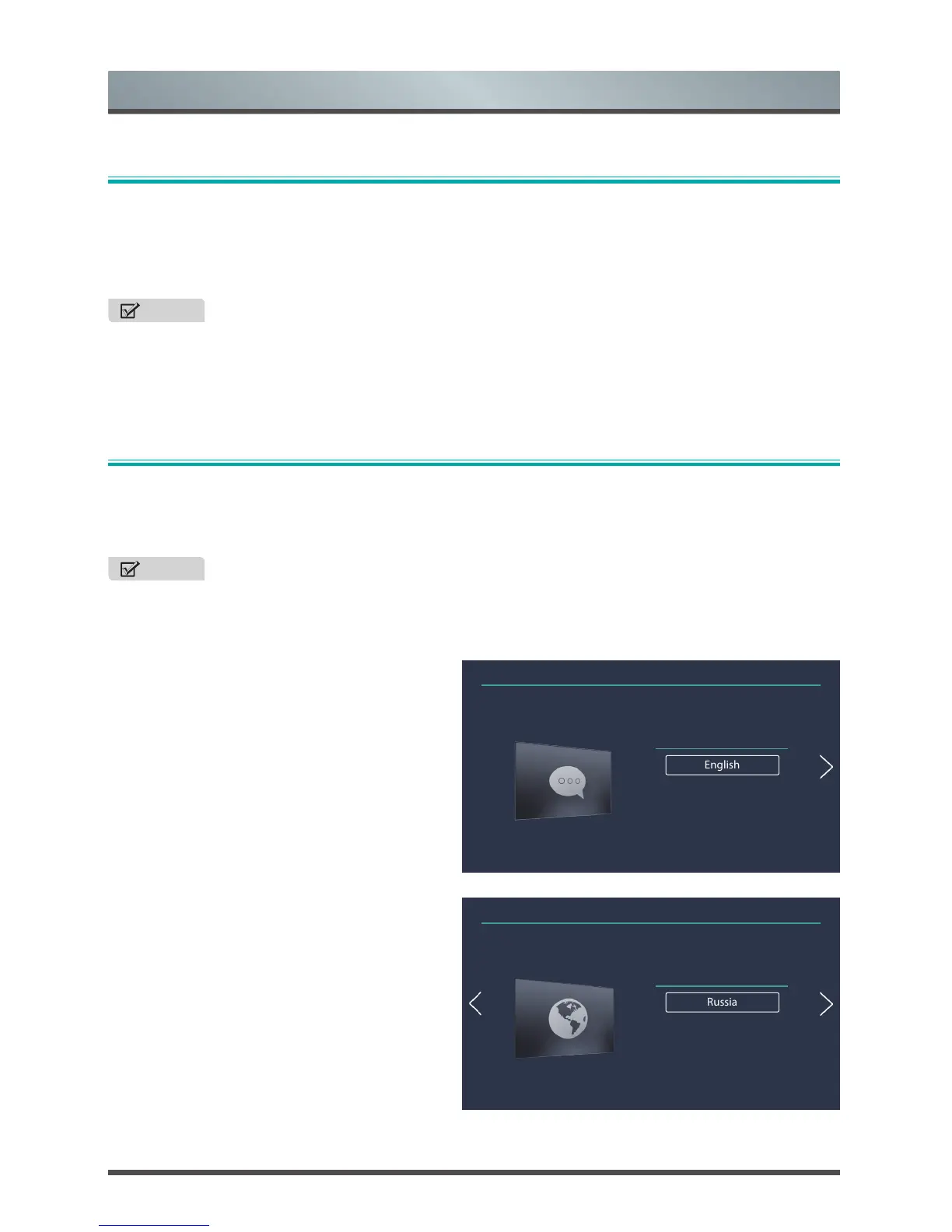
1. Language
Press the [˄ / ˅] buttons and then press the [OK]
button on the remote control to choose your
language.
2. Country
Select the location where you will operate the TV
and move to the next menu.
Installation Guide
Language
English
Français
Український
①②③④⑤⑥
Installation Guide
Country
Russia
Uzber
Kyrgyzstan
①②③④⑤⑥



 To Next Page