3
Basic Features
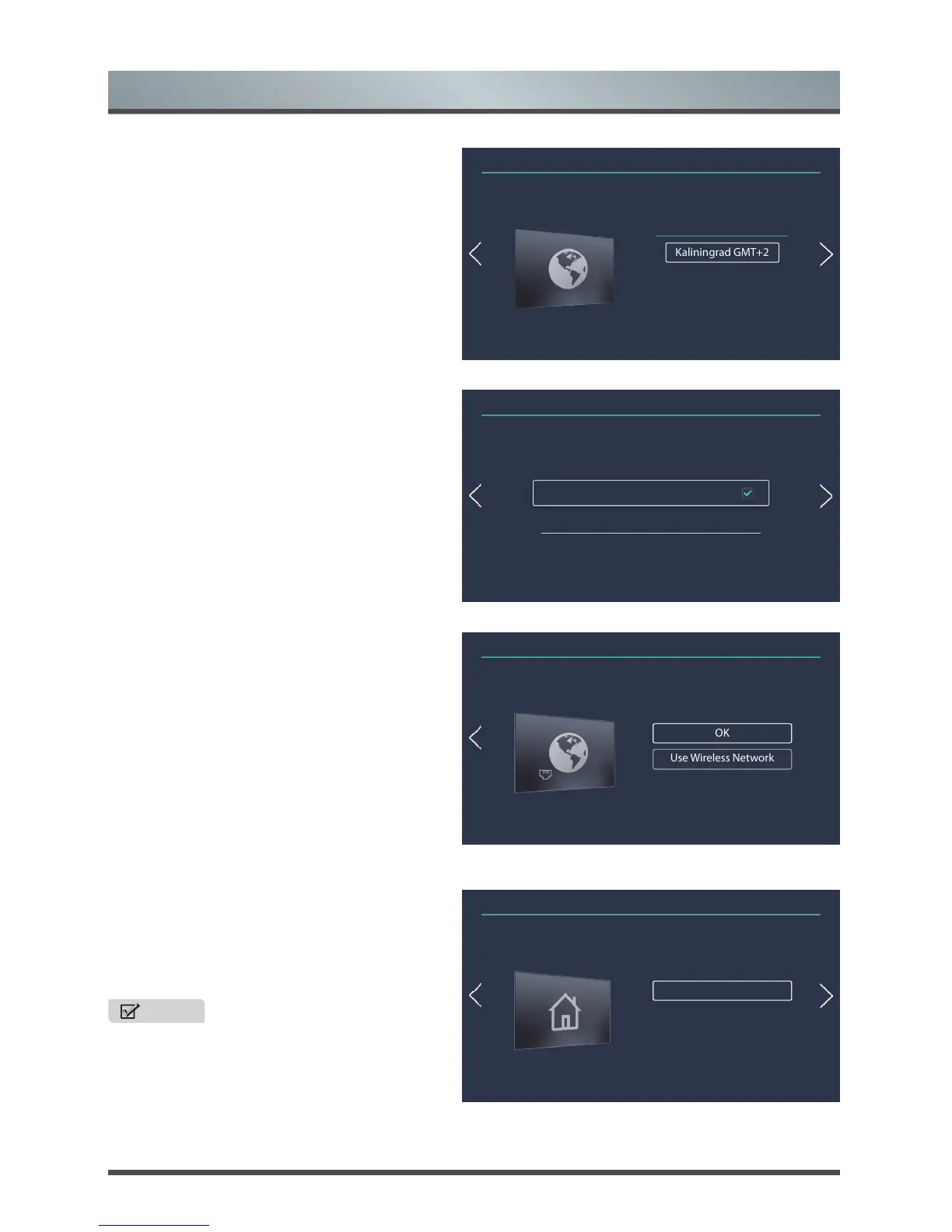
3. Time Zone
Select the local time zone according to your region,
and move to the next menu.
4. Disclaimer
Select accept the Disclaimer and move to the next
menu.
5. Network
If your TV does not automatically detect a Wired
connection, then select Wireless. When you’re
done, select your network from the list that displays
and move to the next menu.
6. Mode
Select TV Mode Setting: Home Mode or Store
Mode. Home Mode is the recommended setting
which offers full functionality of the television and
move to the next menu.
NOTE
• Store mode should only be selected by
retailers who plan to demonstrate the TV.
Installation Guide
Time Zone
Kaliningrad GMT+2
Moscow GMT+3
Samarra GMT+4
①②③④⑤⑥
Installation Guide
Disclaimer
click to review the detail of our disclaimer terms
①②③④⑤⑥
Set Network
OK
Use Wireless Network
Wired network has been detected to help you automatically connect.
①②③④⑤⑥
Set TV mode
Home Mode
Store Mode
①②③④⑤⑥



 To Next Page