9
Basic Features
Using the Picture Menu
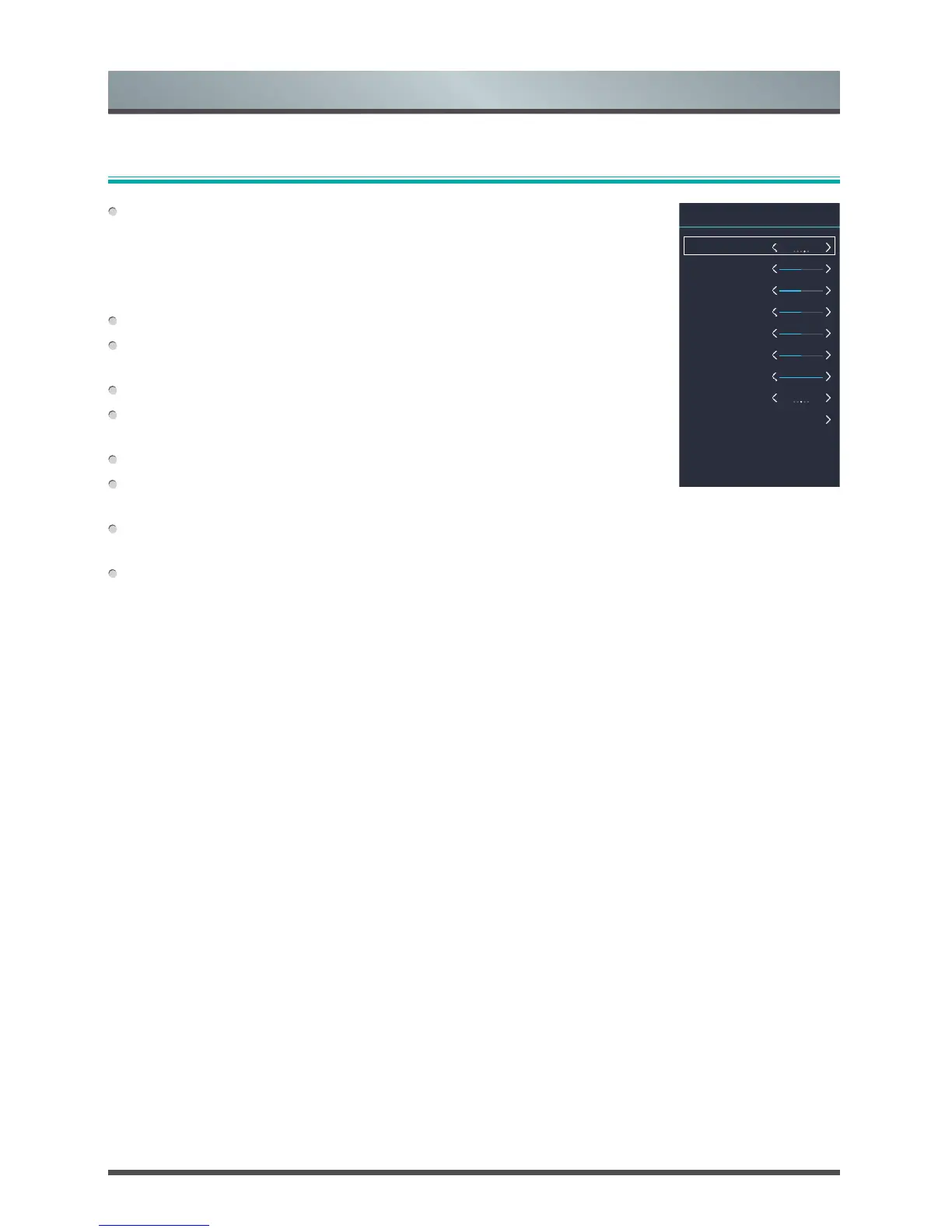
Picture Mode: If you’d like to configure the settings for your picture, then there
are five types of picture modes available: Dynamic, Standard, Mild, Personal
and Economy.
Once you choose the Personal mode, you can adjust the picture based on the
following settings.
Brightness: Adjust the Brightness level to generate lighter or darker images.
Contrast: Adjust the Contrast level to increase or decrease how bright images
appear.
Colour: Adjust the colour intensity of the picture for a more vibrant image.
Tint: Adjust the colors from a green to magenta tint to view the natural skin
tones of people on the screen.
Sharpness: Adjust how sharp or soft edges of images appear.
Backlight: Adjust how bright you want images to appear. Lower settings create
darker images.
Aspect Ratio: Adjust the Aspect Ratio to stretch or zoom in on your picture. You can choose from the
following settings: Auto, 4:3, 16:9, Zoom1 and Zoom2.
Advanced Settings: Adjust advanced picture settings based on your viewing preference.
• OverScan: Change the video size settings to slightly crop the edges of the displayed image.
• Color Temp: Adjust how warm(red) or cold(blue) the white areas of an image appears.
• Dynamic Backlight: Automatically adjust how bright images appear.
• Dynamic Contrast: Automatically darken dark areas and lighten light areas of images to see more
details.
• Noise Reduction: Improve how clear the picture appears by reducing noise.
Picture Mode
Brightness
Contrast
Colour
Tint
Sharpness
Backlight
Aspect Ratio
Advanced Settings
Personal
50
50
50
0
50
100
16 : 9
Picture



 To Next Page