15
Advanced Features
Media
Media is a central location for you to view or listen to different types of content (for
example, your photos,
music and movies) through the following methods:
• A USB thumb drive or hard drive
• Your mobile phone, tablet or other personal device: You can stream movies,
pictures and photos that are
stored on your personal device and play or view the
content on your TV.
When you connect your thumb drive or other personal device to the TV, the TV
automatically detects it and
displays a prompt.
The USB and Media Server screen
The USB and Media Server screen displays Four panels: Movies, Music, Photos and Files.
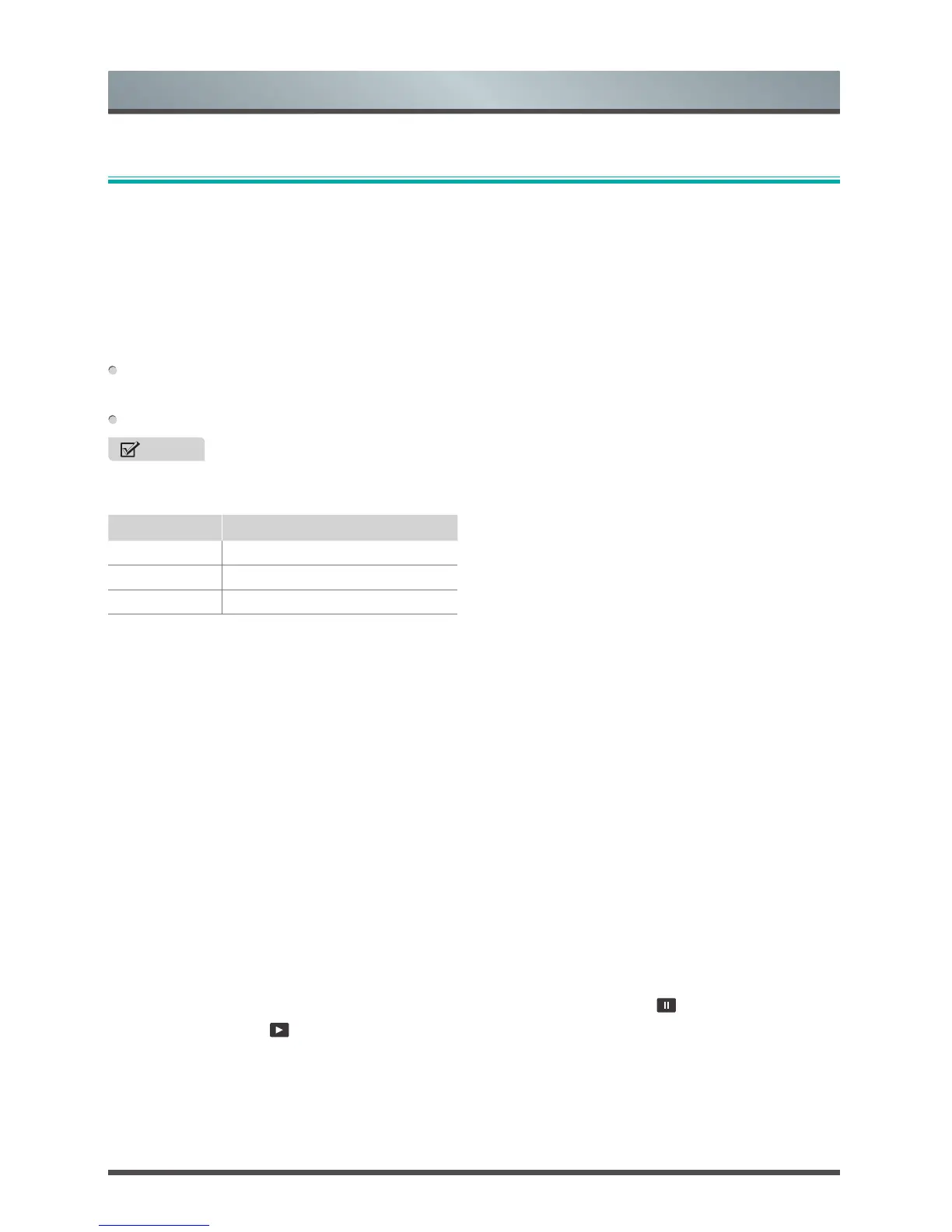
File formats that may be supported
NOTE
• Due to differences in programming tools and other factors, some of the file formats that are listed may or
may not be supported.
Medium File Format
Video MP4, AVI, MKV, WMV, RM
Picture JPEG, PNG, BMP, GIF
Music MP3
Browsing Content
To browse through content based on the type that you wish to access:
1. Select the Movies, Music, Photos or Files.
2. Select the name of the folder that contains your content.
3. Make your selection to play or view the content.
If you want to close out of the Media center, press the [EXIT] button on your
remote control.
Viewing Video
While viewing video you will see a control bar appear at the bottom of the
screen. You can use the D-pad
buttons of your remote to select these icons that
will control the video.
Viewing Photos as a Slideshow
Select the photos that you want to view and press the
[OK] button, the slideshow of your photos begins to
play.
To stop the slideshow, press the
[OK] button to call out the control bar, click on the
icon.
To restart it, click on the
icon.



 To Next Page