34
Slow motion
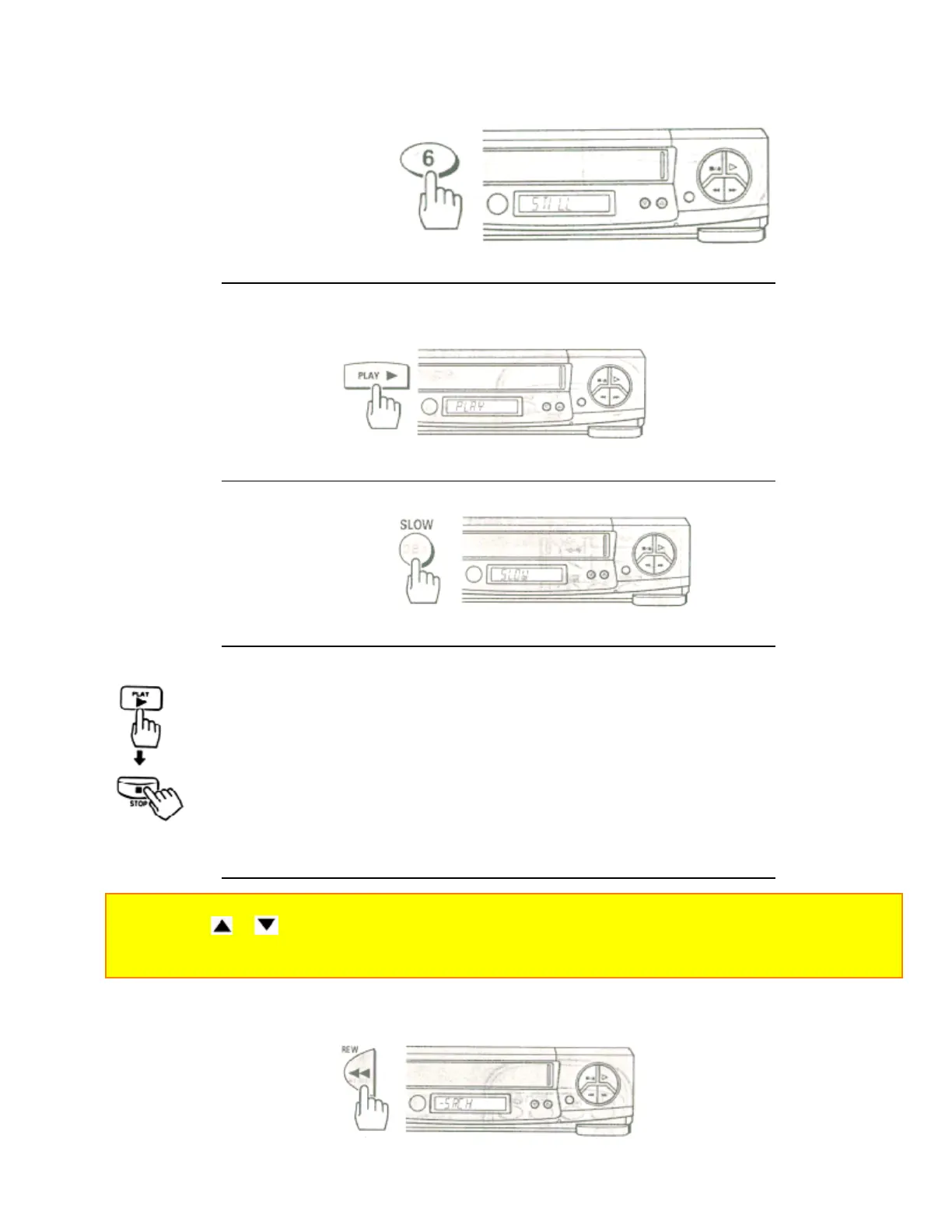
1 Press the PLAY button.
Remote Control Illustration.
2 Press the SLOW button to slow the playback speed.
3 Press the PLAY button to return to play back at normal speed.
Press the STOP button to stop the tape.
Notes:
• Use the CH ( or ) button to minimize any visual noise bands on the screen.
• After 1 minute in slow motion playback, the VCR will stop the tape automatically to prevent damage to the
tape and VCR.
Visual Search
This function let you search backward and forward through the videotape while viewing it.
Remote Control Illustration.


 To Next Page
 Loading...










