44
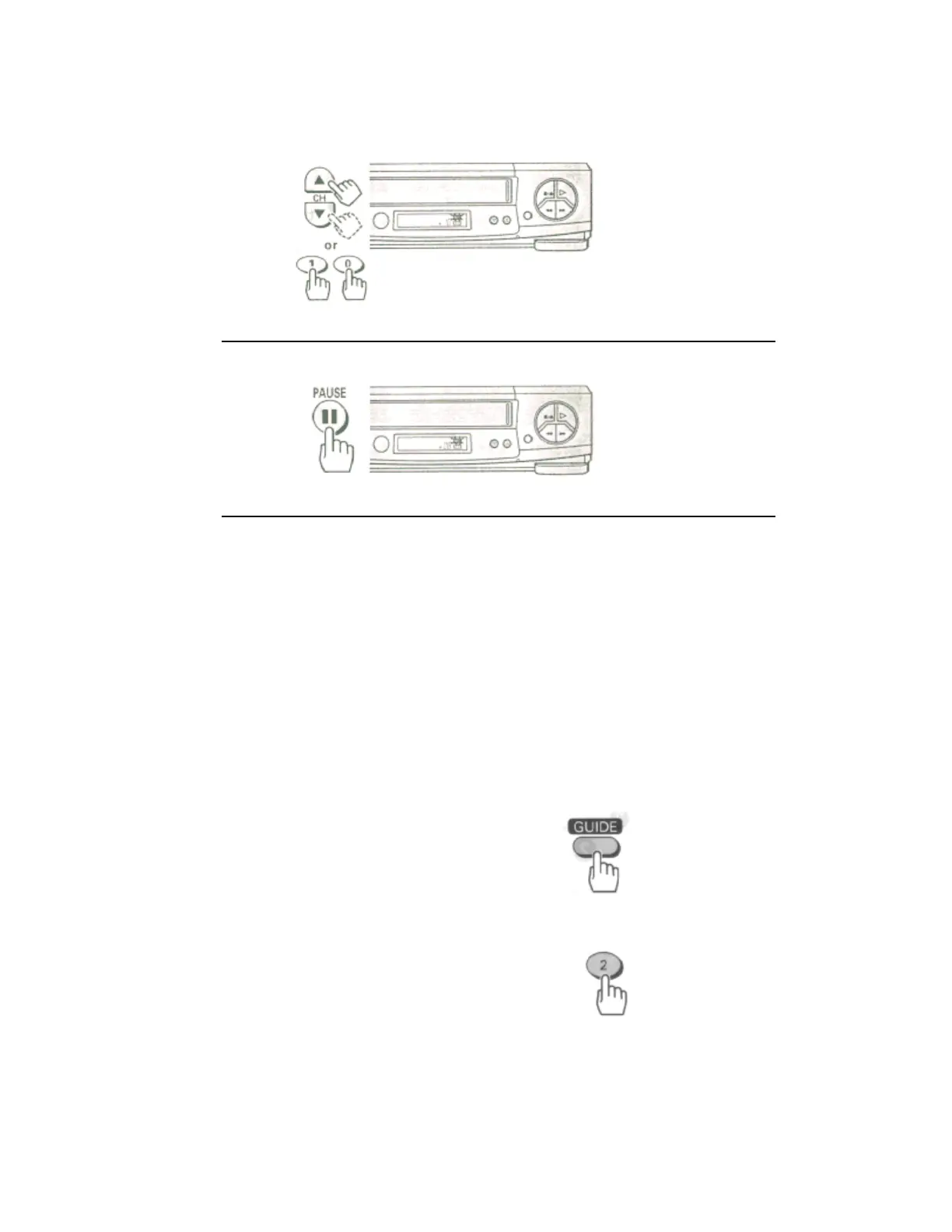
3 Press the PAUSE button to continue recording.
Automatic Indexing
Your VCR will automatically create an invisible "INDEX" mark every time you press the REC button while
recording. During playback, the Index Search feature will let you move through a tape that has several recordings
on it by searching for the "INDEX" mark. See Page 34, "Locating the beginning of a recorded program (
INDEX SEARCH)".
• To record a Second Audio Program (SAP)
Some stations transmit a Second Audio Program - such as in a second language. If a station broadcasts in SAP,
the SA indicator will display on your TV screen.
You can set the VCR to record a second audio program by activating the SAP option.
How to set the SAP option.
1 Press the GUIDE button.
2 Press the (2) button to select the VCR SETUP operation.
Remote Control Illustration.
3 Press the (6) button to set the SAP option to "ON".













 To Next Page