66
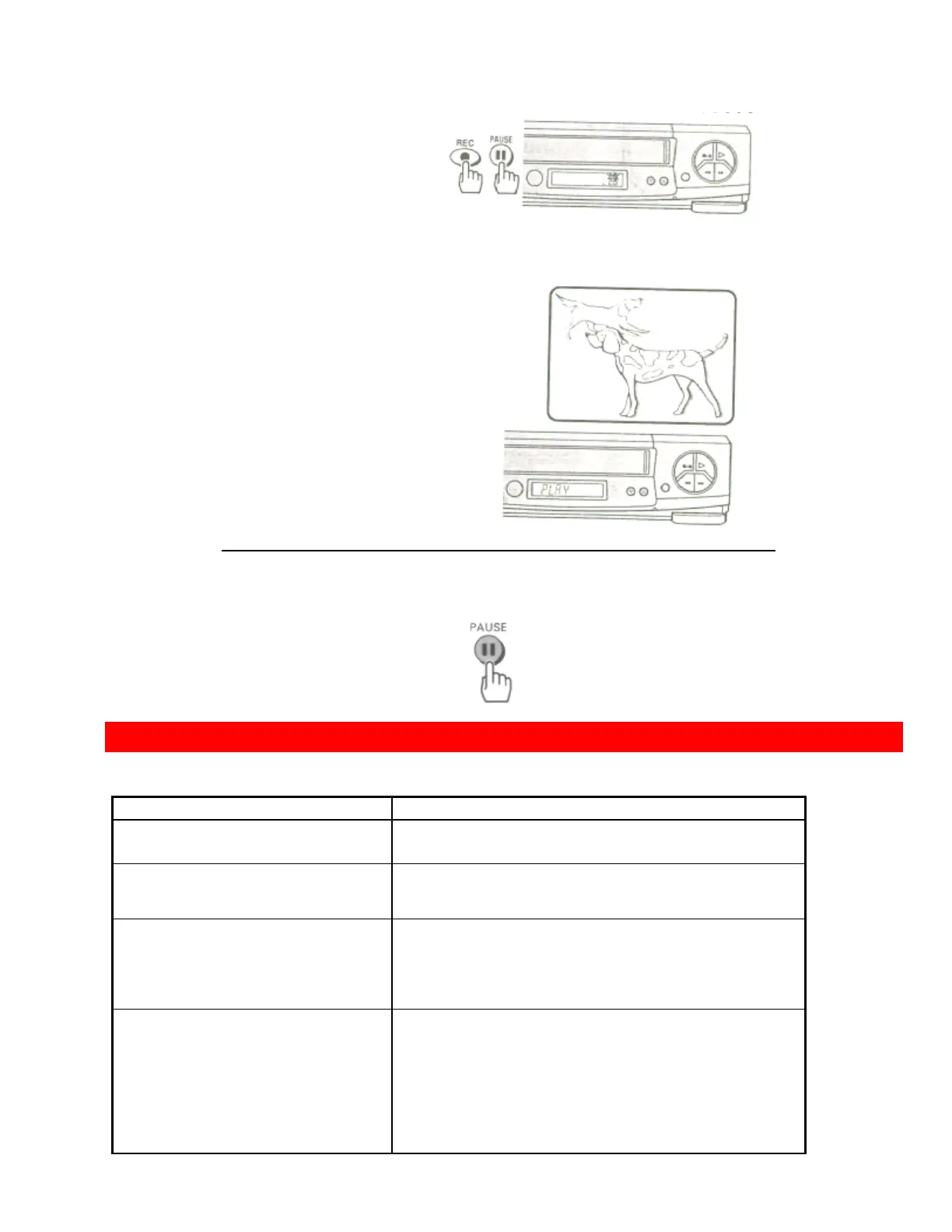
3 Press the PLAY button on VCR-2. You will see the taped program being
played on the TV.
4 When you see the part of the program you wish to record, press the PAUSE button on VCR-1
again to release pause and start recording.
• Press the STOP button to finish recording.
PROBLEM GUIDE / MAINTENANCE
• Problem guide
No power
• Make sure the VCR is plugged into an AC outlet.
Remote control doesn't
work
• Make sure the batteries are fresh, and properly
installed.
Won't record
• Safety tab has been removed from cassette (VCR
will
automatically eject the tape).
Won't play back
• Make sure the TV/VCR switch is set to the VCR
mode.
• Make sure the TV is set to the VCR channel (3 or
4) or AUX (if
using direct audio/video hookup).
Won't make timer
recordings
• The VCR power must be turned off to activate
timer recording.
• Clock is not set correctly.
• Programs entered incorrectly.
• Programs exceed the length of the cassette. Use
the EP
recording speed for maximum programming.
• Safety tab has been removed from cassette.













 To Next Page