65
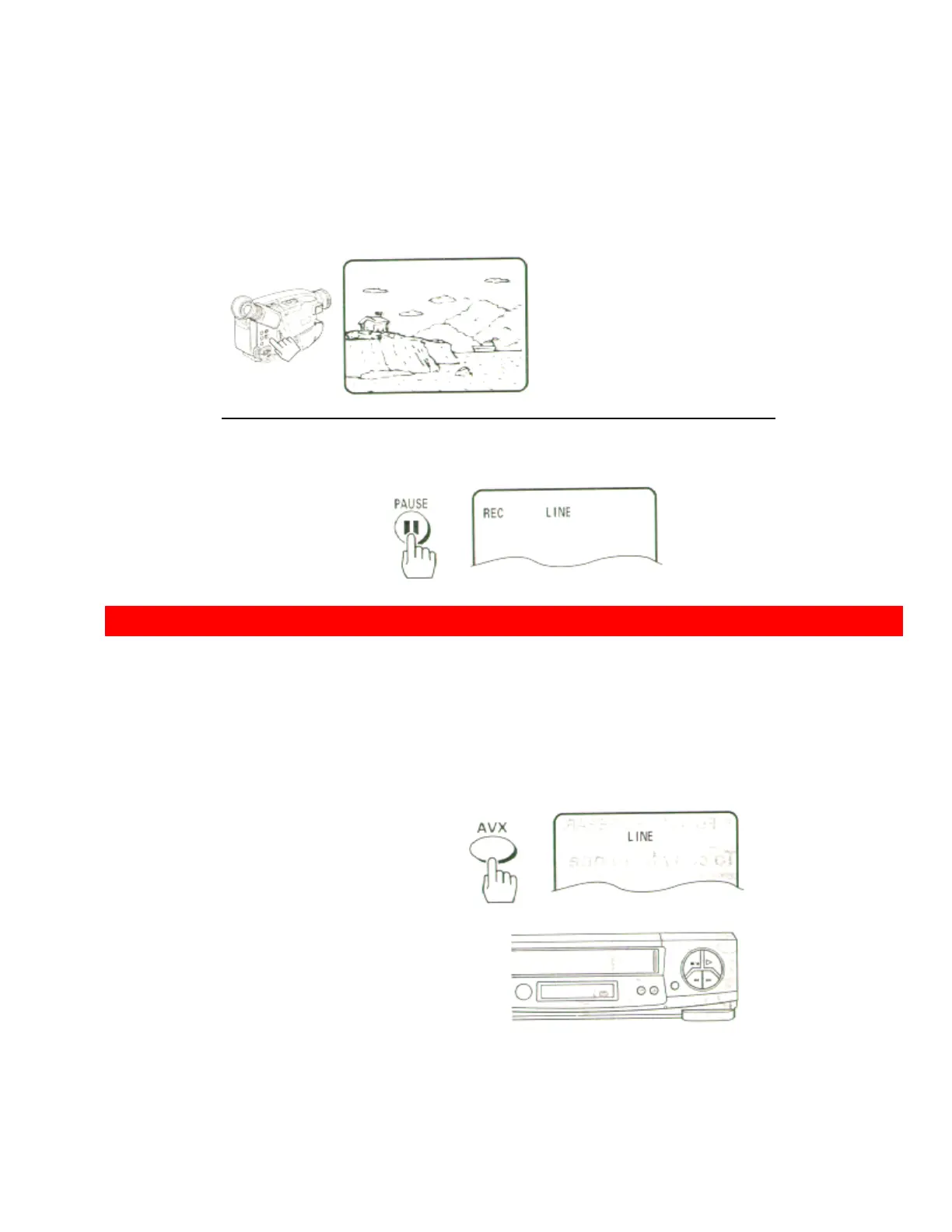
3 Press the PLAY button on the camcorder. You will see the camcorder
tape being played on the
TV.
4 When you see the part of the Camcorder tape you wish to copy, press the PAUSE button again
to release pause and start copying the camcorder tape.
• Press the STOP button to finish recording.
COPYING FROM ONE VCR TO ANOTHER VCR (DUBBING)
• Hookup
If you have two VCRs, you may use one VCR to record a tape that is being played back in the other VCR.
VCR to VCR Hook-up Illustration Rear Panel VCR Front Panel Illustration
• To copy from one VCR to another VCR
1 Press the AVX button on the remote control of VCR-1 so that L (line)
appears in the display.
Remote Control Illustration.
2 Press the REC, then PAUSE buttons on VCR-1. The VCR will go into
Record/Pause.













 To Next Page