37
Note: If there are no index marks on the tape, the VCR will just rewind to the beginning or fast forward to the end.
• Locating the beginning of a blank section (BLANK SEARCH)
This function searches for a non-recorded section of remaining tape, or unused tape, and stops the tape when it
locates such a section.
NOTES:
• BLANK SEARCH cannot be operated with a cassette without a safety tab.
• BLANK SEARCH may not operate when a blank section lasts no more than five minutes.
• BLANK SEARCH will not be engaged in the following sections since they are not recognized as
blanks:
- Sections with noise
- Sections where only sound has been recorded
- Sections where previous recordings have been erased
Remote Control Illustration.
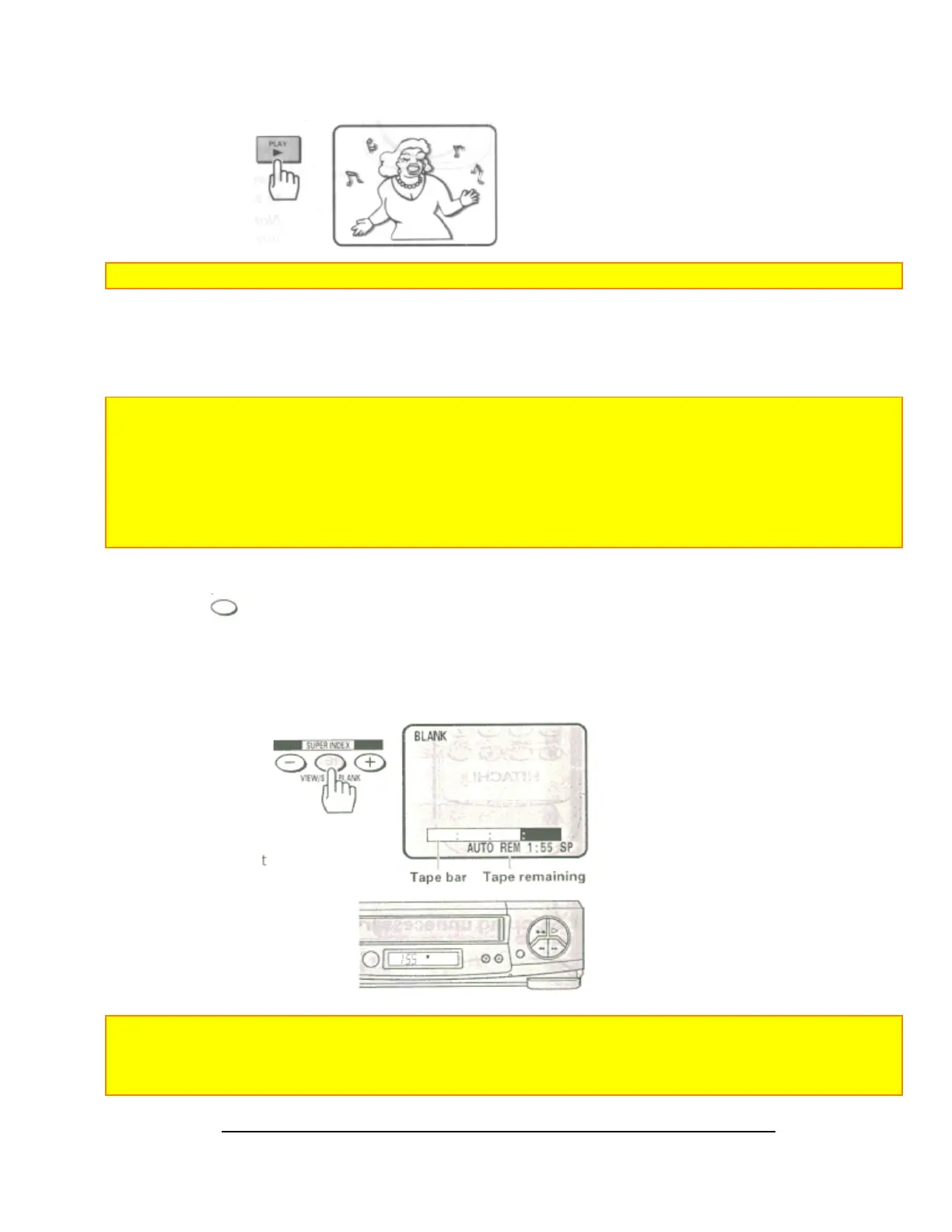
1 Press the
(VIEW/SKIP/BLANK) button in the STOP mode.
The BLANK SEARCH screen will appear and the tape will fast forward automatically
• The blank which is the nearest the current tape position is searched for.
• The blank square in the tape bar shows the current tape position.
• The tape remaining time appears on the screen and VCR display during BLANK SEARCH.
• When a blank is detected, the tape will automatically rewind to the beginning of the blank.
Notes:
• When a cassette without a safety tab is inserted, "TAb" will flash in the VCR display for several seconds and
the cassette will be ejected automatically.
• Tape bar will not appear correctly if tapes which have scratches or are slack are being used.













 To Next Page