63
INTEGRATING YOUR STEREO SYSTEM WITH YOUR VCR
• Hookup
When your VCR is connected to a stereo system, you can:
• Make high quality "audio only" recordings for up to 6 hours (on a T-120 video cassette tape).
• Receive quality stereo sound from your VCR through your stereo system.
• Use the VCR as an extra audio tape deck for dubbing.
Hook-up Illustration.
• To record from stereo
BEFORE YOU BEGIN...
Remote Control Illustration.
• Make sure the VCR is connected to your stereo system, as shown above.
• Make sure that "STEREO" audio is selected from the VCR Set-Up Menu, as shown on page 42, of
"RECORDING OPERATIONS" section, "Stereo vs. mono sound".
• Select VCR recording speed (SP or EP) as shown on page 39, of "RECORDING OPERATIONS"
section, "Basic recording steps".
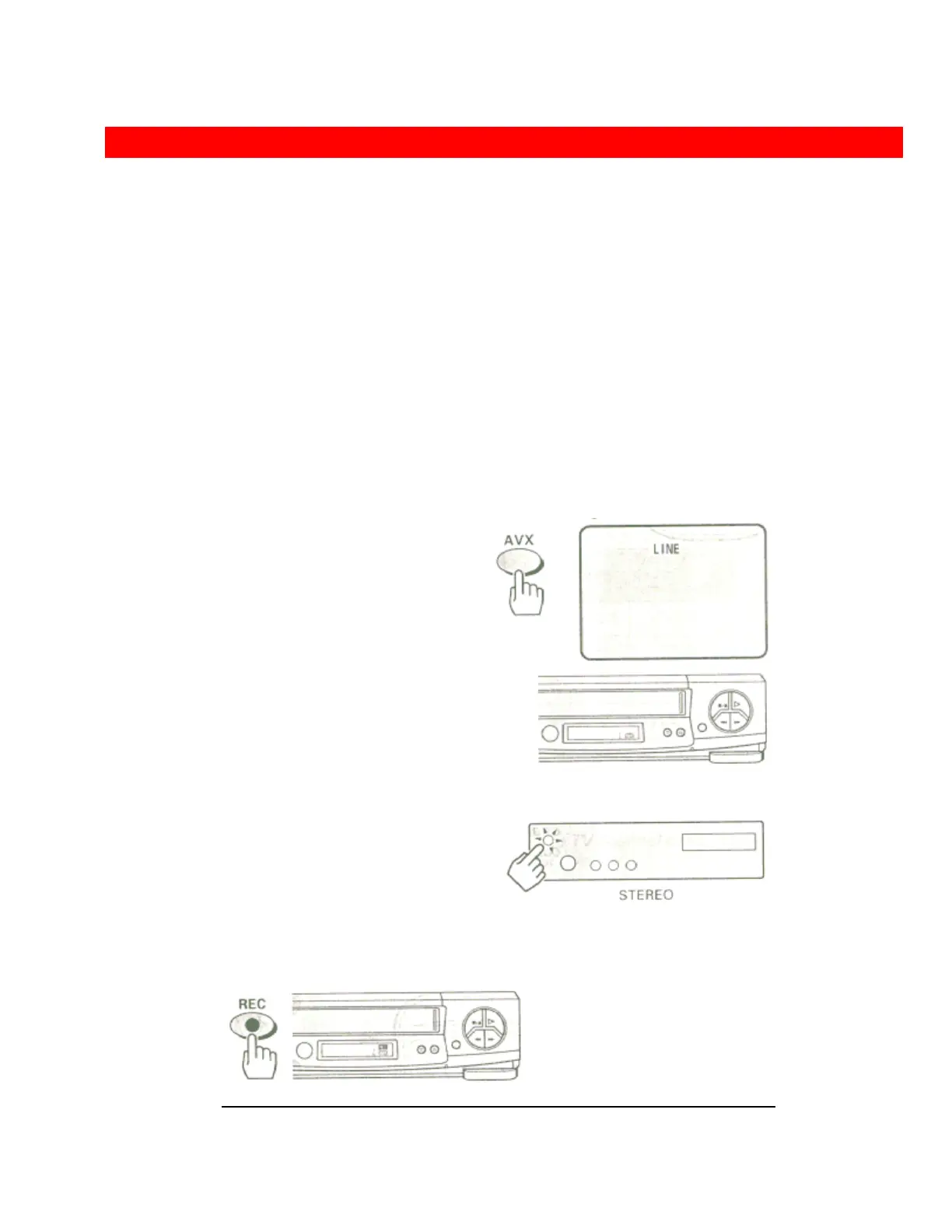
1 Press the AVX button on remote control, so that L (line) on the display.
2 Turn on the stereo, amd start the selection you wish to record.
3 Press the REC/IRT button on VCR or REC button on the remote control
to start recording.
4 Press the STOP button to stop recording.













 To Next Page