64
COPYING TAPES FROM A CAMCORDER
• Hook-up
You may use your VCR to copy tapes from any camcorder onto standard VHS cassette
tapes.
Note: If your camcorder is not stereo (has only one audio plug), connect it into the AUDIO IN-L input on
the back of the VCR.
* It is not necassary to connect the S-VIDEO jack
Camcorder Hook-up Illustration.
• To copy from a camcorder
BEFORE YOU BEGIN...
Connect the camcorder's AV output cable to the audio/video jacks
on the back of your VCR.
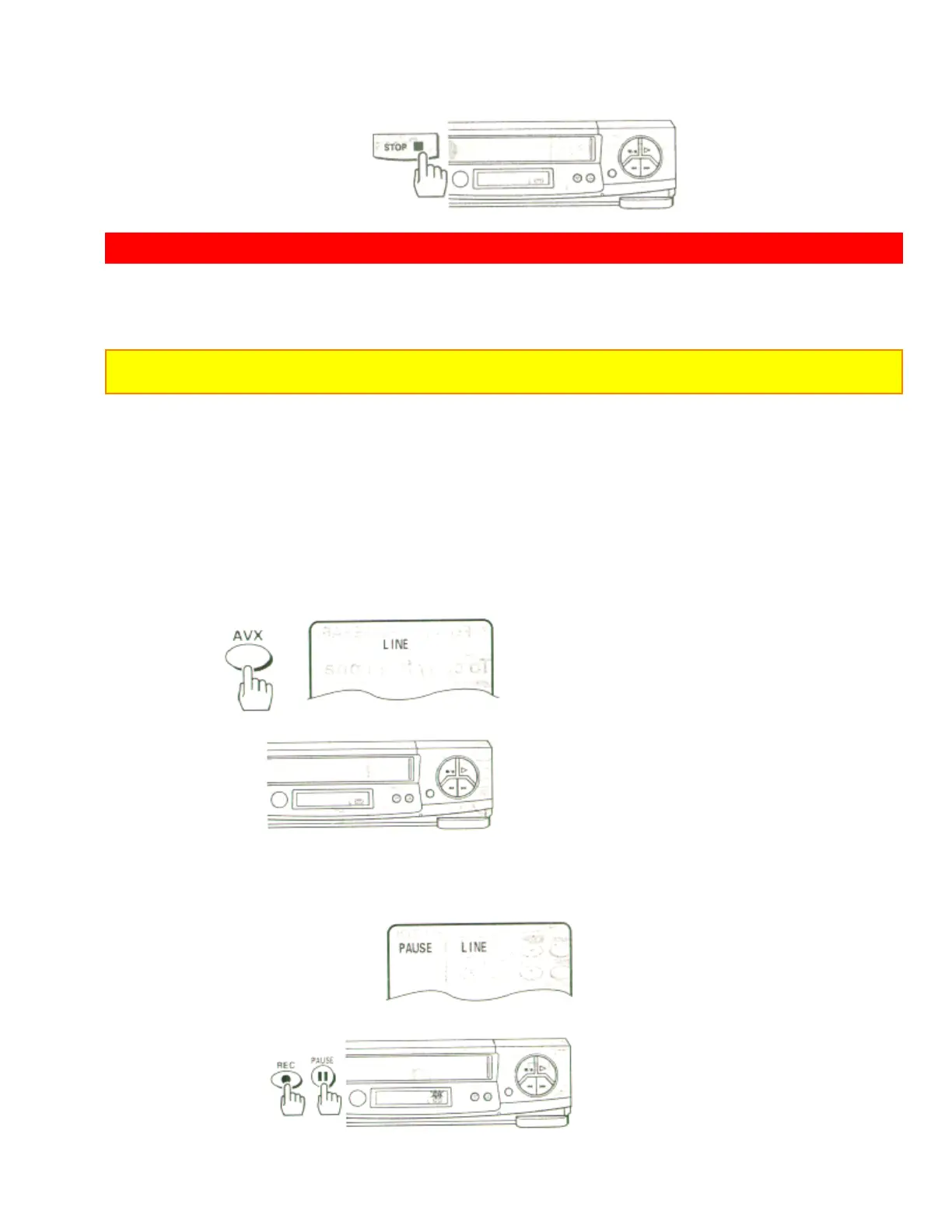
1 Press the AVX button twice on remote control, to display L (line) on the
TV display.
2 Press the REC, then PAUSE buttons on the VCR remote control. The
VCR will go into
Record/ Pause.
Remote Control Illustration.













 To Next Page