17
OPERATING THE X1 PRO CHARGER
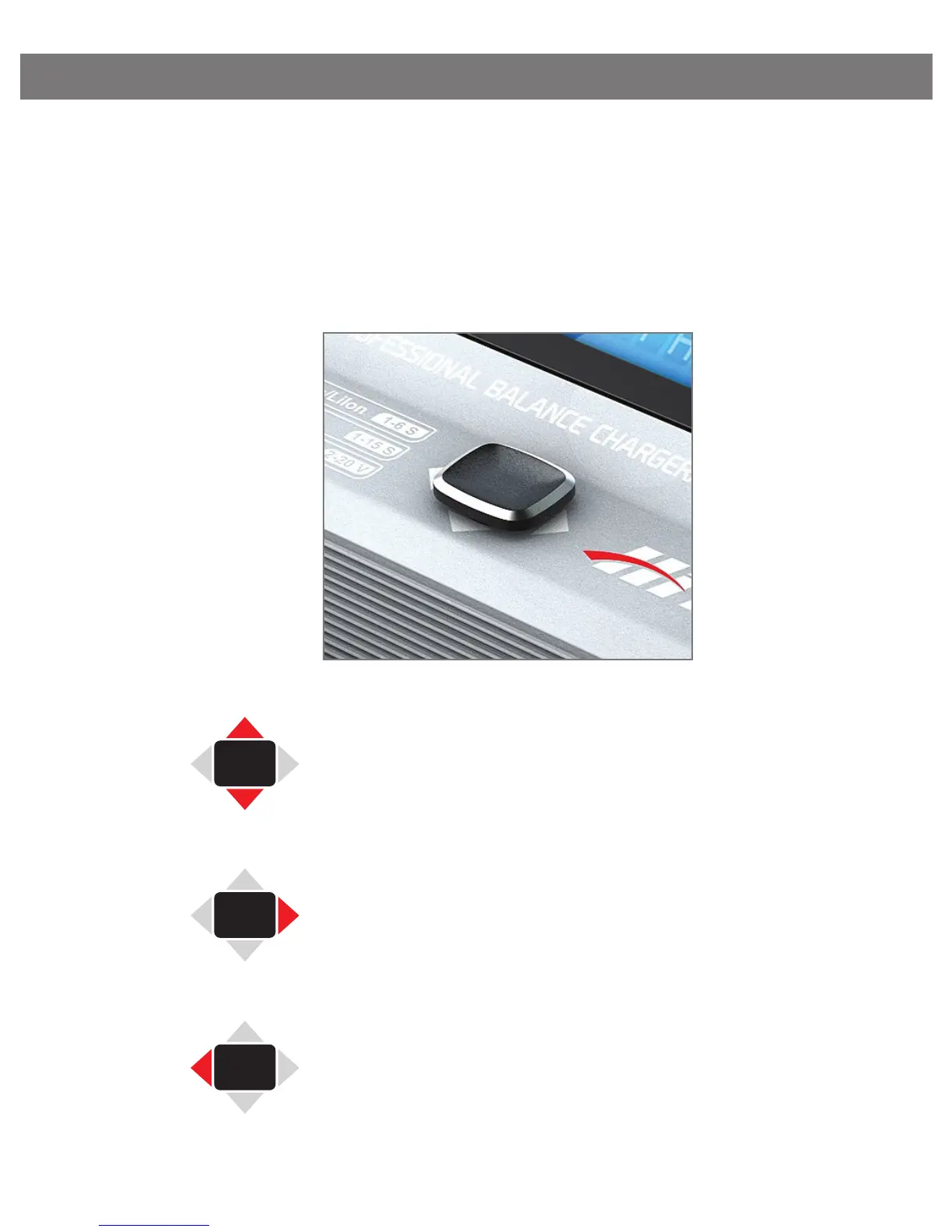
The joystick feature makes operating the X1 Pro very easy. Simply
toggle the joysick up, down, right or left to scroll through the vari-
ous programs and change program settings. Detailed descriptions
of how to locate and edit each program feature is given in the
following sections.
Toggle the joystick up or down to scroll
through the various programs/modes or
to increase/decrease program settings.
Toggle the joystick to the right to select/
set a parameter or to start the charging
process.
Toggle the joystick to the left to return to
the previous screen or to stop the charg-
ing process.



 To Next Page