19
PROBLEM
PROBABLE
CAUSE
SOLUTION
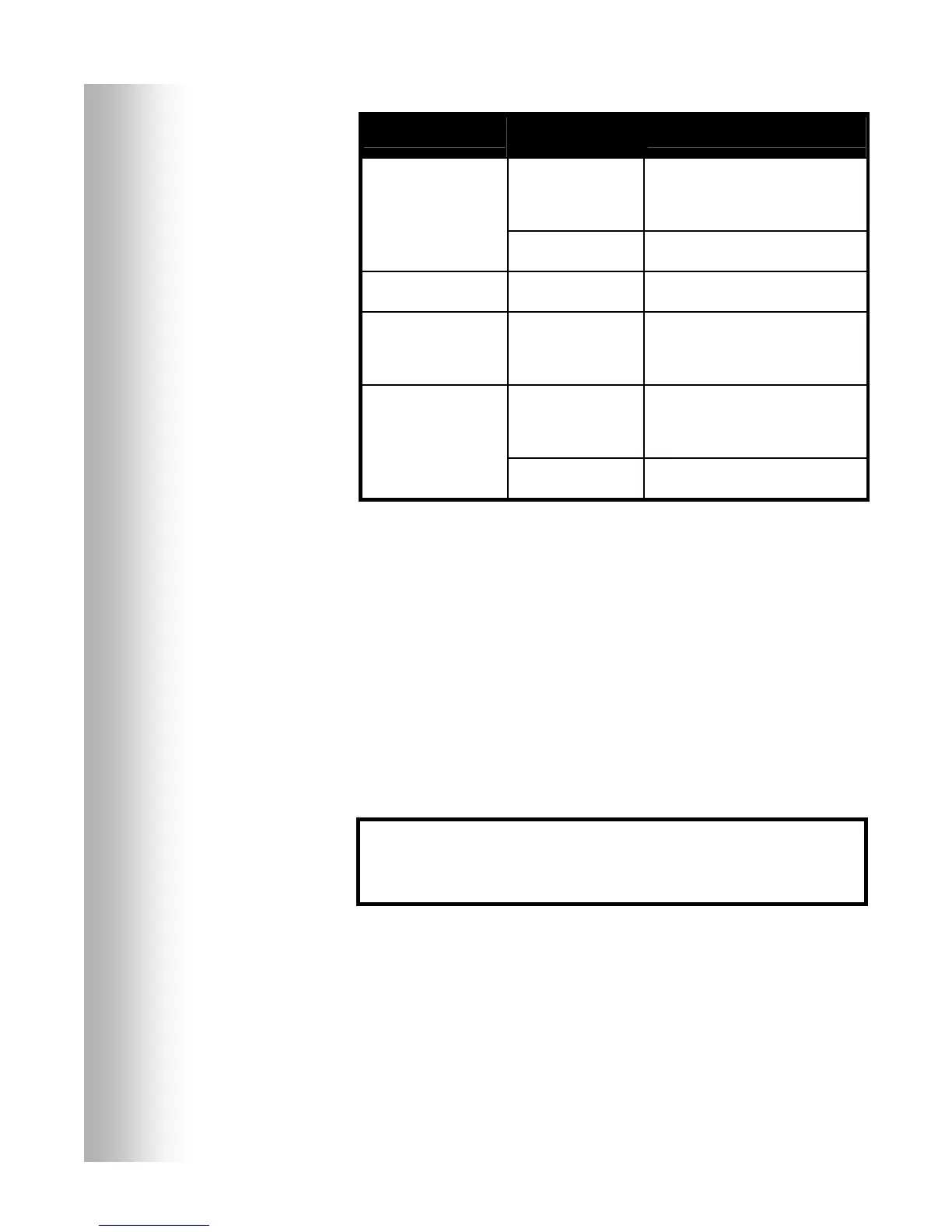
VEHICLE DETECT
switch on base station
may be in the
OVERRIDE position.
Be certain switch is in the NORMAL
position.
There is still sound in
headset after all
customers have been
served.
Vehicle detector may
be locked up.
Slide VEHICLE DETECT switch
back and forth slowly twice.
Battery charger is not
working.
Charger may not be
plugged in.
Be certain charger is plugged in.
If it still is not working, call HME.*
Red or Green message
will not play.
Switch not on. Be certain respective Red or Green
message repeater switch on base
station is in the ON position, and
routing switches are set.
Base station power not
on.
Check power supply indicator lights
on base station. If no light is lit, be
certain power adapter is plugged into
electrical outlet.
Registration of
COMMUNICATOR
®
failed. “Registration
failed” message heard
in headset. Lights stay
red.
Registration button not
pushed.
Repeat registration procedure on
page 6. Call HME.*
* For assistance, call HME at 1-800-848-4468, or Fax 858-552-0172.
In the event of an electrical power outage —
such as from a lightning storm or power generator failure, if you experience problems
with your HME equipment after the electricity comes on again, unplug the AC power
adapters from their electrical outlets and wait 15 seconds, then plug them back in.


 To Next Page