© HMS Industrial Networks S.L.U - All rights reserved
This information is subject to change without notice
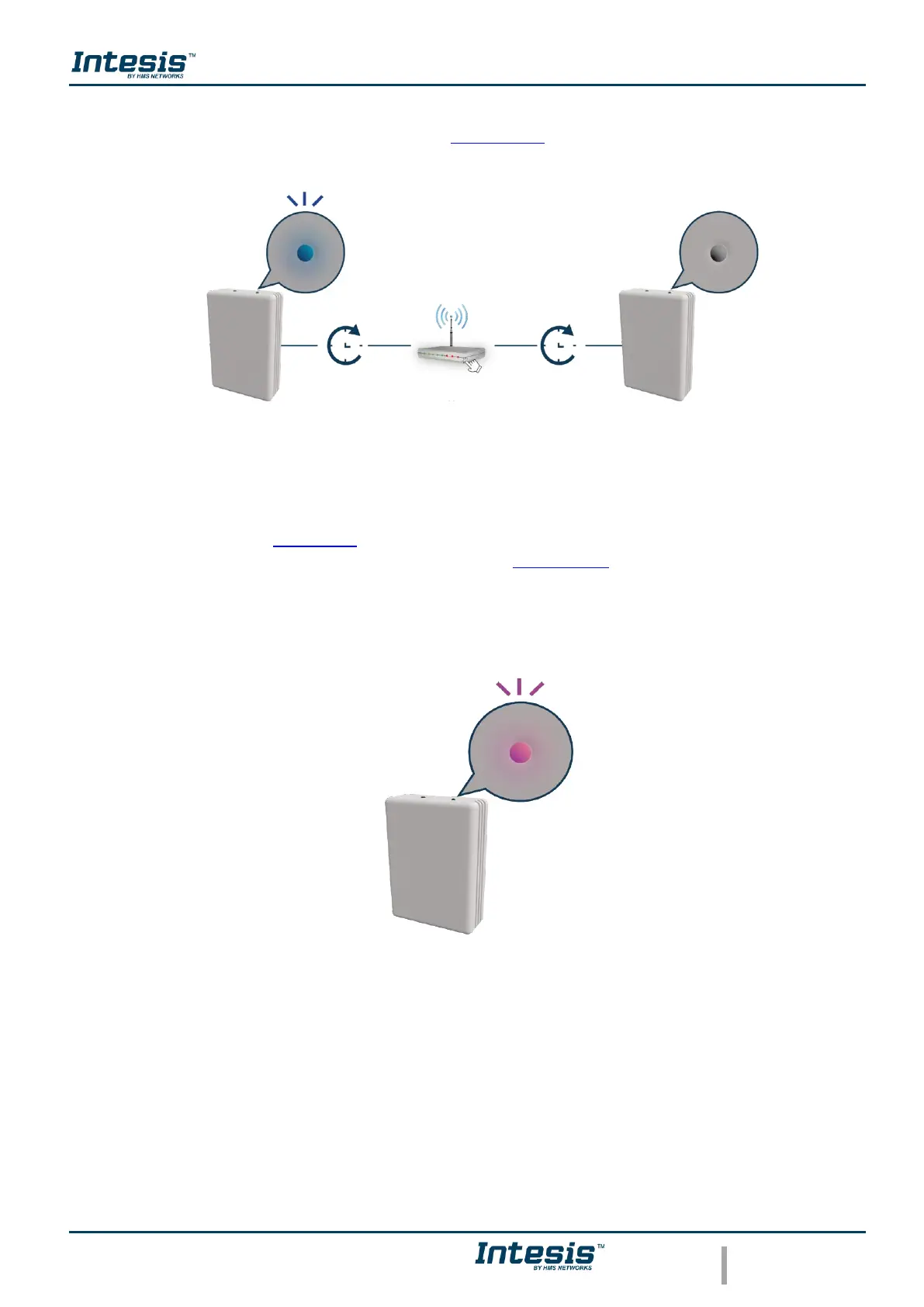
the light of the LED will blink blue, 2 minutes after the WPS button of the router had been
pressed the light of the LED will be off (See Figure 3.16).
Figure 3.16 Performing WPS configuration LED feedback.
If the configuration network has been carried out successfully the light of the LED will follow
a light sequence (See Figure 3.5). To continue tap on done.
In case the light of the LED blinks Magenta (See Figure 3.17), start the process from the
beginning.
Figure 3.17 Unsuccessful connection LED feedback.



 To Next Page