Electrical Installations
07-32
Pressthekeysonthecorrespondingpanelforalonger
periodoftimetoregulatehowbrightlyyouwantthelights
to shine.
Lighting in clothes cupboard/over children's bed
These lights can only be switched on manually.
•Readthedevicemanufacturer‘soperatinginstructions
carefullybeforeinitialoperation.
•Donotallowyourselftobedistractedbythisdeviceas
this may cause accidents.
•Neveroperatethedevicewhiledriving.
•Checkthedisplaypanelonlywhenthetracsituation
is safe for doing so.
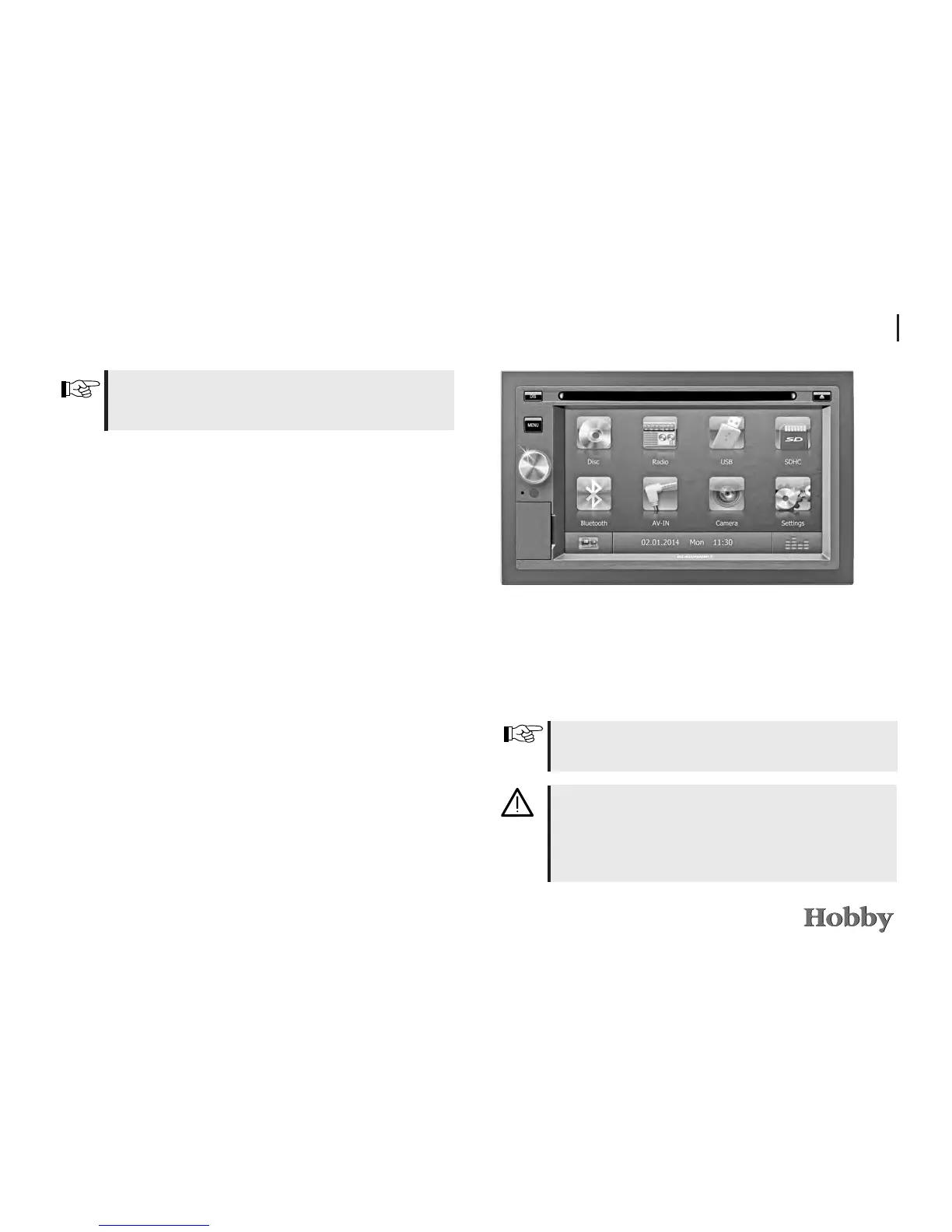
7.6 Mobile navigation *
Asanoptionalfeature,yourmobilehomecanbeequipped
with a mobile navigation system and integrated rear view
camera.





 To Next Page