Electrical Installations
07-12
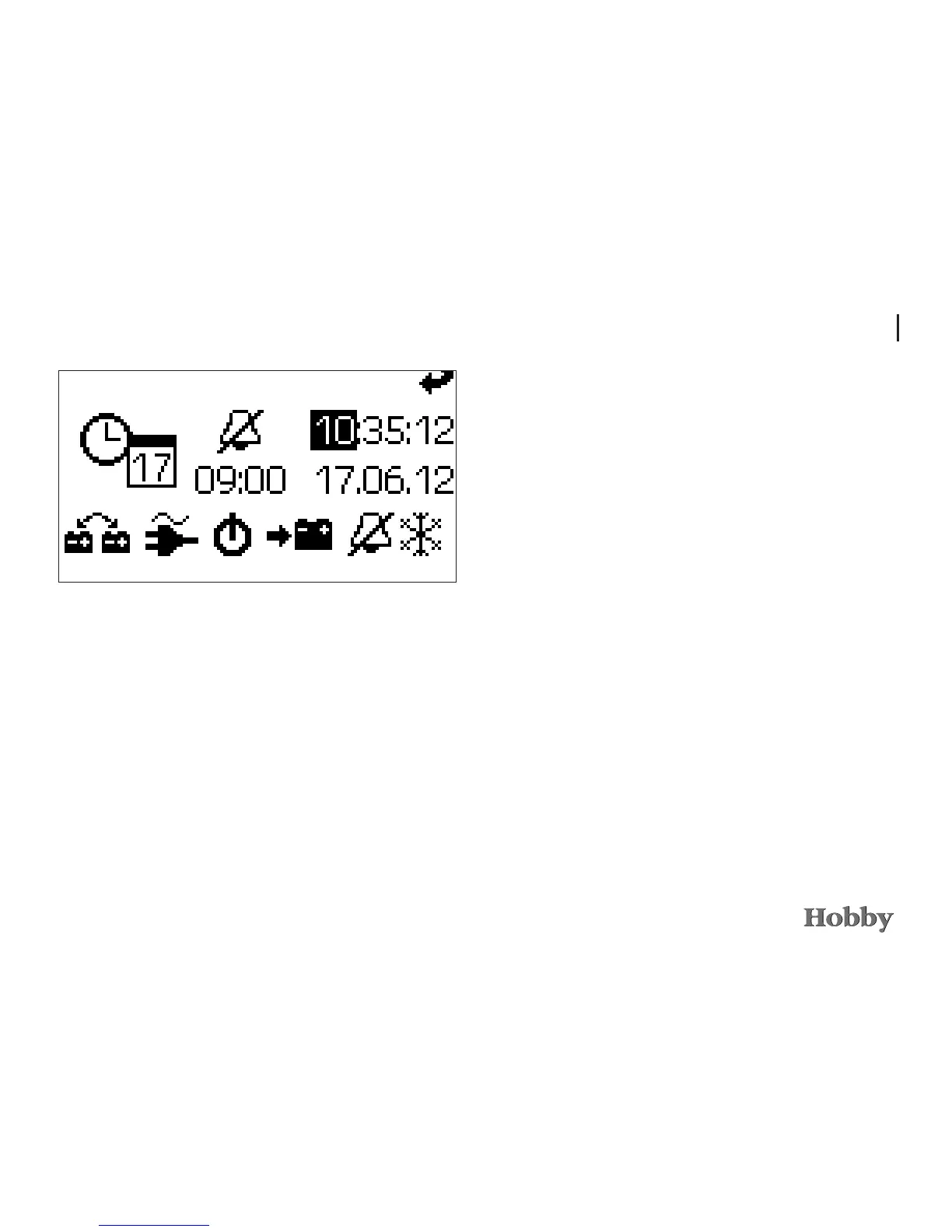
Setting the time, alarm clock and date
•Afterpressingthemenubuttonforalongerperiodoftime
(approx.2seconds)themenuforsettingthecurrenttime,
date,wake-uptimeandactivatingordeactivatingthealarm
clockappears.
•Withinthemenu'syoumoveleftorrightbyturningtothe
various setting value.







 To Next Page