10. Built-in devices144
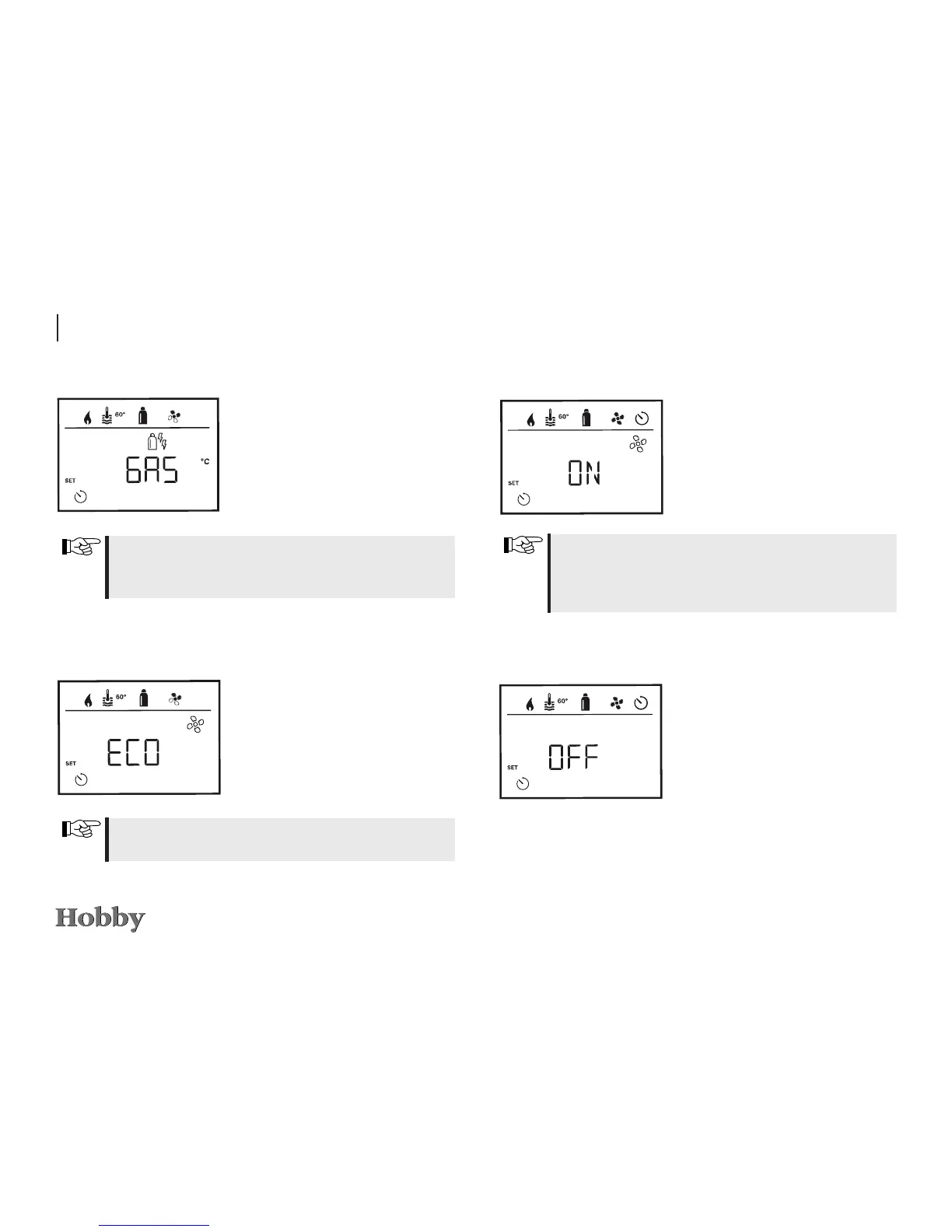
Activating the timer (ON)
- Use the adjusting knob / pushbut-
ton to activate the timer (ON).
- Press the adjusting knob / push-
button to conrm the time entered.
The timer will continue to remain active, even for several
days, until it has been deactivated (OFF).
The icon for the timer will blink when the timer has been
programmed and is active.
Deactivating the timer (OFF)
- Press to switch to the setting
mode.
- Use the adjusting knob / pushbut-
ton to deactivate the timer (OFF).
- Press the adjusting knob / push-
button to conrm the time entered.
- Use the adjusting knob / pushbut-
ton to select the desired type of
energy.
- Press the adjusting knob / push-
button to conrm the temperature.
The menu item “Select type of energy” will be depicted when a
heating system that uses electric heating rods has been connected
(optional extra).
Selecting the fan speed
- Use the adjusting knob / pushbut-
ton to select the desired fan speed.
- Press the adjusting knob / push-
button to conrm the temperature.
The menu item “Select fan speed” will be depicted when the hea-
ting / hot water temperature has been set.
Selecting the type of energy *







 To Next Page