6. Interior Structure 49
Washroom door K60 T / K65 T
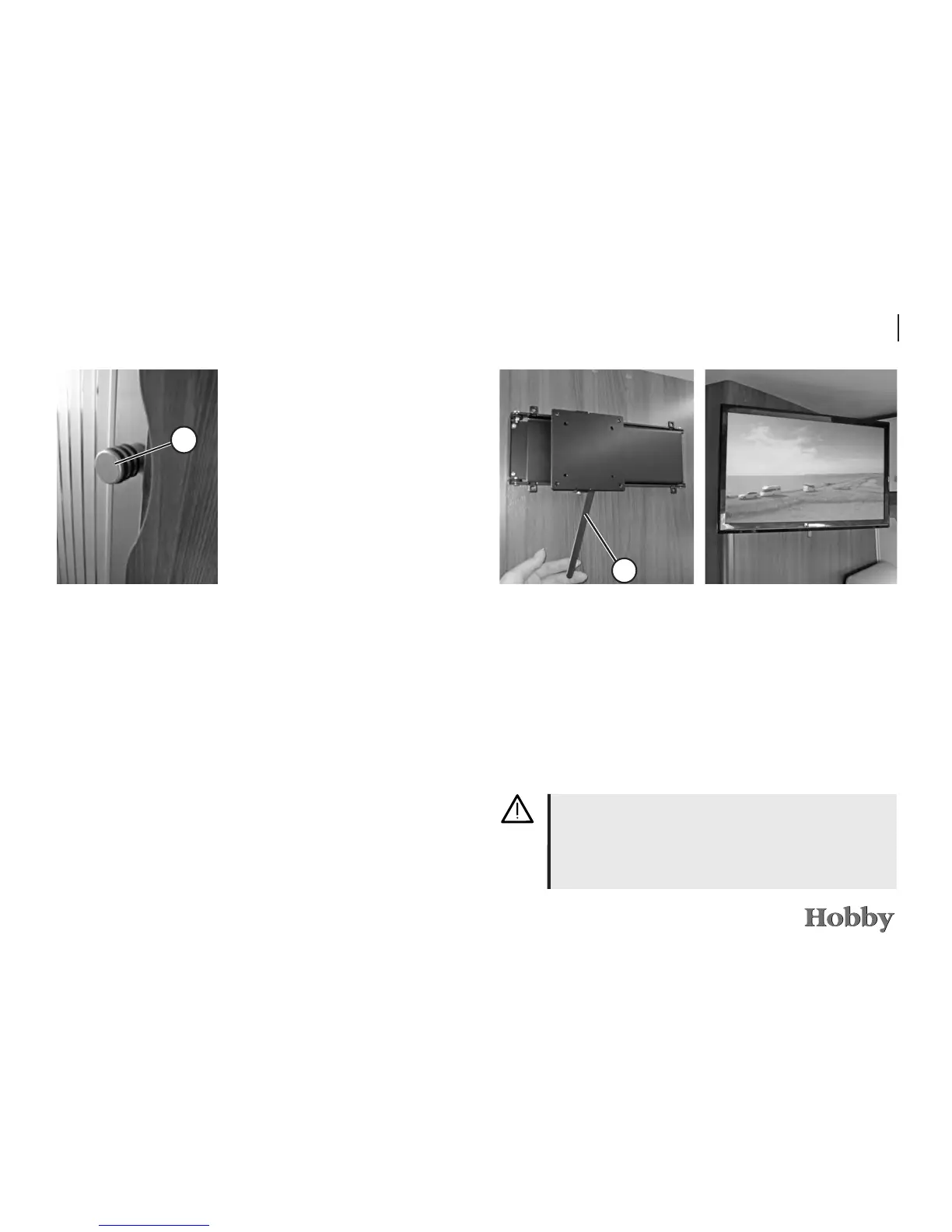
Opening
• Turn the knob
j
to the left until the mechanism opens.
Then use the knob
j
to carefully push the sliding door
open along the guide rail.
Closing
• Use the knob
j
to carefully pull the sliding door shut until
you feel the resistance. Then turn the knob to the left and
shut the sliding door as far as it will go. The sliding door
must then be locked.
1
6.2 Television holder
230V sockets and the antenna terminal for the TV and the re-
ceiver are located in the wall cabinet to the right of the TV
mount.
• To unlock, push the metal rail
j
to the left. The lock will be
released and the TV mount can be folded out.
• To retract the mount, push it back to its original position until
it is noticeably locked into place.
1
Adjusting knob
Retaining strap
Lock the media unit or TV holder before driving.
The mounted TV may not weigh more than 8 kg. When
driving, we recommend that you remove the TV from the
mount and store it securely.
Television holder





 To Next Page