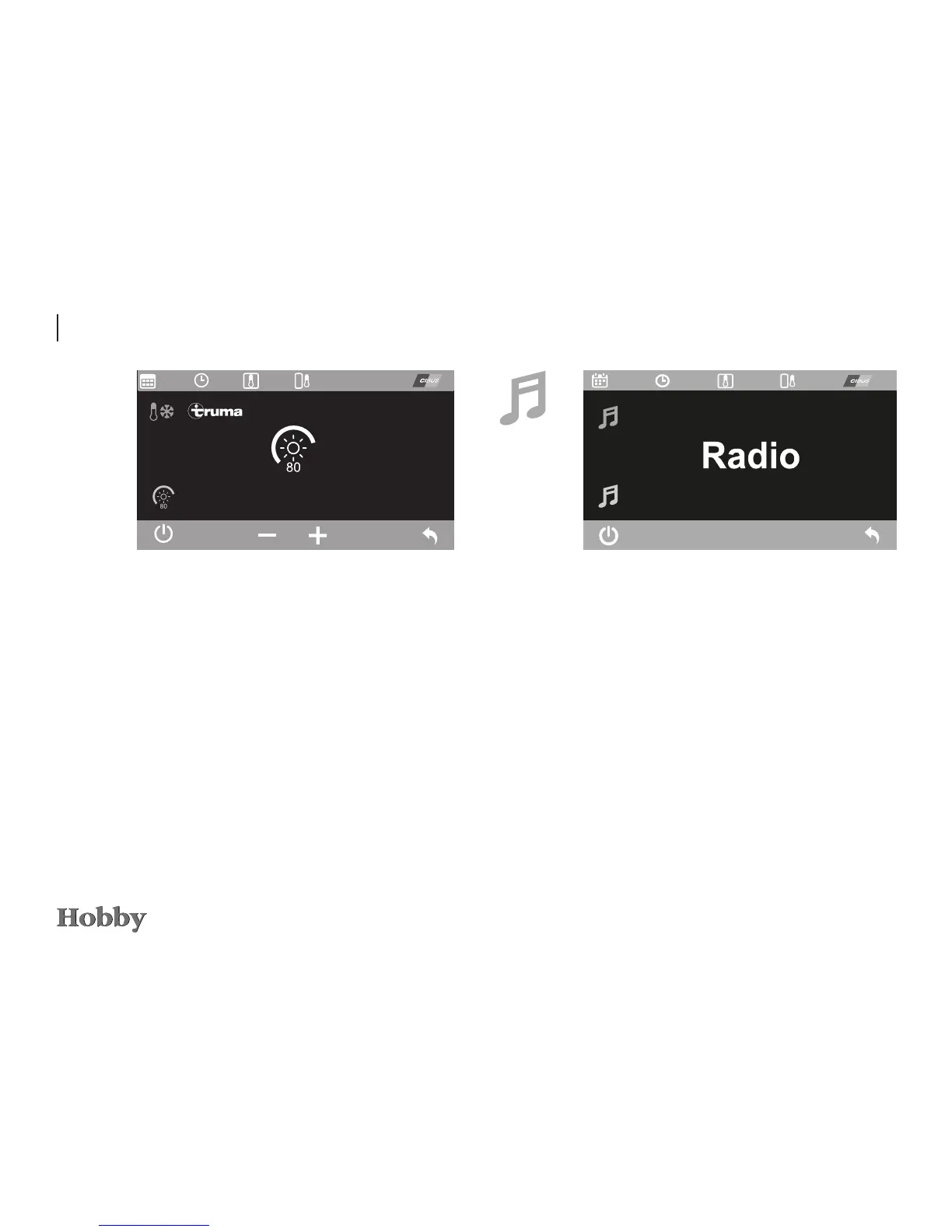
Radio
Usethe“On/O”functiontoswitchtheradioonando.Ifthe
radio is on, the icon is shown in green.
Exitthismenubyusingthe“Back”function;otherwise,after
oneminute,itwillautomaticallyswitchbacktothemainmenu
onthecontrolpanel.
TRUMA* air-conditioning system
IfaTRUMAair-conditioningsystemissubsequentlytted,itis
alsopossibletoselectthesubmenuforregulatingthelighting.
Increasingorreducingthevaluebymeansofthe“+/-”function
orthecontrolknobchangestheintensityofthelightinginte-
gratedintheair-conditioningsystem.Pressthecontrolknob
or use the
“On/O”function(leftsoftkey)toconrmthenewvalue.
Exitthismenubyusingthe“Back”function;otherwise,after
oneminute,itwillautomaticallyswitchbacktothemainmenu
onthecontrolpanel.
35%
12:30 ---------
09.01.15
---------







 To Next Page