-10-
- - - - - - - - - - - - - - - - - - - - - - - - - - - - - - - - - - - - - - - - - - - - - - - - - - - - - - - - - - -
8.0 INSTALLATION
8.2 TF Card
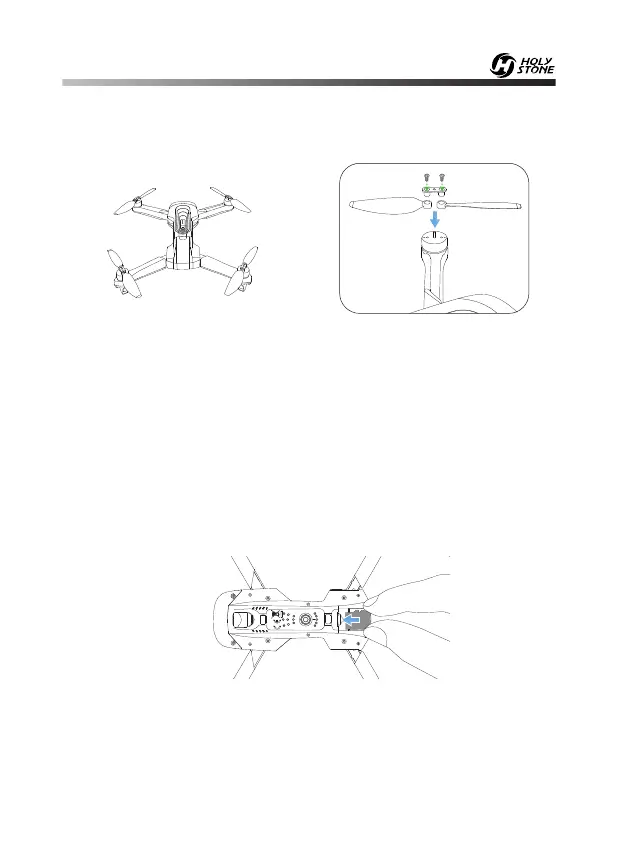
8.1 Propellers
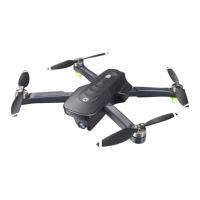
Connect each propeller to its corresponding motor shaft, either position
“A/B” , then lock the propeller to the motor shaft with two screws.
To store your photos and videos, insert the TF card (not included) into the
slot as shown above before turning on the drone. The drone supports TF
card up to 64 GB.
A
B
B A
HEAD
Attention: Pay attention to the “A” or “B” is printed on the each
propeller. The drone will not fly unless the correct propeller is installed
on the correct motor shaft.
HEAD


 To Next Page