-15-
All of the operations shown in this manual are demonstrated using
MODE 2.
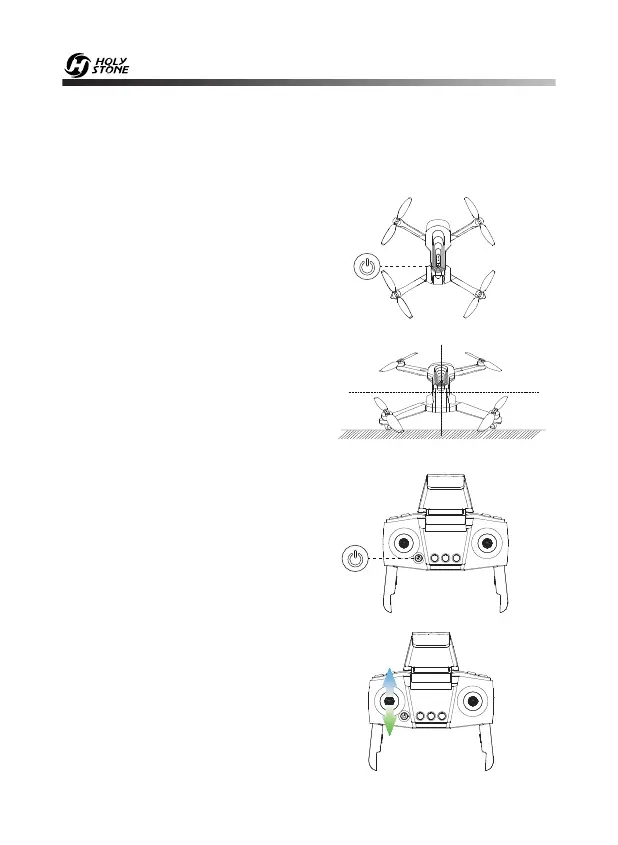
10.3 Pairing
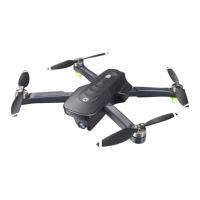
② Place the drone on a flat and level
surface with the head forward and
the tail towards the pilot.
① Long press the power switch to
turn on the drone and the indicator
lights on the drone begin to flash.
④ Push the left joystick up then
down to pair the drone with the
transmitter. The indicator lights on the
drone and the transmitter will turn
solid if the drone is paired
successfully.
③ Press the power switch on the
transmitter to turn it on and you will
hear “Di”, then the indicator light on
the transmitter will flash.
HEAD


 To Next Page