- - - - - - - - - - - - - - - - - - - - - - - - - - - - - - - - - - - - - - - - - - - - - - - - - - - - - - - - - - -
-12-
9.0 INSTALLATION
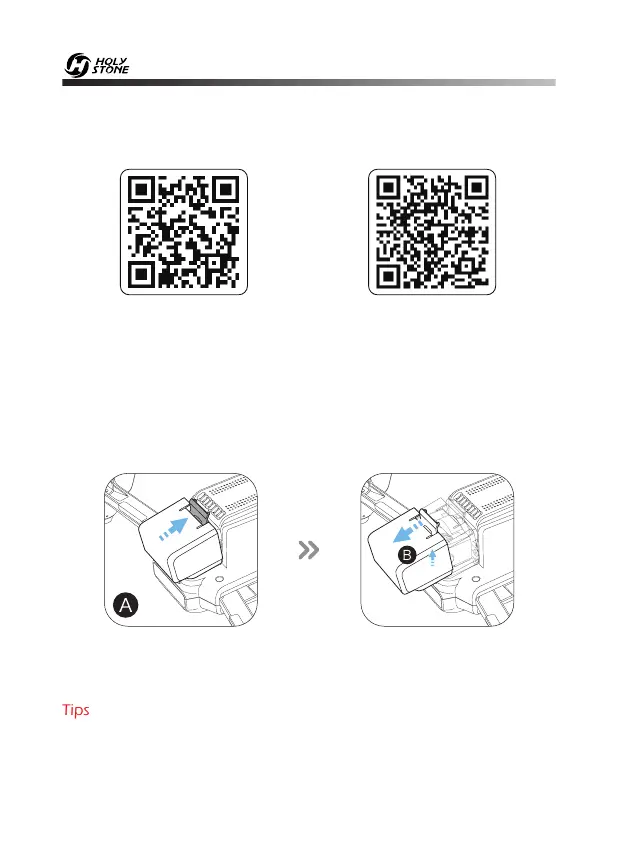
A. Open the gimbal cover buckle.
B. Pull the gimbal cover up then gently take it off.
9.2 Gimbal Cover
Tips: Attach the gimbal cover when not in use.
9.1 Download APP
Scan the QR code, corresponding to either App Store™ or Google Play™
Store and download the HS FLY app for free.
iOS Android APP on Google play



 To Next Page