-19-
11.0 OPERATION GUIDE
11.1 Pairing
① Please charge the battery in the closed state. Connect the Transmitter to
the USB Charging Cable.
② Connect the USB Charging Cable with Power Bank or a USB Adapter
(5V/3.0A ) for charging.
③ When charging, “CHARGING” will be displayed on the LCD screen.
④ When fully charged, “CHARGE DONE” will be displayed on the LCD
screen.
⑤ It takes approximately 2 hours to fully charge the transmitter.
All of the operations shown in this manual are demonstrated using
MODE 2.
1. Make sure the transmitter, mobile device, and the drone battery are fully
charged.
2. Make sure the drone battery and the propellers are mounted securely.
3. Make sure the drone arms are unfolded.
4. Make sure the gimbal and camera are functioning normally.
5. Make sure that there is nothing obstructing the motors and that they are
functioning normally.
6. Make sure that HS FLY is successfully connected to the drone.
7. Make sure that the camera lens is clean.
· Pre-Flight Checklist
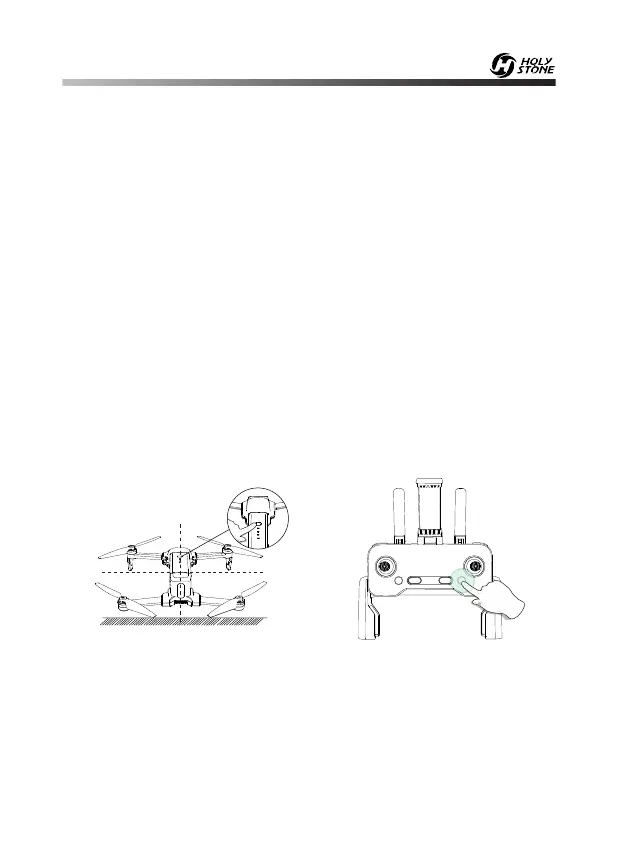
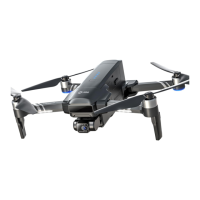
HEAD
Press twice
① Press and hold the Power Button for 3 seconds to turn on the drone,
and place it on a level surface with the head forward and the tail towards
the pilot.
② Short press the Power Button once, then again to power the transmitter
on.



 To Next Page