①
②
-23-
- - - - - - - - - - - - - - - - - - - - - - - - - - - - - - - - - - - - - - - - - - - - - - - - - - - - - - - - - - -
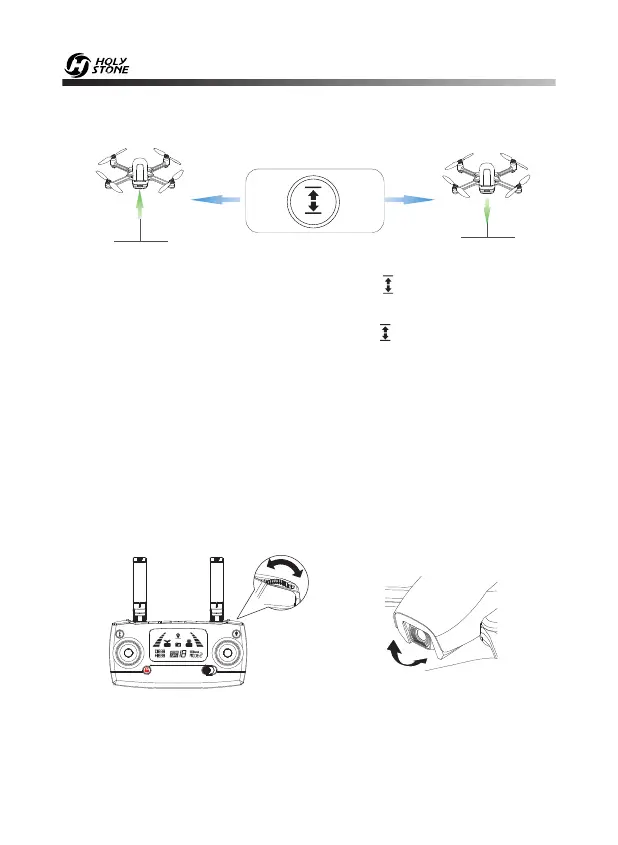
9.6 One Key Takeoff/Landing
① After unlocking the drone, short press the “ ” button, the drone will
automatically take off and hover at 5 feet altitude.
② When the drone is flying, short press the “ ” button, the drone will
automatically land on the ground.
Landing
Take-off
Tip: Before flying, make sure the GPS Mode is turned on in case the drone
gets lost!
10.1 Camera Angle Adjustment
10.0 FUNCTION DETAILS
During the flight, you can dial the wheel left/right to tilt the camera up/down.
(The gimbal has an 90° tilt range.)













 To Next Page