Stack’d Series HOMEGRID Technical
Page 12 Chapter3: How to use Monitoring Software EMS Tools
2. Automatic matching identification function of dial switches 50 ~ 63: this function can
automatically identify the inverter and set the protocol after it is turned on, Slave machines
module does not need to set the address and quantity. The main control performs automatic
identification and re matching. The definitions are shown in the following table.
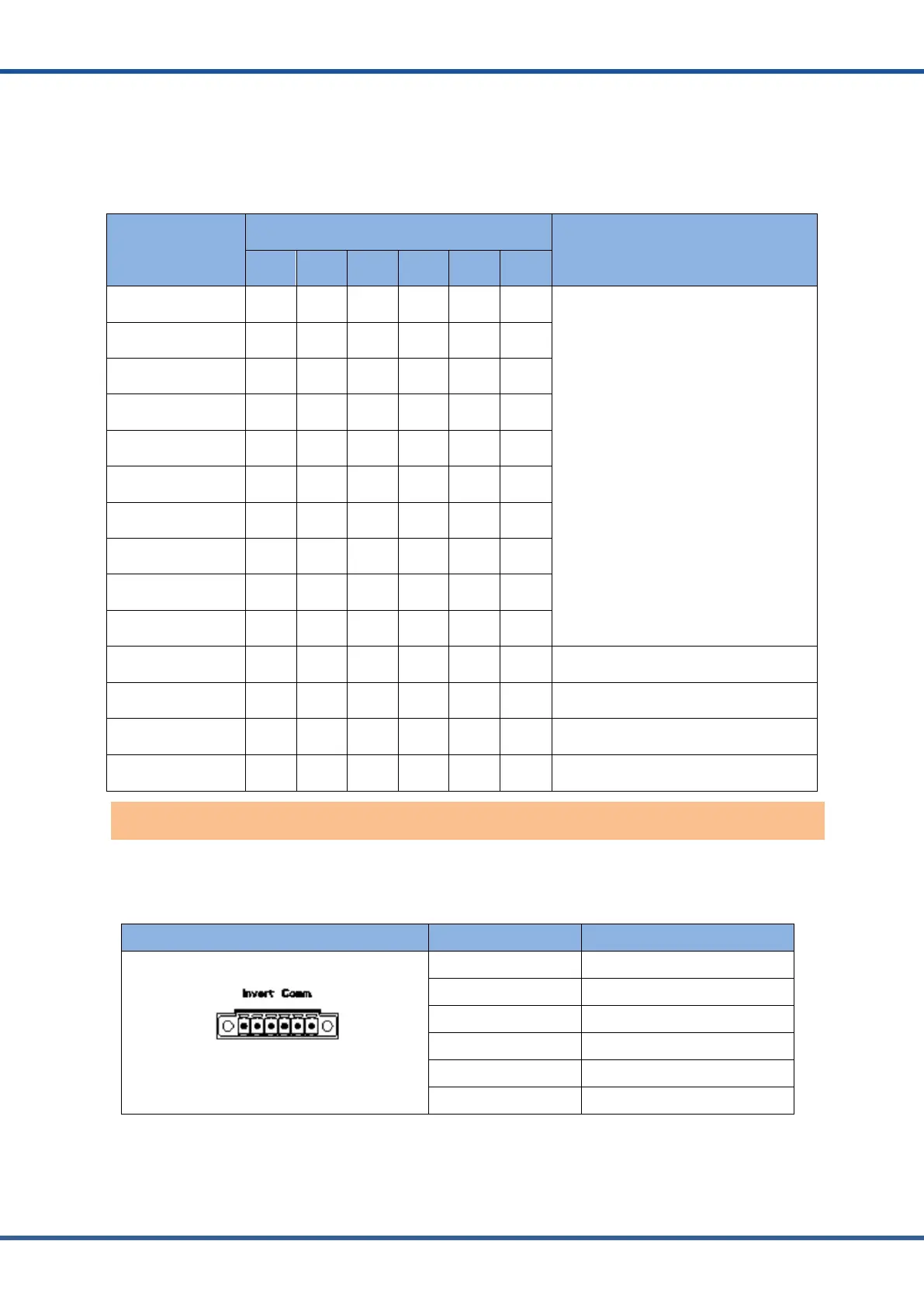
Address Coding
Dial Code Switch Position
Definition
#1 #2 #3 #4 #5 #6
50 OFF ON OFF OFF ON ON
Reserved
51 ON ON OFF OFF ON ON
52 OFF OFF ON OFF ON ON
53 ON OFF ON OFF ON ON
54 OFF ON ON OFF ON ON
55 ON ON ON OFF ON ON
56 OFF OFF OFF ON ON ON
57 ON OFF OFF ON ON ON
58 OFF ON OFF ON ON ON
59 ON ON OFF ON ON ON
60 OFF OFF ON ON ON ON Reserved
61 ON OFF ON ON ON ON Reserved
62 OFF ON ON ON ON ON
Find address: used when more than one
system is connected
63 ON ON ON ON ON ON
Find the number of modules attached to
the system.
Inverter CAN/RS485 communication port: (3.81mm port) follows can protocol and
RS485protocol.Fortheoutputsysteminformation,the system master uses this interface to
communicate with External inverter PC and other equipment.
Portdefinitions RJ45Pin Function
123456
2 RS485-A
4 CAN-L
6 CAN-GND
Inverter CAN/RS485 communication port



 To Next Page