Stack’d Series HOMEGRID Technical
Page 16 Chapter3: How to use Monitoring Software EMS Tools
5 ON OFF ON OFF OFF OFF Set to Module 5
6 OFF ON ON OFF OFF OFF Set to Module 6
7 ON ON ON OFF OFF OFF Set to Module 7
8 OFF OFF OFF ON OFF OFF Set to Module 8
Positive and negative connection: the battery modules are connected in
parallel through the connecting terminals, and finally the main control
module is connected in parallel. The power cable adopts waterproof
connector. When connecting the power plug, its corresponding interface must be aligned.
How to use the Monitoring Software Ems Tools
2.5. Monitoring Software Ems Tools connection
1) ConnecttheRS232interfaceofthebatterytothecomputerusingtheRS232communicationli
ne (this accessory is an optional accessory, need to be purchased separately from the
manufacturer).
2) Unzip the package file of the Monitoring Software Ems Tools in the same file
directory, pay attention to the directory do not store other files.
Figure3.1.1.UnzipofMonitoringSoftwareEms Tools
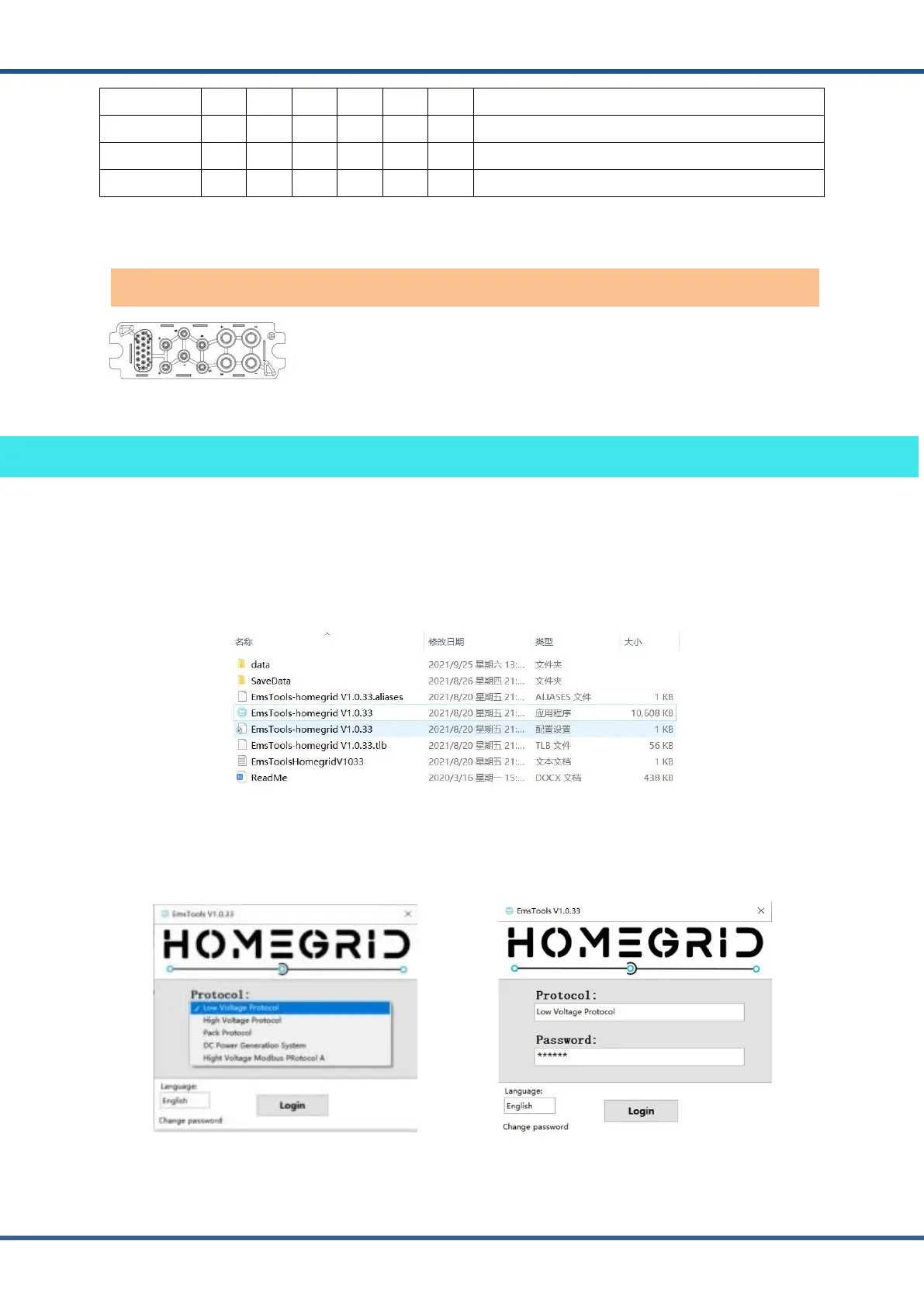
3) Open the Monitoring Software Ems tools icon, enter the protocol selection interface,
select the EMS Low Voltage Protocol version and enter the password (please contact the
manufacturer for the password) to log in the software.
Figure3.1.2.Protocolselectioninterface Figure3.1.3.Enterthepassword
Battery anode and Battery cathode



 To Next Page