Stack’d Series HOMEGRID Technical
Page 13 Chapter3: How to use Monitoring Software EMS Tools
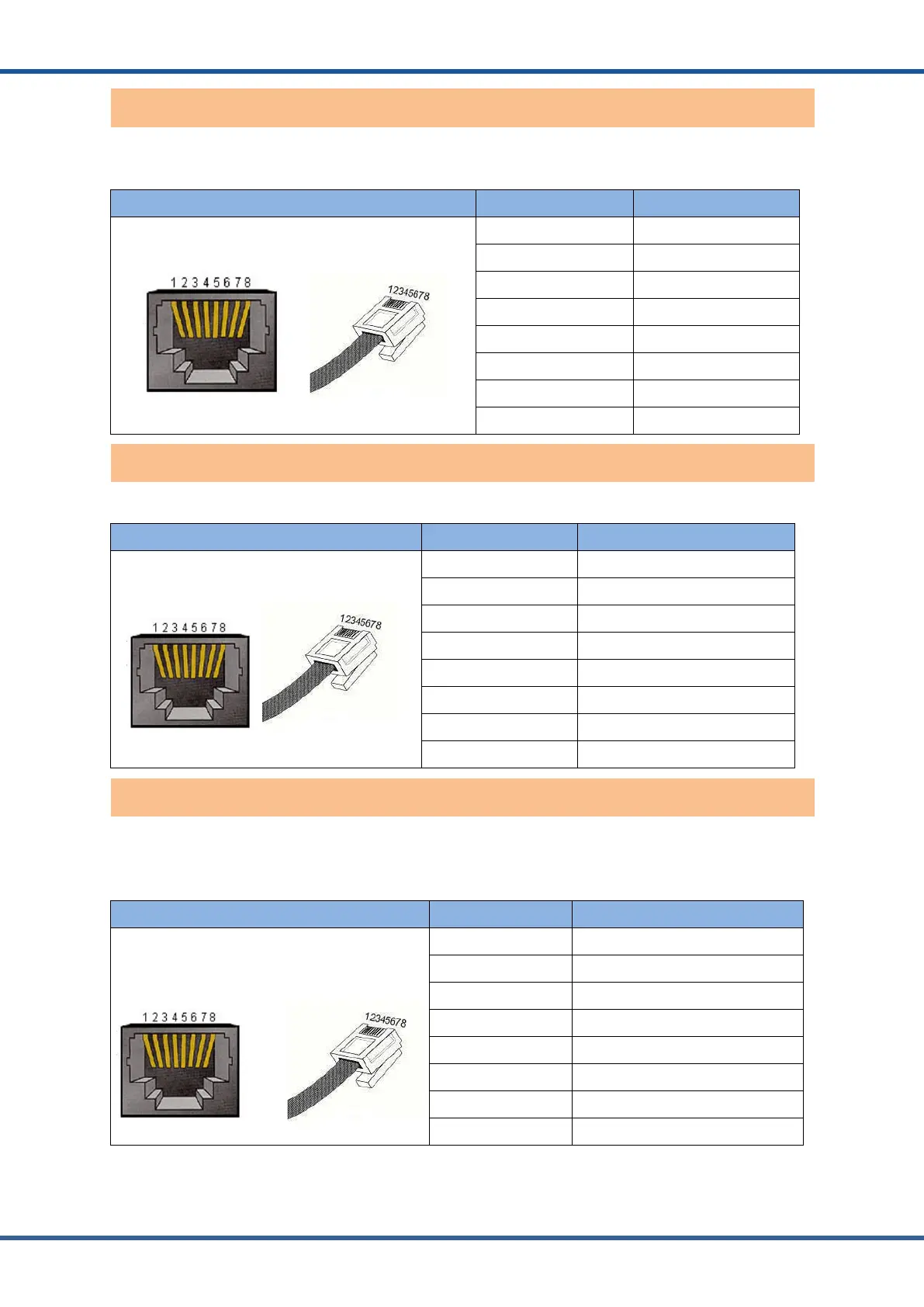
RS232 communication port: (RJ45 port) comply with RS232 protocol (baud rate: 9600), for
manufacturers or professional engineers debugging or service.
Port definitions RJ11 Pin Function
1 NC (No connect)
2 NC (No connect)
3 RS232-GND
4 RS232-TX
5 RS232-RX
6 RS232-GND
7 NC (No connect)
8 NC (No connect)
COM communication port:(RJ45 port) Connect the monitoring host computer
Port definitions RJ45 Pin Function
1 RS485-B
2 RS485-A
3 CAN -GND
4 RS485-GND
5 RS485-GND
6 CAN -GND
7 CAN-L
8 CAN-H
Rear panelRS485 communication port: (RJ45 port) follows can protocol and RS485 protocol.
For the output system information, the system master uses this interface to communicate with
External inverter PC and other equipment.
Port definitions RJ45 Pin Function
1 RS485-B
2 RS485-A
3 RS485-GND
4 NC (No connect)
5 NC (No connect)
6 RS485-GND
7 RS485-A
8 RS485-B
Inverter RS485 communication port



 To Next Page