Stack’d Series HOMEGRID Technical
Page 19 Chapter3: How to use Monitoring Software EMS Tools
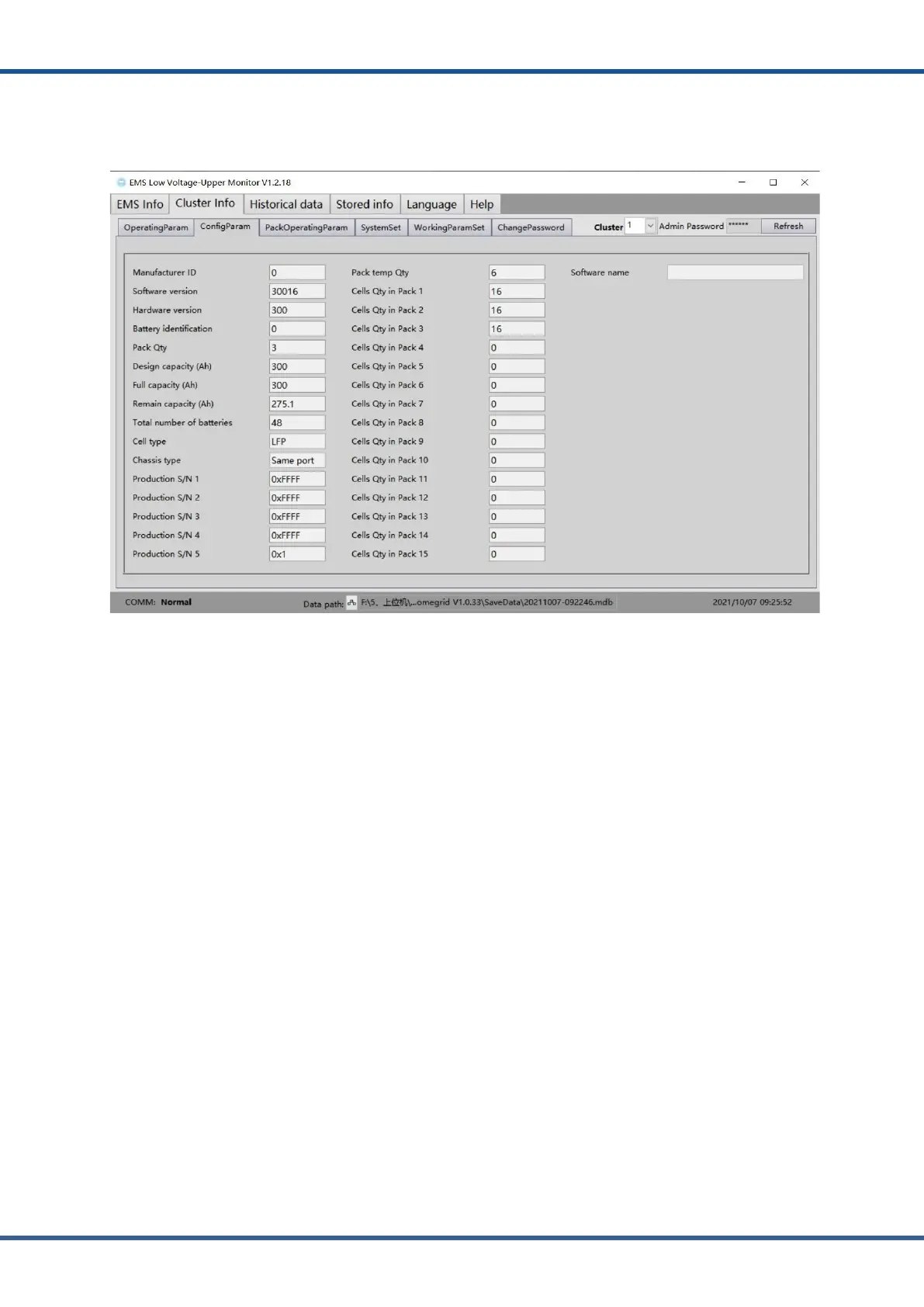
8) The configuration parameter interface displays the manufacturer identification,
software version, hardware version, production serial number, temperature quantity and
module battery quantity of a cluster in real time.
Figure3.18.MonitoringSoftwareClusterMatchingparameters
NOTE:
●
The above contents only show the basic functions and operations of the monitoring software EMS tool. If
you encounter any problems, please contact the supplier for solution.



 To Next Page