EasyManua.ls Logo

Honeywell BW Ultra - User Manual

Honeywell BW Ultra
59 pages
Print Icon
To Next Page IconTo Next Page
Loading...
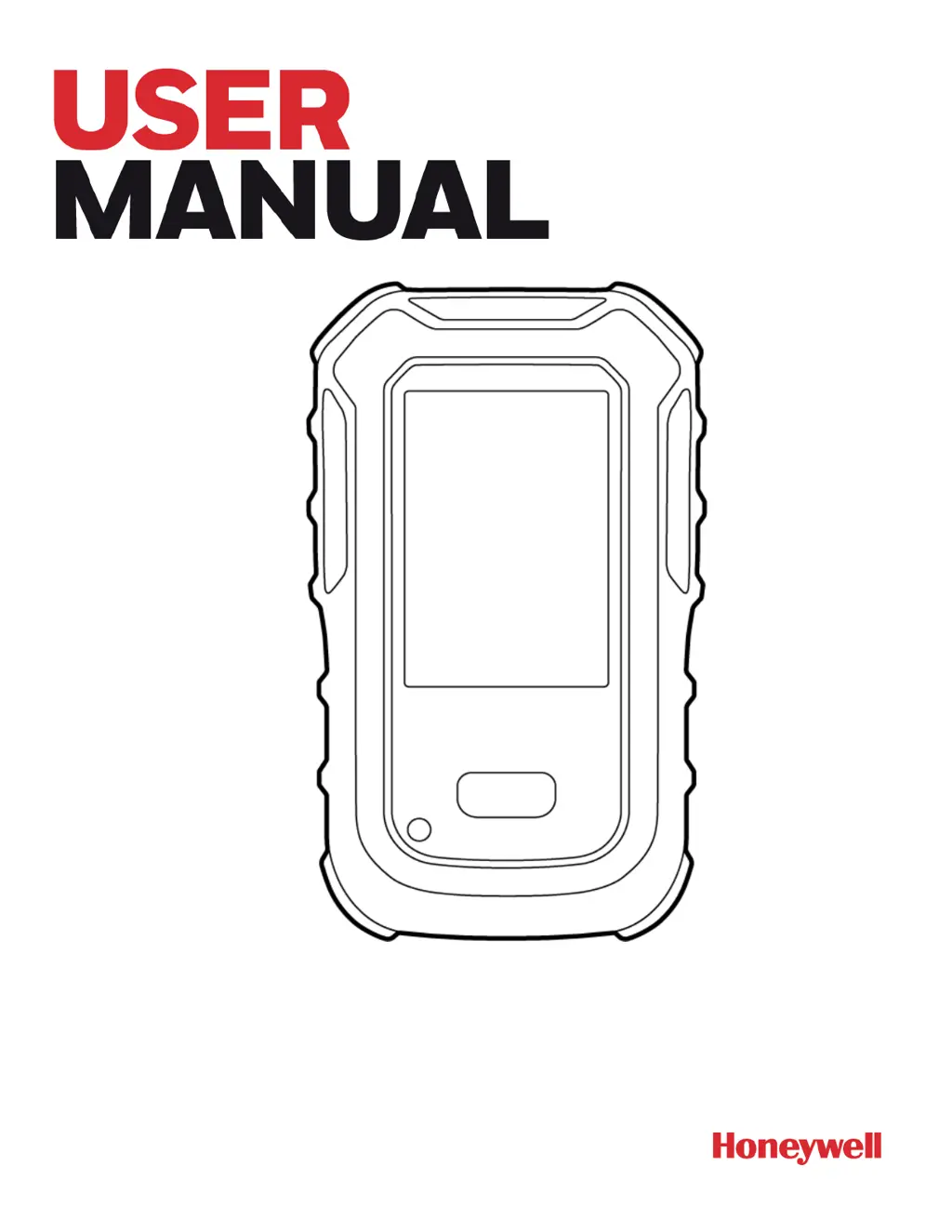
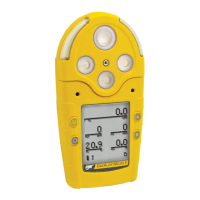
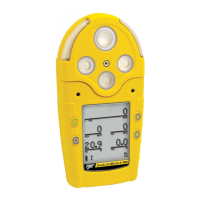
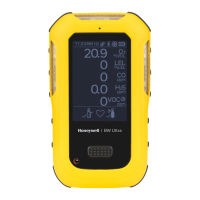
Honeywell BW™ Ultra
Portable Five-gas Detector with Internal Pump

Table of Contents

Other manuals for Honeywell BW Ultra

Questions and Answers

  • S
    Shelly TurnerAug 16, 2025
    What to do if Honeywell Security Sensors detector does not respond to button?
    • J
      Jeffery NolanAug 16, 2025
      If the Honeywell Security Sensors detector doesn't respond when you press a button, it might be due to two reasons: either the battery is critically low or completely depleted, in which case you should replace the battery. Alternatively, the detector could be performing operations that don't require user input; if this is the case, button operation will restore automatically once the operation concludes.
  • M
    Matthew SmithAug 19, 2025
    How to fix Honeywell Security Sensors detector that does not activate?
    • R
      rebeccapatelAug 19, 2025
      If your Honeywell Security Sensors detector isn't activating, it could be due to a depleted battery, in which case you should replace the battery. If replacing the battery doesn’t solve the issue, the detector may be damaged.
  • D
    david62Aug 21, 2025
    Why Honeywell Security Sensors detector does not accurately measure gas?
    • N
      Noah Simon DVMAug 22, 2025
      If your Honeywell Security Sensors detector isn't accurately measuring gas, it could be due to several reasons. First, the sensor may require calibration, so calibrate the detector. Second, the detector might be colder or hotter than the gas temperature; allow the detector to acquire ambient temperature before use. Finally, the sensor filter could be blocked; in this case, clean the sensor filter.
  • E
    Elizabeth HernandezAug 25, 2025
    What to do if Honeywell Security Sensors detector intermittently enters alarm without reason?
    • R
      richardcoleAug 26, 2025
      If your Honeywell Security Sensors detector is intermittently entering alarm for no apparent reason, it could be due to several factors. First, ambient gas levels might be near the alarm setpoint, or the sensor could be exposed to a puff of hazardous gas; in this case, the detector is operating normally, so use caution in suspect areas and check the MAX gas exposure reading. Second, the alarm setpoints may be set incorrectly; reset the alarm setpoints. Third, the detector may require calibration, so calibrate the detector. Finally, there might be a missing or faulty sensor, so change the sensor.
  • J
    jhallAug 28, 2025
    Why Honeywell Security Sensors detector automatically deactivates?
    • A
      Alexander GardnerAug 28, 2025
      If your Honeywell Security Sensors detector deactivates automatically, it could be due to a few reasons: it could be due to automatic deactivation because of a critically low battery, so replace the battery. Also, if 'Lockout on Self-Test Error' is enabled and a sensor has failed the startup self-test, change the sensor. Finally, the sensor might require calibration, so calibrate the detector.
  • T
    Todd PattersonAug 30, 2025
    How to resolve Honeywell Security Sensors detector not entering alarm?
    • K
      Kelly CooperAug 31, 2025
      If your Honeywell Security Sensors detector isn't entering alarm, it might be because the alarm setpoint(s) are set incorrectly or set to zero; in either case, reset the alarm setpoints. Also, the detector might be in calibration mode; if so, complete the calibration.
  • R
    Ronald VargasSep 3, 2025
    What to do if Honeywell Security Sensors detector does not display normal gas reading after startup sequence?
    • L
      Laura OdonnellSep 3, 2025
      If your Honeywell Security Sensors detector isn't displaying a normal gas reading after the startup sequence, it could be due to a few reasons. If it's a used sensor, wait 60 seconds for it to stabilize. If it's a new sensor, wait 5 minutes. Alternatively, the sensor may require calibration, so calibrate the detector. Finally, target gas might be present, meaning the detector is operating properly, so use caution in suspect areas.
  • P
    plewisSep 6, 2025
    How to fix Honeywell Security Sensors sensor that fails to zero during startup self-test?
    • R
      Ryan FreySep 6, 2025
      If the Honeywell Security Sensors sensor fails to zero during the startup self-test, change the sensor.
  • T
    Todd OwenSep 8, 2025
    Why Honeywell Security Sensors battery indicator does not display when charging?
    • C
      christopher24Sep 9, 2025
      If the battery indicator on your Honeywell Security Sensors isn't displaying when charging, it could be because the battery is depleted below normal levels, so replace the battery.
  • J
    Julie MillerSep 12, 2025
    Why Honeywell Security Sensors charging indicator on LCD shows the battery is still charging after 6 hours?
    • M
      melissa40Sep 12, 2025
      If the charging indicator on the LCD of your Honeywell Security Sensors device still shows the battery is charging after 6 hours, it might be trickle charging. Verify the charger is properly connected to the AC outlet.

Summary

Chapter 1: Warranty Information

Warranty Registration Process

Register your product for warranty services to ensure proper support.

Chapter 2: Before You Begin

Safety Precautions

Critical safety information and warnings for detector use.

Chapter 3: Getting Started

Alarm Types and Indicators

Details on different alarm conditions and their visual/audible indicators.

Chapter 4: Detector Operations

Resetting Readings and Zeroing Sensors

Procedures for resetting TWA/STEL/peak readings and zeroing sensors.

Alarms, Bump Tests, and Calibration

Acknowledging alarms, performing bump tests, and initiating calibration.

Detector Configuration and Advanced Features

Detector Configuration and Connectivity

Using software to customize settings and connect via IR Link or IntelliDoX.

Sensor Replacement and Log Review

Sensor Replacement Guide

Instructions for replacing specific sensors in the BW Ultra detector.

Chapter 5: Maintenance

Chapter 6: Appendices

Standards and Certifications

List of standards and certifications the detector complies with.

Part Number Format Explained

Troubleshooting Common Detector Issues

Honeywell BW Ultra Specifications

General IconGeneral
Operating Temperature-20°C to 50°C (-4°F to 122°F)
Ingress ProtectionIP66/68
Operating Humidity10% to 95% RH (non-condensing)
DisplayLCD with backlight
Data LoggingYes, with event logging
CommunicationBluetooth
Target GasesO2, H2S, CO, combustibles (LEL), VOC
Detection GasesO2, LEL, CO, H2S, VOCs, and others
AlarmsAudible, visual, vibrating
ConnectivityBluetooth
CertificationsATEX, IECEx, UL, CSA
LanguagesMultiple languages supported
SensorsElectrochemical, catalytic
Battery Runtime14 hours

Related product manuals