EasyManua.ls Logo

Honeywell BW Icon - User Manual

Honeywell BW Icon
42 pages
Print Icon
To Next Page IconTo Next Page
Loading...
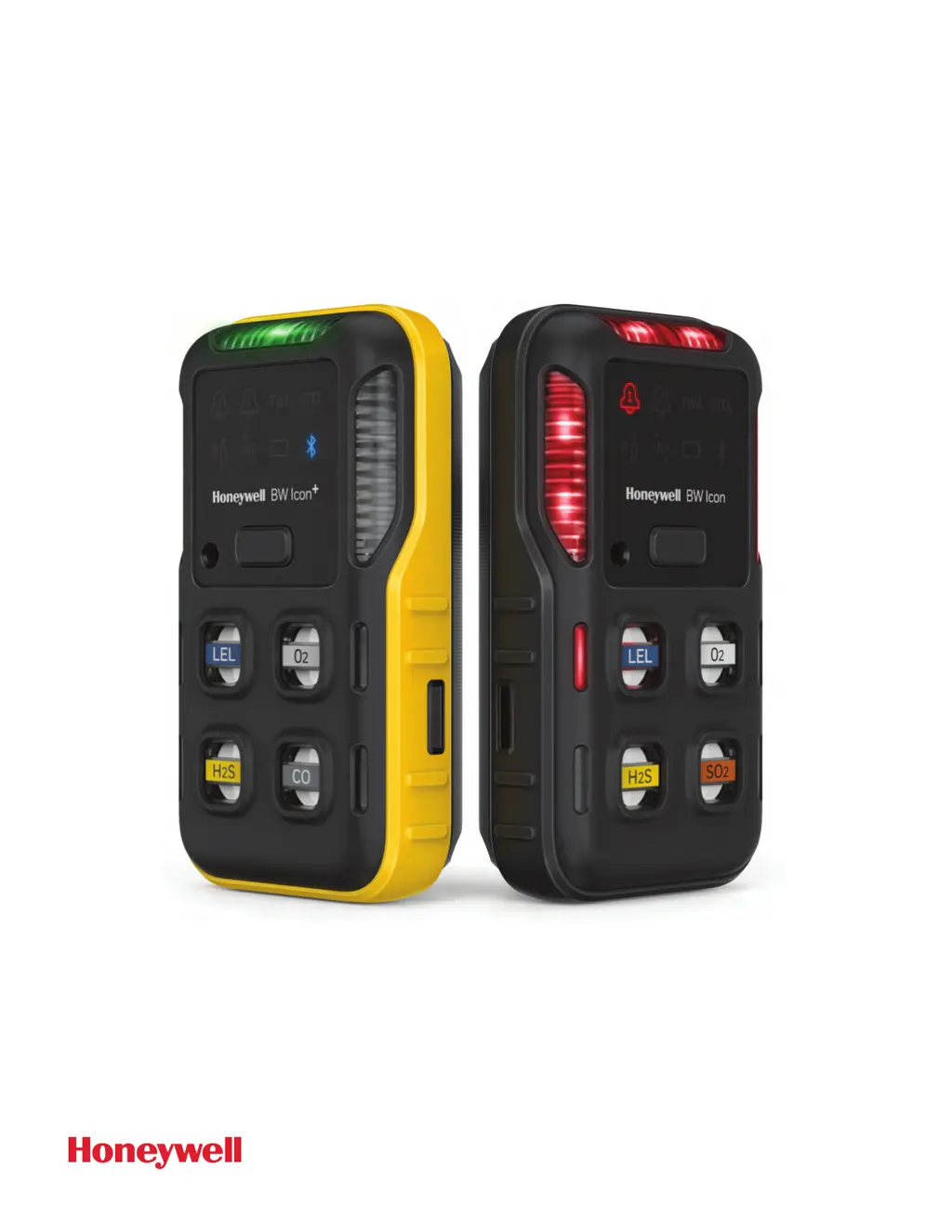
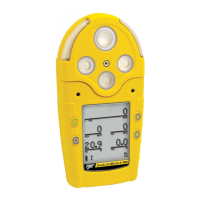
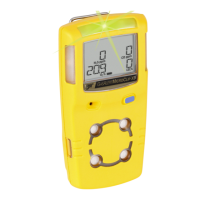
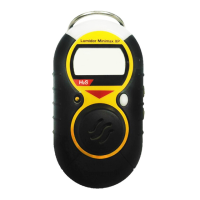
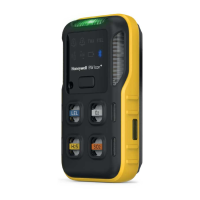
Honeywell BW ™ Icon & BW ™ Icon +
M05-4002-002 EN-A ©2020
Portable Multiple Gas Detector
USER
MANUAL
www.CanarySense.com
Shop for Gas products online at:
1.888.610.7664

Other manuals for Honeywell BW Icon

Questions and Answers

  • L
    Laura RodriguezAug 20, 2025
    What to do if Honeywell Gas Detectors button does not respond?
    • E
      Edwin BrownAug 20, 2025
      If your Honeywell Gas Detectors button isn't responding, it might be due to a critically low or depleted battery, in which case you should charge the rechargeable battery pack. Alternatively, the device may be performing operations that don't require user input; button operation will restore automatically when the operation ends.
  • D
    dorothygayAug 21, 2025
    Why my Honeywell BW Icon Gas Detectors doesn't accurately measure gas?
    • B
      brianwardAug 22, 2025
      If your Honeywell Gas Detectors isn't accurately measuring gas, it could be due to several reasons. The sensors may require calibration, so you should carry out calibration. Also, if the apparatus is colder or hotter than the gas temperature, allow the apparatus to reach ambient temperature before use. Finally, the sensor filter might be blocked, in which case you should replace it.
  • E
    Erin Park MDAug 25, 2025
    How to fix Honeywell BW Icon Gas Detectors when battery icon blinks?
    • A
      alexmartinezAug 25, 2025
      If the battery icon blinks for 5 seconds when you press the power button on your Honeywell Gas Detectors, it indicates a depleted battery. Charge the rechargeable battery pack to resolve this issue.
  • Z
    zacharynguyenAug 26, 2025
    Why Honeywell BW Icon Gas Detectors does not alarm?
    • C
      Cynthia BruceAug 26, 2025
      If your Honeywell Gas Detectors isn't alarming, check the following: * Ensure alarm setpoints are correctly defined in Device Configurator. * Verify alarm setpoints are not set to zero in Device Configurator. * Make sure the apparatus is not in calibration mode; complete the calibration procedure if it is. * Ensure the apparatus is not in DC mode; stop data communication via a mobile phone. * Confirm the apparatus is not in IR communication; stop data communication via IR Link.
  • G
    garrettomarAug 27, 2025
    Why Honeywell BW Icon alarms without reason?
    • H
      howardcatherineAug 28, 2025
      If your Honeywell Gas Detectors is alarming without reason, it could be due to several factors: The sensor may have been exposed to a puff of the target gas, indicating normal operation but requiring caution in suspected areas and a check of the peak gas exposure reading. Also, alarm setpoints might be set incorrectly, requiring you to define them in Device Configurator. Sensors might need calibration, so carry out calibration. Missing or faulty sensors could also be the cause, so replace the sensors. Finally, the battery temperature may be out of the acceptable range; move to a lower temperature ambient to charge the battery.
  • A
    aellisAug 29, 2025
    What to do if Bump icon lights for 30 seconds on Honeywell BW Icon?
    • M
      Mark ArroyoAug 30, 2025
      If the bump icon lights for 30 seconds on your Honeywell Gas Detectors, it means a bump test is overdue and must be performed before use. Hold the button for 3 seconds to start the bump testing, or the detector will automatically power off after 30 seconds.
  • A
    Andrew Sherman DDSSep 1, 2025
    Why Honeywell BW Icon alarms after start-up?
    • C
      Cindy FranklinSep 1, 2025
      If your Honeywell Gas Detectors alarms after the start-up sequence, it could be due to a sensor not being stabilized. For a SPE O2 sensor, wait for at least 10 minutes before powering on. Alternatively, the sensors may require calibration; for an NDIR-CH4 sensor, carry out calibration 5 minutes after warmed up for power on.
  • R
    rodriguezaustinSep 3, 2025
    Why Honeywell Gas Detectors battery icon flashes in blue?
    • D
      David WilliamsSep 3, 2025
      If the battery icon flashes in blue on your Honeywell Gas Detectors, it means the battery is out of the required charging temperature range. Move the device to an ambient temperature between 0 and 45°C.
  • J
    johnsonjulieSep 5, 2025
    What does it mean when sensor bay and IntelliFlash light for 5 seconds on Honeywell BW Icon Gas Detectors?
    • A
      ashleyhughesSep 5, 2025
      If the sensor bay and IntelliFlash light for 5 seconds on your Honeywell Gas Detectors, it indicates that sensors have failed. Replace the sensors to resolve this issue.
  • A
    anthonydavisSep 7, 2025
    What does it mean when Honeywell BW Icon side LEDs, and IntelliFlash light and sound one long beep and two short?
    • A
      Alejandro WilkersonSep 7, 2025
      If the detector, side LEDs, and IntelliFlash light for 5 seconds, and sound one long beep and two short on your Honeywell Gas Detectors, it indicates a temperature sensor failure. Replace the PCBA to fix this.

Summary

Introduction

Safety

Critical safety precautions for operating the detector and its lithium battery.

Operations

Activate the Detector

Step-by-step guide on how to turn on the Honeywell BW™ Icon detector.

Common Button Operations

Calibration

Calibrate Detector via SSDC

Bump Test

Bump Test via SSDC

Bump Test via DC

Zero Calibration

Maintenance

Charge Battery via USB Charger

Charge Battery via Cradle Charger

Firmware Update

Sensor Specifications

General Specifications

Troubleshooting

Alarms

Honeywell BW Icon Specifications

General IconGeneral
Ingress ProtectionIP66/67
Operating Temperature-40°C to +60°C (-40°F to +140°F)
Warranty2 years
Humidity Range5% to 95% RH (non-condensing)
Detection GasesH2S, CO, O2
Battery Life2 years (typical)
Alarm TypeVisual, audible, and vibrating alarms
Sensor TypeElectrochemical
CertificationsATEX, IECEx, CSA, CE

Related product manuals