NFS2-3030 Listing Document — P/N LS10006-051NF-E:F2 5/19/2022 29
4.2.3 Program/Alter Status Programming
From the Main Menu, select Program/Alter Status to change panel and point
programming, clear and autoprogramming, to alter the status if points, or to
perform a walk test. Refer to Section 4.3, “Programming/Alter Status Menu”,
on page 29.
ALTER STATUS MENU: Displays the Alter Status menu. Refer to
Section 4.3.1, “Alter Status”, on page 29.
PANEL PROGRAM MENU: Displays the Panel Program menu. Refer to
Section 4.3.2, “Panel Programming”, on page 31.
POINT PROGRAM MENU: Displays the Point Program Menu. Refer to
Section 4.3.3, “Point Programming”, on page 43.
DELETE PROGRAM MENU: Displays the Delete Program Menu. Refer to
Section 4.3.4, “Delete Programming”, on page 62.
AUTOPROGRAM MENU: Displays the Autoprogram Menu. Refer to
Section 4.3.5, “Autoprogram”, on page 62.
4.2.4 Printer Functions
From the Main Menu, select Printer Functions to print reports.
PROGRAMMING: Displays the Print Programming screen. Allows for the print-
ing of Network Parameters, Panel Settings, Panel Timers, LCD Display, Super-
vision, Custom Action Messages and Event Logging information.
ACTIVE POINTS: Displays the Active Points screen. Allows for the printing
of Alarms, Troubles, Supervisory Alarms, Security/Other, Prealarms, Disabled
Points and Activated Points.
WALK TEST: Print point activations for the last Walk Test performed.
DETECTOR MAINTENANCE REPORT: Print a list containing the detector
maintenance status for each installed addressable detector.
INSTALLED POINTS: Displays the Installed Points screen. Allows for the
printing of SLC points, General Zones, Logic Zones, ACS, Releasing Zones,
Special Zones, Trouble Zones and to select a range of installed devices.
4.3 Programming/Alter Status Menu
The following programming options are available through the Programming/Alter Status menu.
4.3.1 Alter Status
From the Program/Alter Status Menu, select Alter Status to change panel settings as a whole.
DISABLE/ENABLE: Displays the Disable/Enable Point Select screen to dis-
able or enable a specific point or zone. Refer to page 64 for information on
enabling/disabling a point.
DETECTOR SENSITIVITY: Displays the Detector Sensitivity Point Select
screen to adjust the sensitivity of a specific detector.
CLEAR VERIFY COUNTS: Displays the Clear Verify Counts screen to clear
all counters for detectors selected for Alarm Verification.
CLEAR HISTORY: Displays the Clear History menu to clear Alarm History,
Event History, or All History from the history buffer.
WALK TEST: Displays the Walk Test menu to test the entire fire system while
away from the panel.
CHANGE TIME/DATE: Displays the Change Time/Date screen and adjust the
date and time and select the time zone for the fire panel.
MORE: Displays the second Alter Status screen.
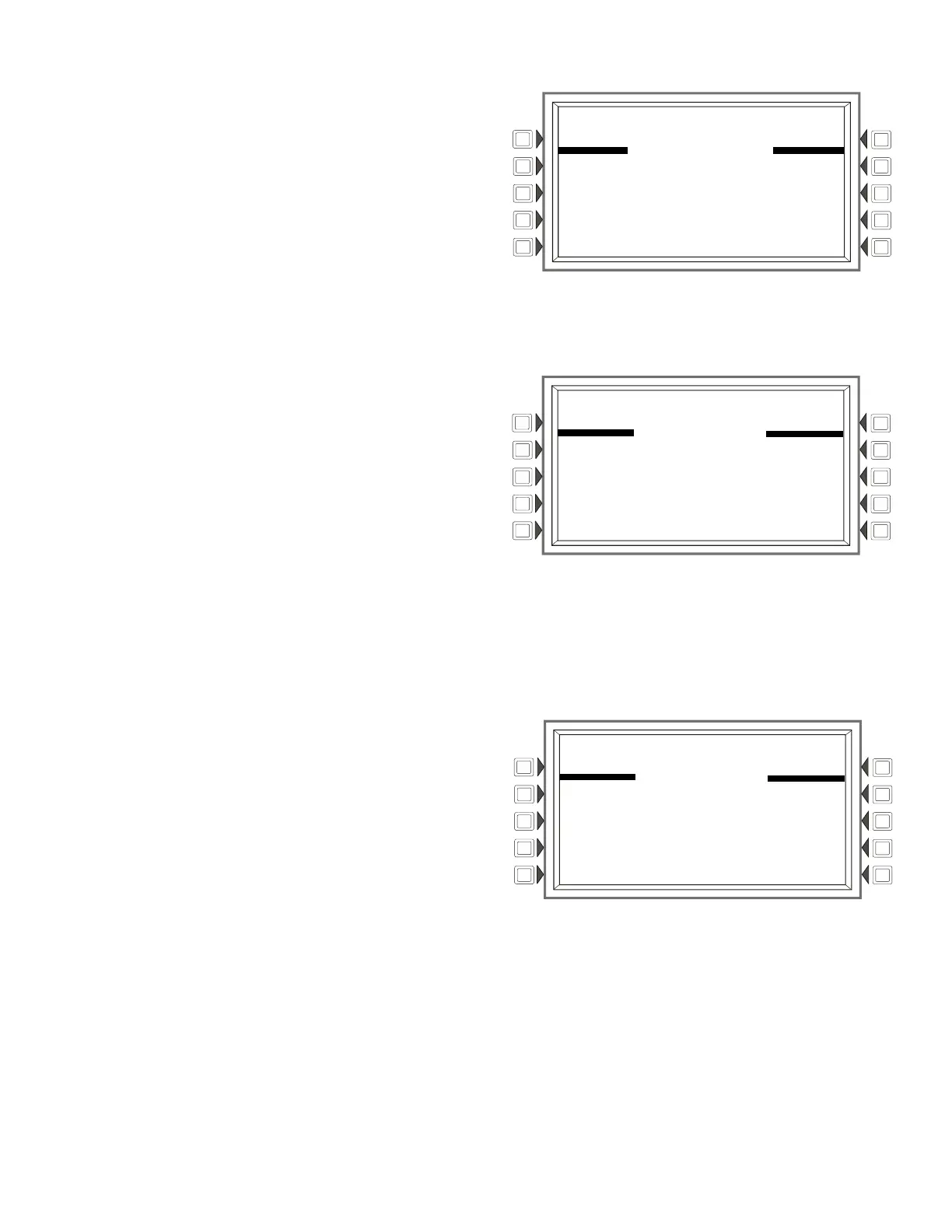
Program/Alter Status Screen
LAKEVIEW GENERAL HOSPITAL
SYSTEM NORMAL
10:22:34A TUE JAN 20, 2018
PROGRAM/ALTER STATUS
ALTER STATUS MENU DELETE PROGRAM MENU
AUTOPROGRAM MENU
PANEL PROGRAM MENU
POINT PROGRAM MENU BACK
Printer Functions Screen
LAKEVIEW GENERAL HOSPITAL
SYSTEM NORMAL
10:22:34A TUE JAN 20, 2018
PRINTER FUNCTIONS
PROGRAMMING
ACTIVE POINTS INSTALLED POINTS
WALK TEST
DETECTOR MAINTENANCE REPORT BACK
Alter Status Screen (1)
LAKEVIEW GENERAL HOSPITAL
SYSTEM NORMAL
10:22:34A TUE JAN 20, 2018
ALTER STATUS
DISABLE/ENABLE WALK TEST
DETECTOR SENSITIVITY CHANGE TIME/DATE
CLEAR VERIFY COUNTS MORE
CLEAR HISTORY BACK


 To Next Page
 Loading...