- 18 -
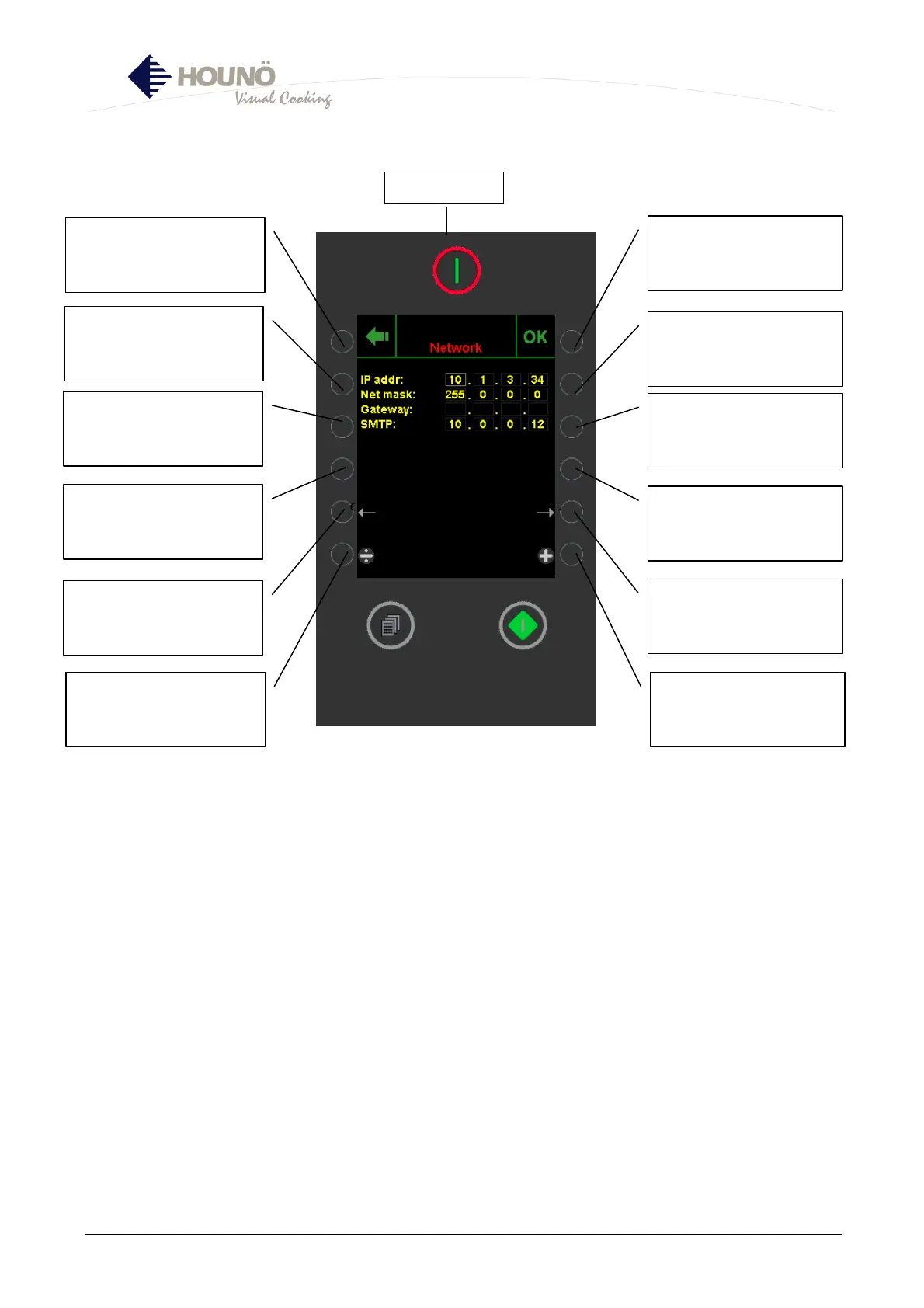
Network
• IP addr: Use Not active IP address that is compatible with the network in question.
• Netmask: Use Not active netmask that is compatible with the network in question.
• Gateway: Set for internet router in question.
• SMTP: Set for mail server of internet access provider.
• INFO: PORT FORWARD 5900 and 80 of the internet router should be open for the IP
address of the oven if the user wants HOUNÖ to have free access to the oven.
• INFO: If the user wants the oven to be updated via the HOUNÖ server, it suffices to set
the Gateway, however, HOUNÖ must be named as UPDATE SERVER in the SET-UP
SECTION.
• Only an internet browser is required to access the oven from a computer.
Confirmation of setting and
return to SET-UP MENU



 To Next Page