- 23 -
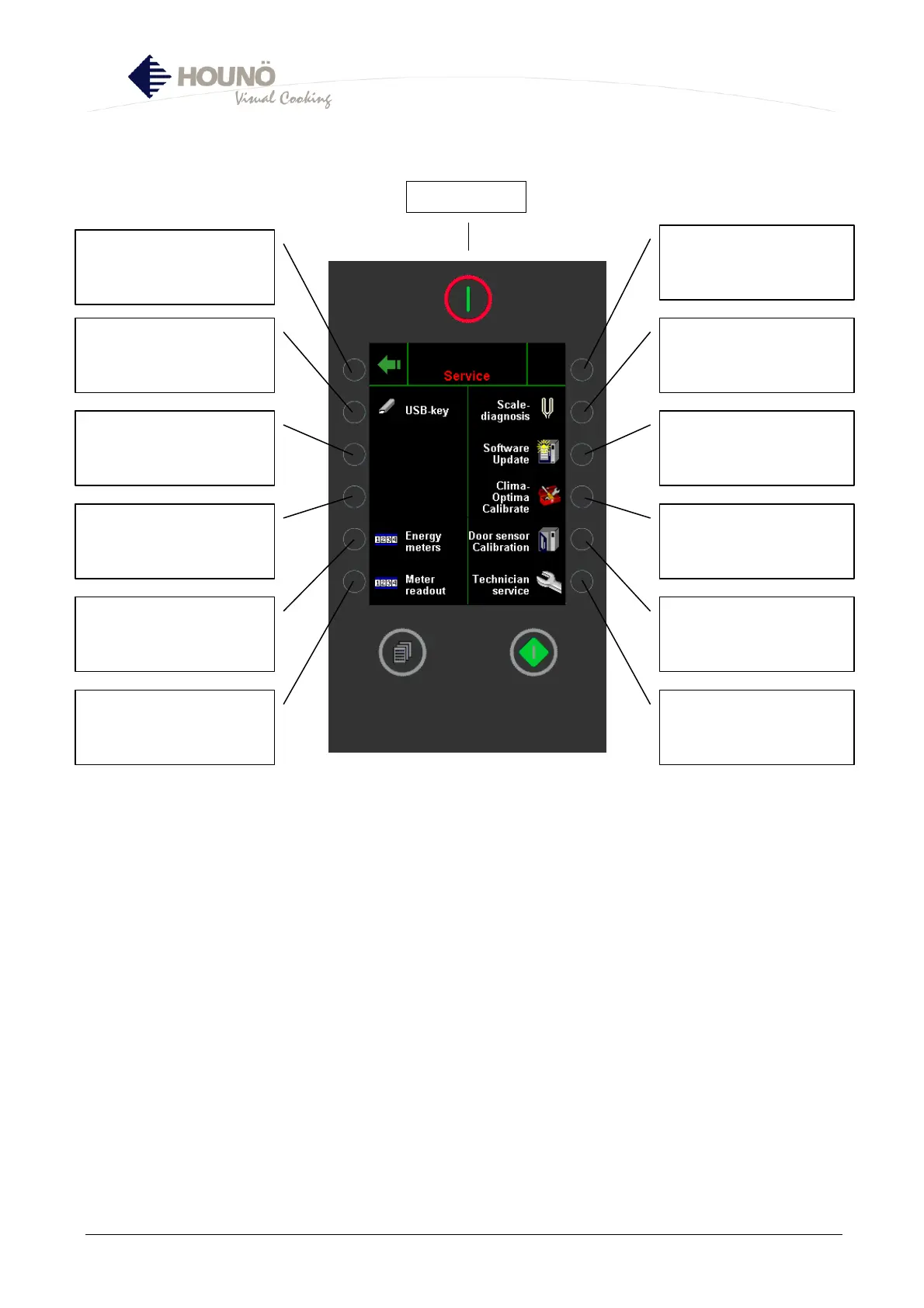
Service Menu
• Access to various service functions.
• USB key is only active if a USB key is inserted. If the controller does not find a USB key,
the text “USB key” will be grey.
Access to USB key (see p.
24-28)
Energy counter (see p. 29)
Reading counter (see p.
30-33)
Lime-scale diagnosis (see
p. 34-35)
Software update(see p.
36-39)
ClimaOptima calibration
(see p. 40)
Door-sensor calibration
(see p. 41-42)
Access to TECHNICAL
SERVICE (see p. 43)
Main switch



 To Next Page