Technical Service Manual M9 Transfer Stretcher (M999-29, Version 11, June 2021) 21
BACKREST ACTUATOR
Summary:
This service instruction outlines the procedure to replace the backrest actuator.
Tools Required:
• 4mm hex key
• 5mm hex key
• 2x 13mm spanners
• side cutters
• small flat blade screwdriver
Parts Required:
• 1x backrest actuator
Location:
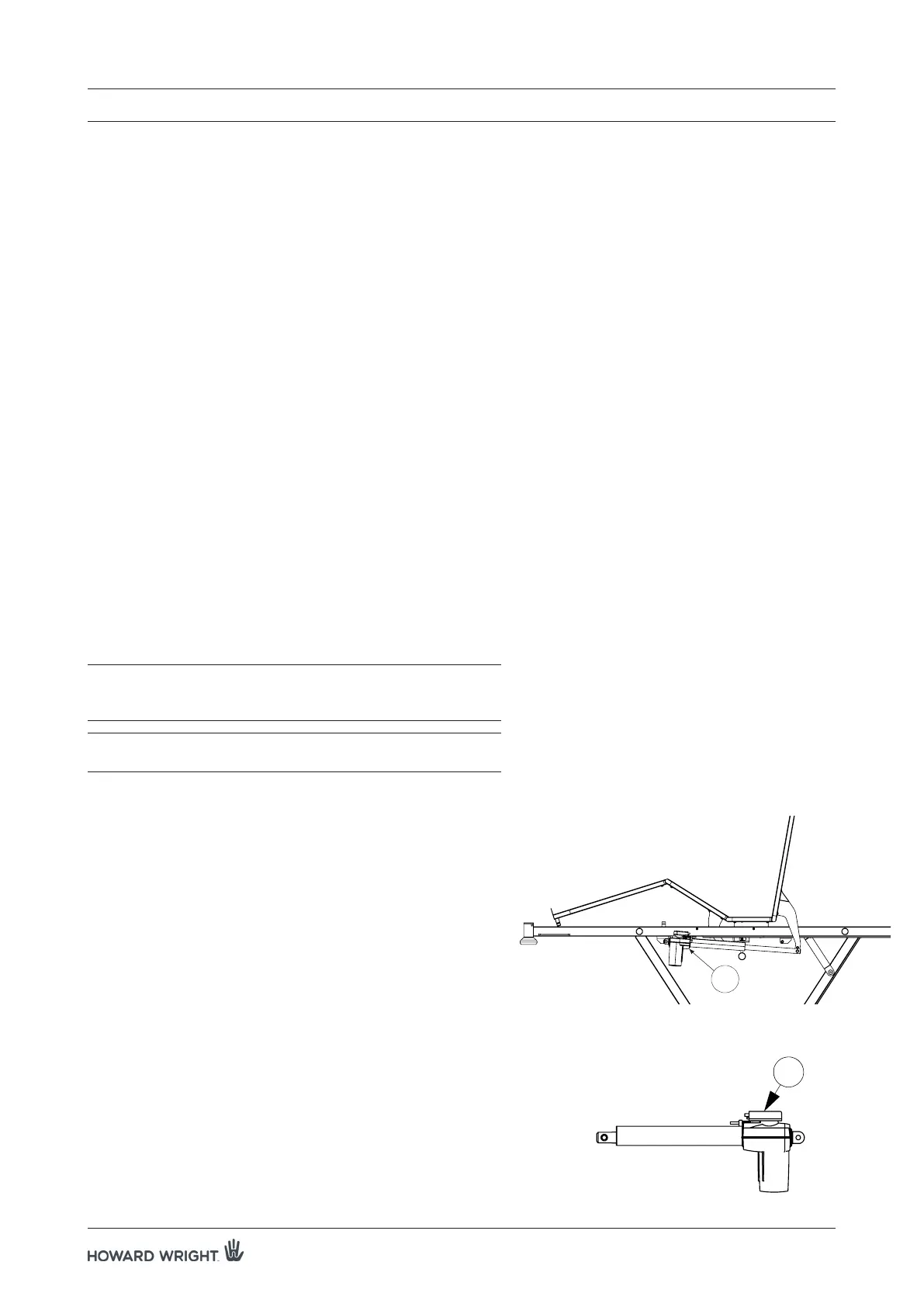
The backrest actuator (A) is located on the left side of the stretcher.
WARNING: Ensure the actuator cable is secured away from
moving parts, but allowing sufficient length for
actuator movement.
WARNING: Ensure the CPR Quick Release function is
operating correctly.
Procedure:
1. Raise the deck to the maximum height position, ensure the
deck is flat and apply castor brakes.
2. Unplug the stretcher from the mains supply.
NOTE: Raise siderail for access.
3. Using a 4mm hex key, remove the two m6x8 button head
capscrews attaching the cover panel to the deck.
NOTE: For pre June 2015 Models, remove plug locator
securing the cable plug to the actuator.
4. Using a small flat blade screwdriver, remove the cable
locking ring by pushing in the retainer clips either side of
the plug port. Unplug the actuator cable.
5. Using a 5mm hex key and a 13mm spanner, disconnect
the rear of the actuator by removing the shoulder bolt.
7. SERVICE INSTRUCTIONS
B
Figure 5. Location of backrest actuator.
(Note that deck should be flat during actuator replacement)
Figure 6. Quick release cover.
A



 To Next Page