Rear Cover
Description Spare part number
Rear cover 646781-001
The computer has one main cover on the back. Remove it to gain access to internal components.
To remove the rear cover:
1. Prepare the computer for disassembly (see
Preparing to Disassemble the Computer
on page 26).
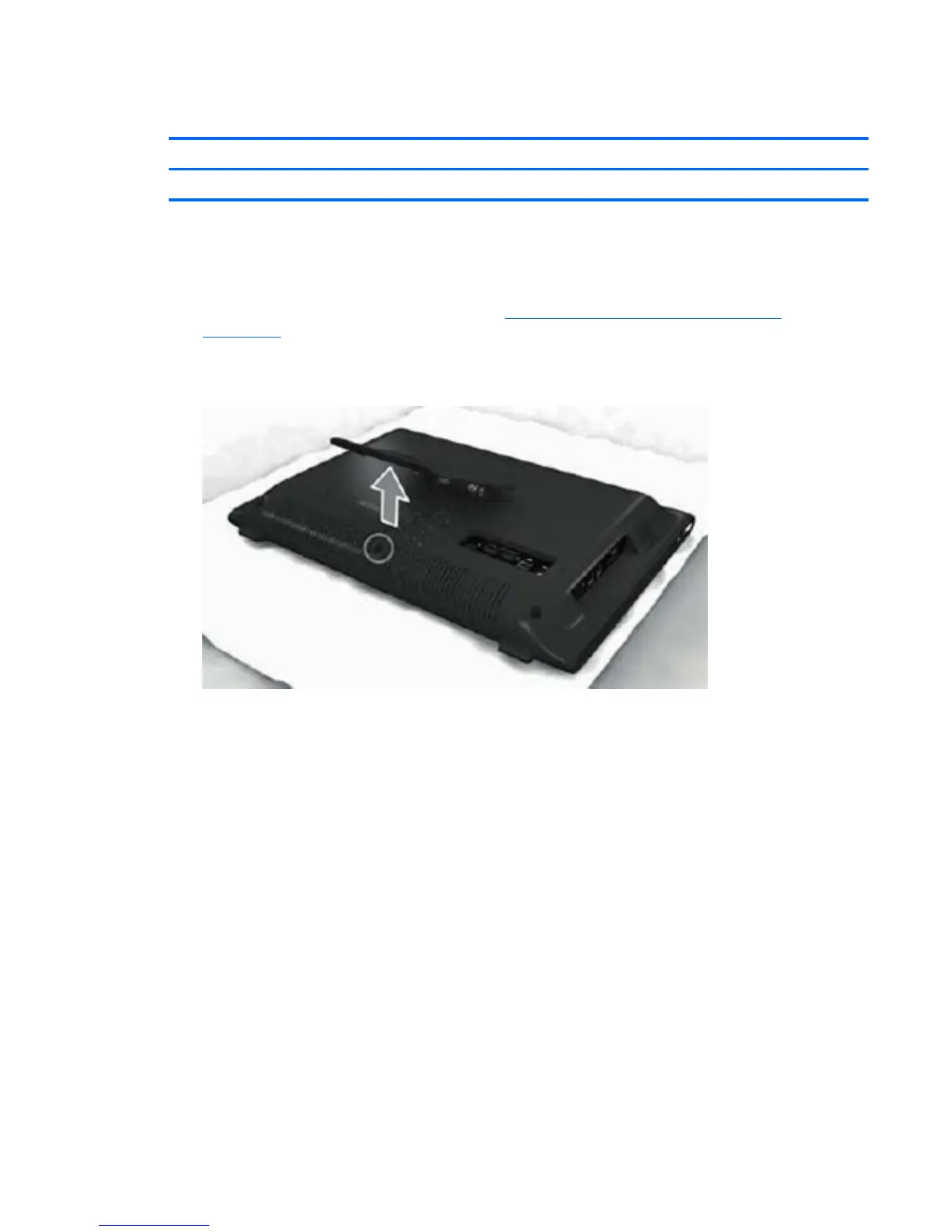
2. Lift the stand.
Figure 6-1 Lifting the stand
Rear Cover 27









 To Next Page