Hard Drive
Description Spare part number
750-GB 632938-001
500-GB 621421-001
250-GB 621419-001
Hard drive grommets (rubber) 646791-001
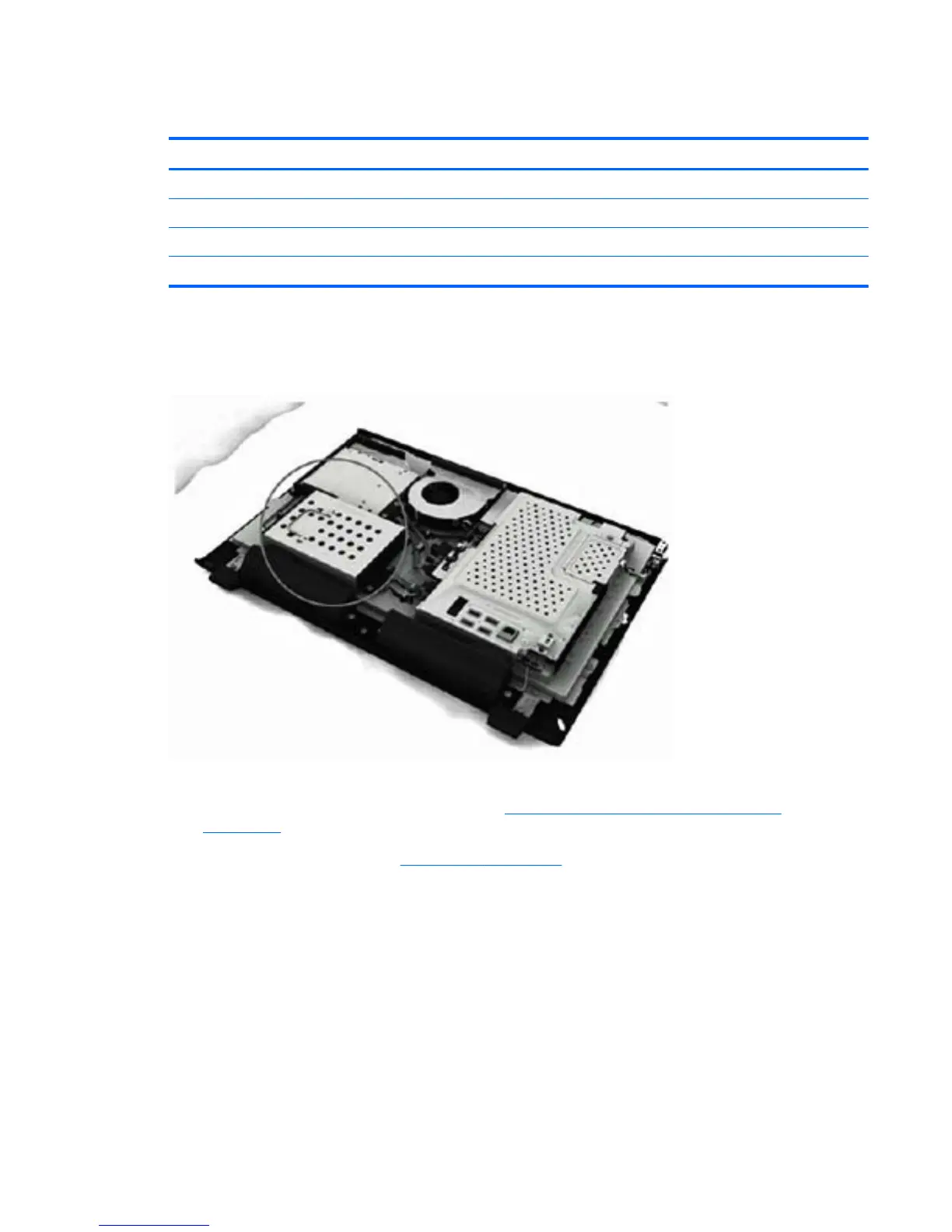
The hard drive is located under the rear cover on the left side of the computer (when viewed from
behind). The drive is secured with one captive screw and is housed in a removable cage.
Figure 6-11 Hard drive location
To remove the hard drive:
1. Prepare the computer for disassembly (see
Preparing to Disassemble the Computer
on page 26).
2. Remove the rear cover (see
Rear Cover on page 27).
Hard Drive 35









 To Next Page