Fan
Description Spare part number
Fan 646798-001
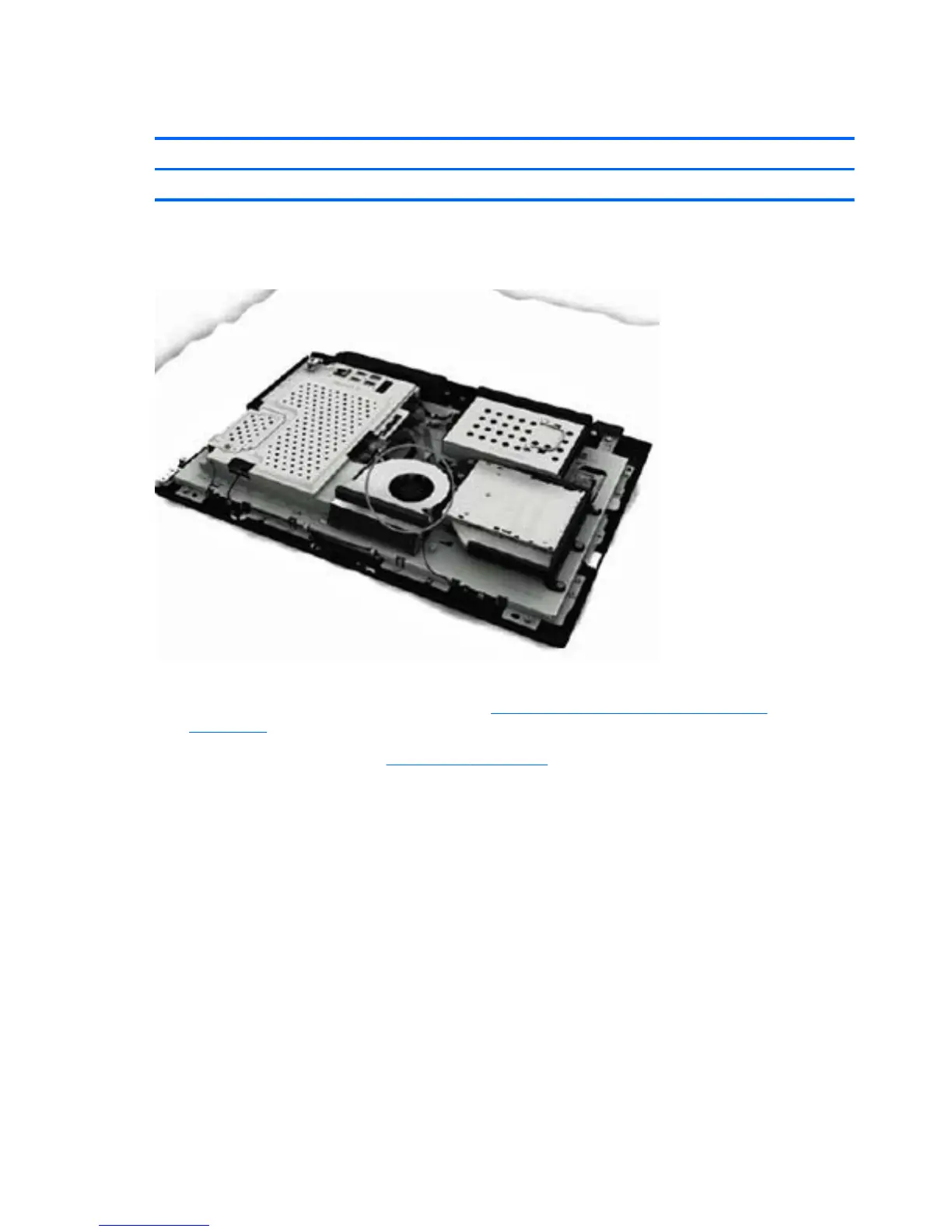
The fan is located at the top of the computer.
Figure 6-22 Fan location
To remove the fan:
1. Prepare the computer for disassembly (see
Preparing to Disassemble the Computer
on page 26).
2. Remove the rear cover (see
Rear Cover on page 27).
42 Chapter 6 Removal and Replacement Procedures All-in One (AIO) Chassis









 To Next Page