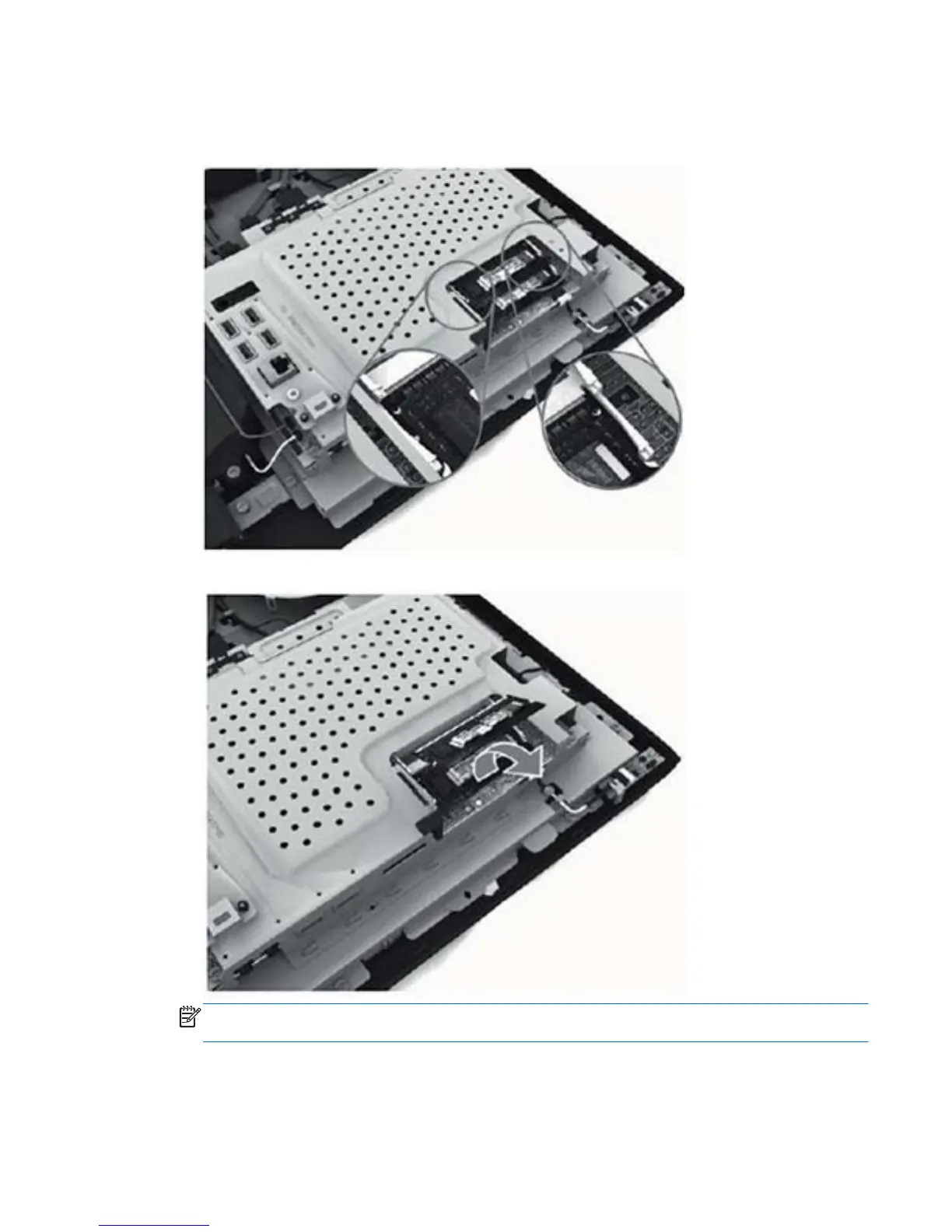
5. Open both latches of the memory module socket, and then remove the memory module from the
socket.
Figure 6-20 Removing the memory module
Figure 6-21 Removing the memory module
NOTE: If you are removing both cards, you must remove the upper one before removing the
lower one.
To install a memory module, reverse the removal procedures.
Memory 41









 To Next Page