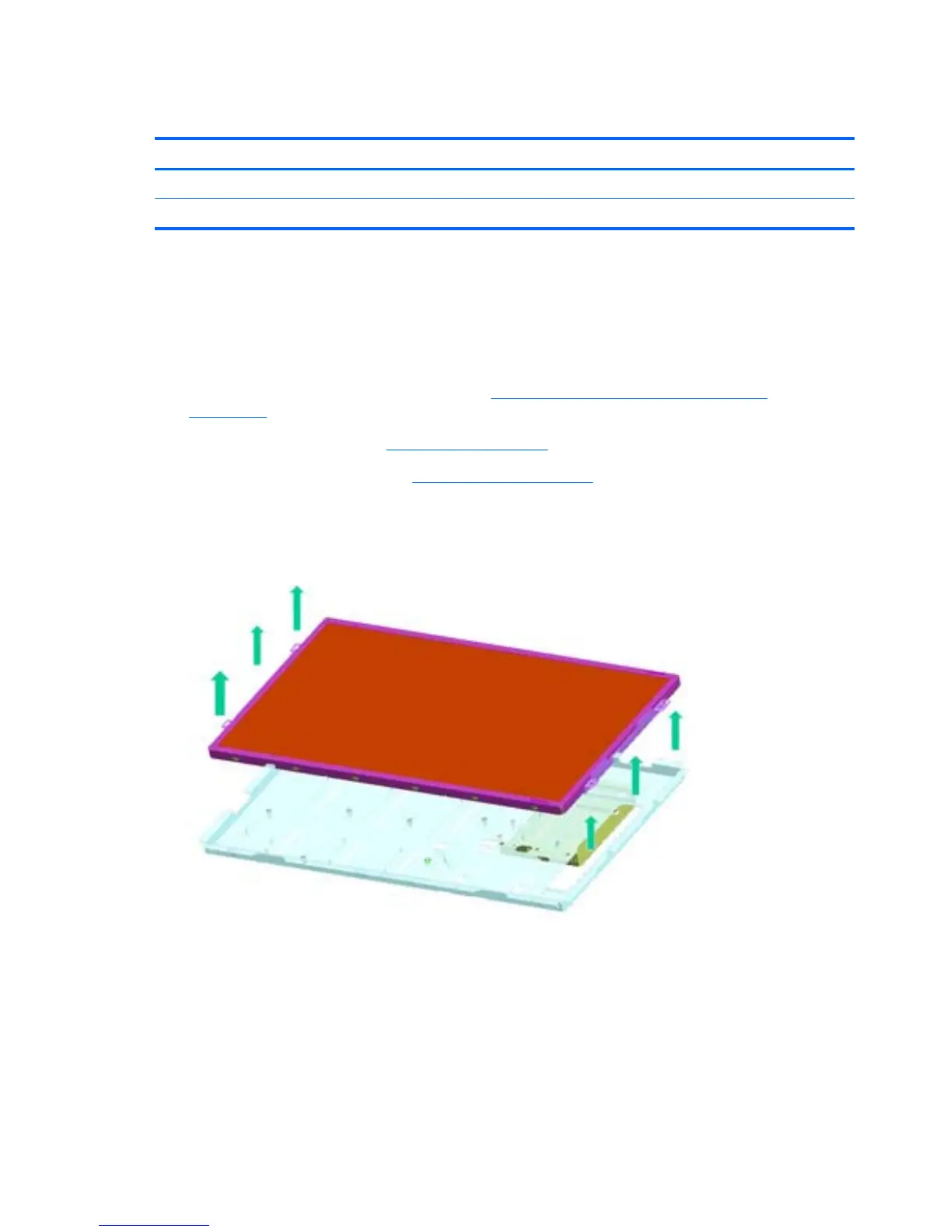
Display Panel
Description Spare part number
Display, 20-inch, LG 646795-001
Display, 20-inch, Samsung/CMI 646794-001
After you remove the front bezel and feet, the display bracket is secured with four remaining screws.
A metal bracket houses the display panel. You must remove the display panel from the bracket to
replace the raw panel.
To remove the display panel:
1. Prepare the computer for disassembly (see
Preparing to Disassemble the Computer
on page 26).
2. Remove the rear cover (see
Rear Cover on page 27).
3. Remove the inverter board (see
Inverter Board on page 57).
4. Push the display cable through the hole in the cover.
5. Remove the six screws from the right and left sides of the bracket and remove it from the frame.
Figure 6-56 Removing the display panel
72 Chapter 6 Removal and Replacement Procedures All-in One (AIO) Chassis









 To Next Page