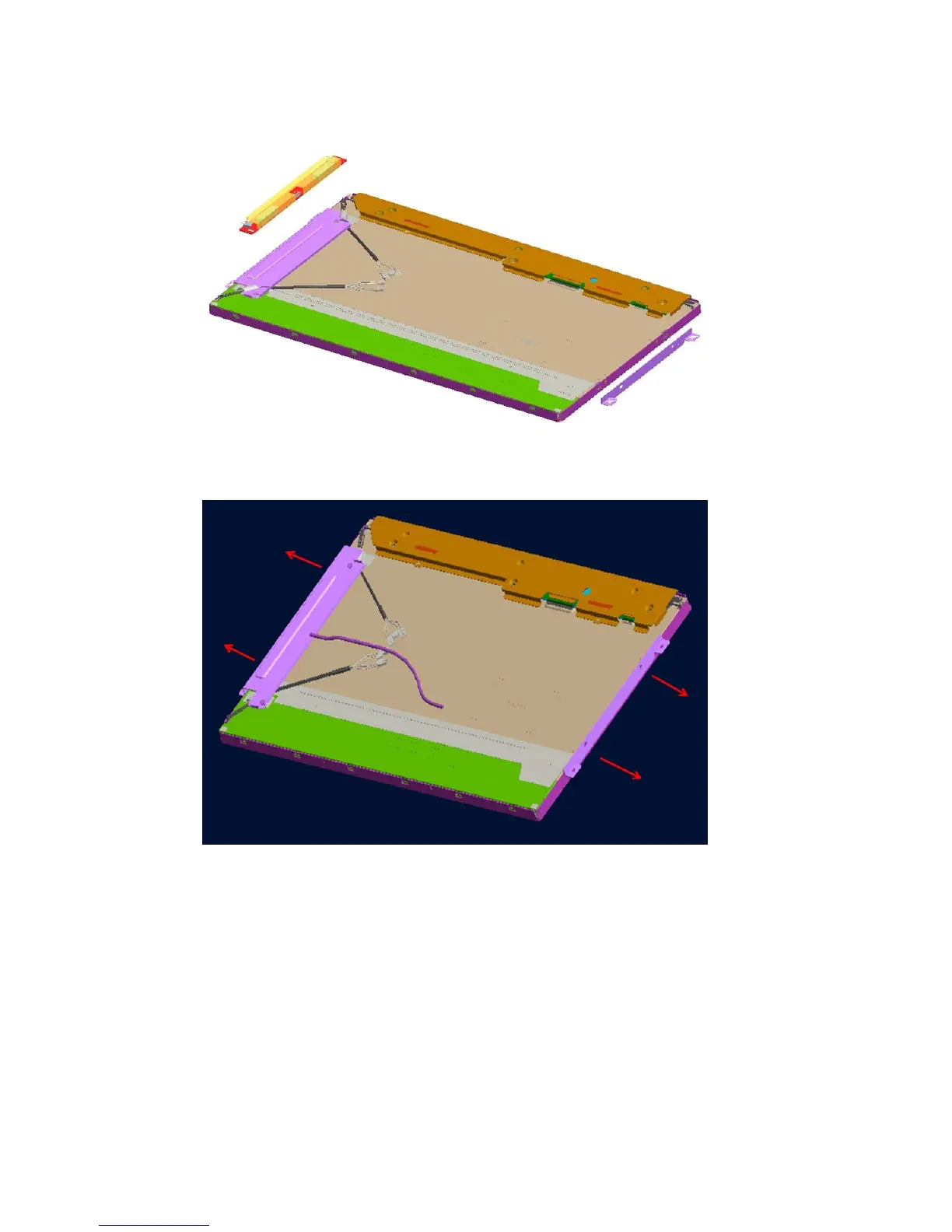
6. Remove the two screws that secure the LCD inverter, and then remove it from LCD bracket.
Figure 6-57 Removing the inverter
7. Remove the four screws from the LCD brackets, and then remove them from the LCD module.
Figure 6-58 Removing the brackets
To replace the display panel, reverse the removal procedures.
Display Panel 73









 To Next Page