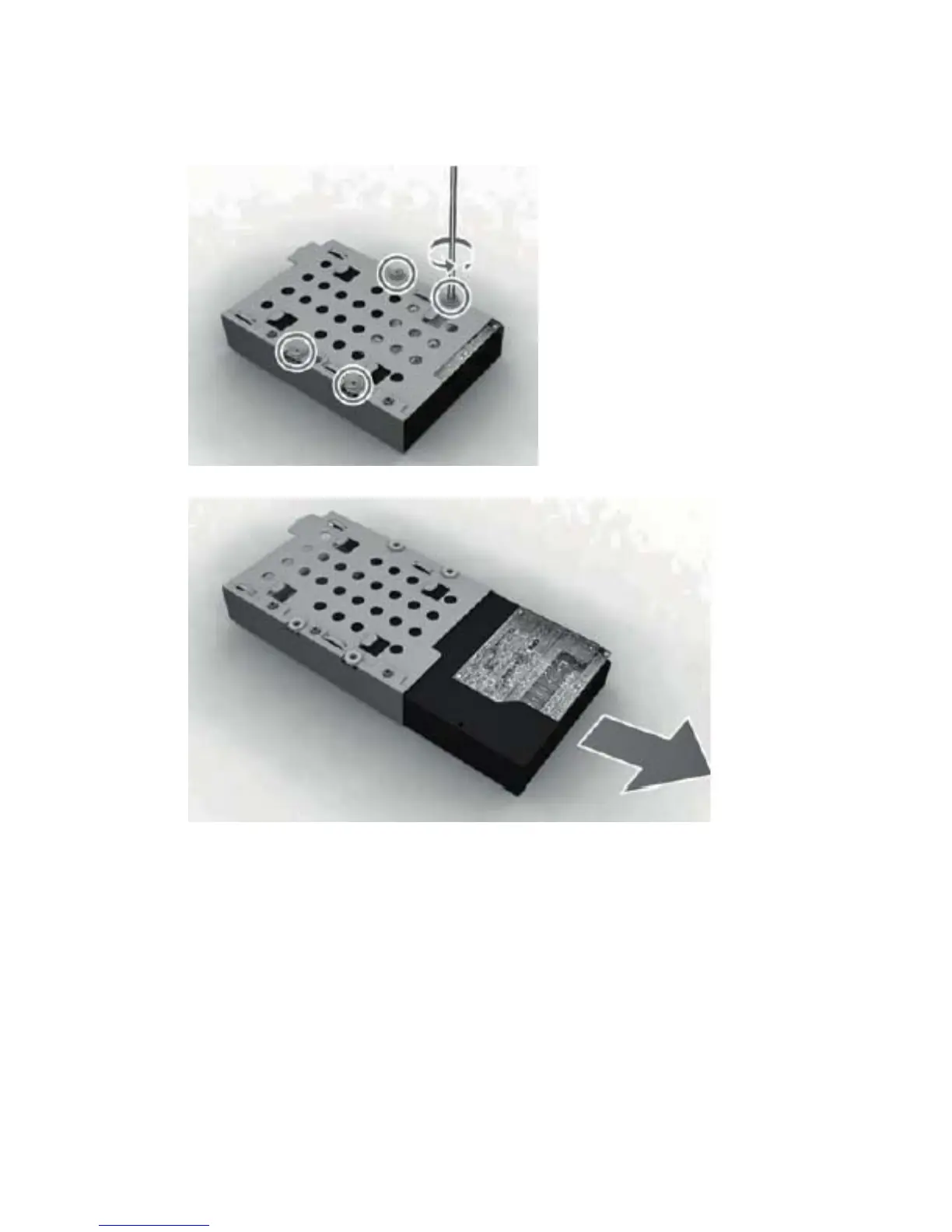
6. To remove the hard drive from the hard drive cage, remove the four Phillips screws that secure
the drive to the cage, and then slide the drive out of the cage.
Figure 6-15 Removing the hard drive cage screws
Figure 6-16 Removing the hard drive from the hard drive cage
To replace the hard drive, reverse the removal procedures.
38 Chapter 6 Removal and Replacement Procedures All-in One (AIO) Chassis









 To Next Page