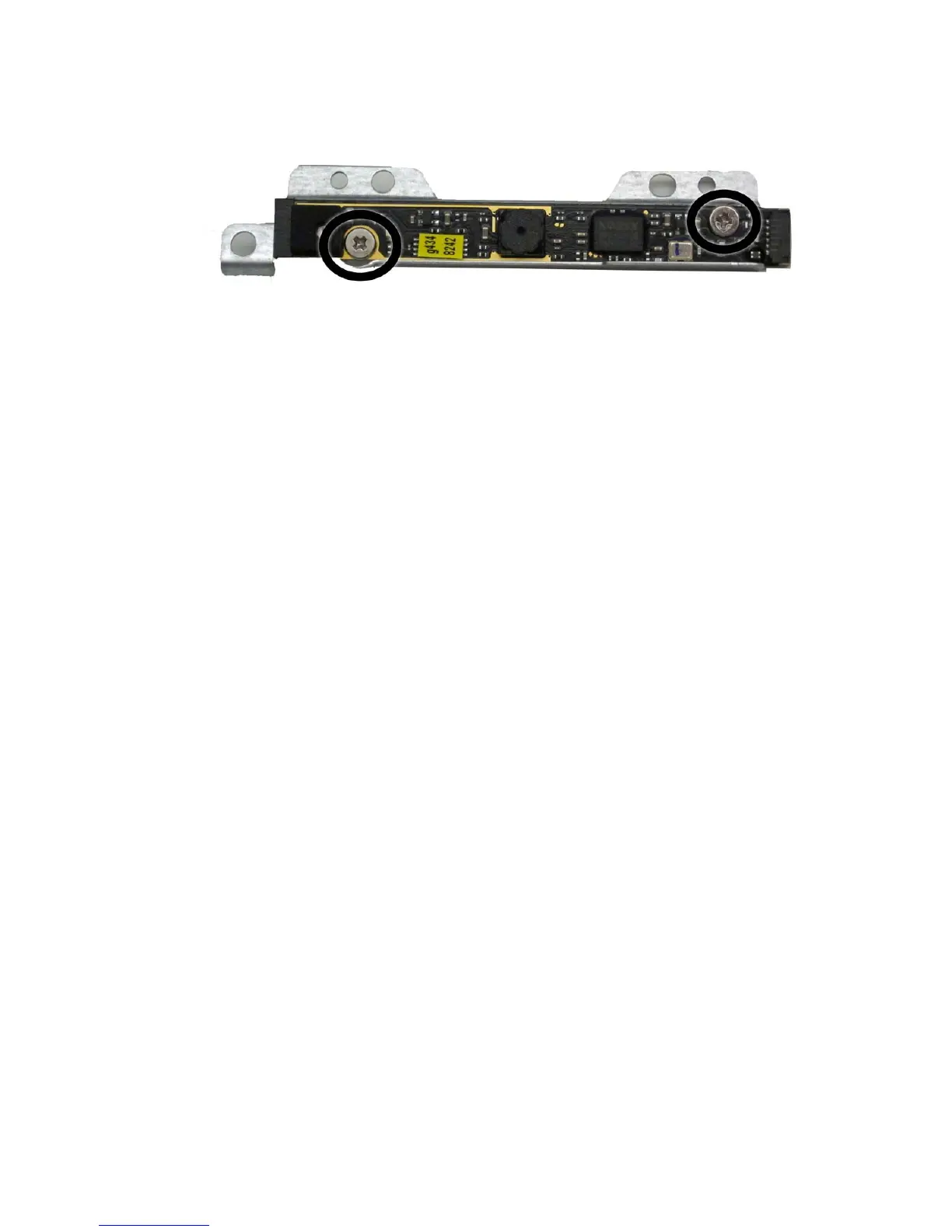
6. To remove the webcam module from the bracket, remove the two Phillips PM20x30 screws that
secure the module to the bracket, and then remove the module from the bracket.
Figure 6-35 Removing the webcam module from the bracket
To install a webcam module, reverse the removal procedures.
Webcam Module and Cable 51









 To Next Page