EasyManua.ls Logo

HP 3465B - Troubleshooting and Circuit; Diagrams; Introduction; Schematic Diagrams

HP 3465B
58 pages
Print Icon
To Next Page IconTo Next Page
To Previous Page IconTo Previous Page
Loading...
Model
3465B
Section
VII
SECTION
VII
TROUBLESHOOTING
AND
CIRCUIT
DIAGRAMS
7-1.
INTRODUCTION.
7-2.
This
section
of
the
manual
contains
troubleshooting
information,
the
functional
block
diagram
and
circuit
diagrams
for
the
Multimeter.
The
troubleshooting
para
graphs
are
divided
into
three
parts:
a.
Preliminary
troubleshooting
b.
Analog
troubleshooting
c.
Digital
troubleshooting
Additional
troubleshooting
information
is
located
on
the
block
diagram
and
individual
circuit
diagrams
in
the
form
of
dc
voltage
levels
and
notes.
7-3.
SCHEMATIC
DIAGRAMS.
7-4.
The
schematic
diagrams
(Figure
7-2
through
Figure
7-5)
contained
in
this
section
illustrate
the
circuits
of
the
Multimeter.
Components
marked
with
an
asterisk
are
those
that
are
critical
in
value.
Some
of
these
"starred"
compo
nents
are
part
of
an
adjustment
procedure.
A
method
for
selecting
the
correct
value
is
outlined
in
the
adjustment
procedures
of
Section
V,
if
service
in
these
circuit
areas
is
required.
WARNING
I
Maintenance
procedures
of
Sections
V
and
VII
are
intended
for
qualified
service
personnel
only.
To
reduce
the
possibility
of
electrical
shock,
only
qualified
personnel
are
to
perform
maintenance
duties.
7-5.
PRELIMINARY
CHECK.
7-6.
Visual
Inspection.
1-1.
Record
all
observances
of
all
function
and
range
mal
functions.
Verify
that
the
leads
interconnecting
the
input
jacks
with
the
A1
board
are
securely
fastened
at
both
ends.
Look
for
obvious
cracked,
broken,
or
burned
comnonents.
7-8.
PRELIMINARYTROUBLESHOOTING.
7-9.
Providing
the
functional
check
mentioned
in
the
pre
vious
section
has
been
performed,
the
tests
of
this
section
may
be
unnecessary.
This
would
be
the
case
if
the
fault
is
unique
to
any
function,
range
or
combination
thereof
treated
in
the
Signal
Conditioning
Section.
It
should
be
obvious
that
if
the
fault
is
uncommon
to
all
functions,
the
Signal
Conditioning
block
is
probably
the
culprit.
An
exception
would
be
a
problem
in
the
switch
contacts
located
in
the
A/D
converter.
7
10.
If
the
malfunction
is
common
to
all
functions
the
fi
rst
check
is
to
verify
the
operation
of
all
Power
Supply
voltages.
The
only
critical
supply
in
terms
of
tolerance
is
the
-t
10
V.
If
the
multimeter's
accuracy
is
out
of
specifica
tion
across
all
functions,
check
the
-t
10
V
and
adjust
if
necessary.
See
the
Power
Supply
Adjustment
section
of
the
manual.
If
any
of
the
supplies
are
inoperative,
go
to
the
Power
Supply
section
of
this
guide.
7-11.
Analog/Digital
Isolation.
7-12.
If
the
supplies
are
proper,
place
the
meter
in
the
2
V
dc
range.
Connect
a
jumper
from
pin
7
of
JI
(the
number
I
end
is
identified
with
a
dot
on
the
PC
board)
to
the
CP
test
point
(next
to
the
crystal).
The
display
should
read
-H
1.0000.
If
it
does
not,
the
fault
is
in
the
Control
Logic,
Display
Interface
or
Display.
Go
to
the
Digital
Trouble
shooting
section.
If
the
display
is
proper,
remove
the
jumper
and
go
to
the
Analog
Troubleshooting
section.
7-13.
ANALOG
TRDUBLESHOOTING.
7-14.
Analog
Isolation.
7-15.
It
should
be
mentioned
here
that
if
the
problem
is
unique
to
any
function,
that
particular
portion
of
the
signal
conditioner
should
already
have
been
cleared.
If
the
mal
function
is
common
to
ac
and
dc
volts
or
common
to
the
ac
volts
and
ac
current,
refer
to
the
Signal
Conditioning
Section.
7-16.
With
the
instrument
still
in
the
2
V
dc
range,
short
the
input
and
monitor
the
voltage
at
the
DCTP
terminal.
The
voltage
should
be
less
than
I
mV.
Now
apply
-t
I
V
dc
to
the
input
and
monitor
the
same
point
with
an
oscillo
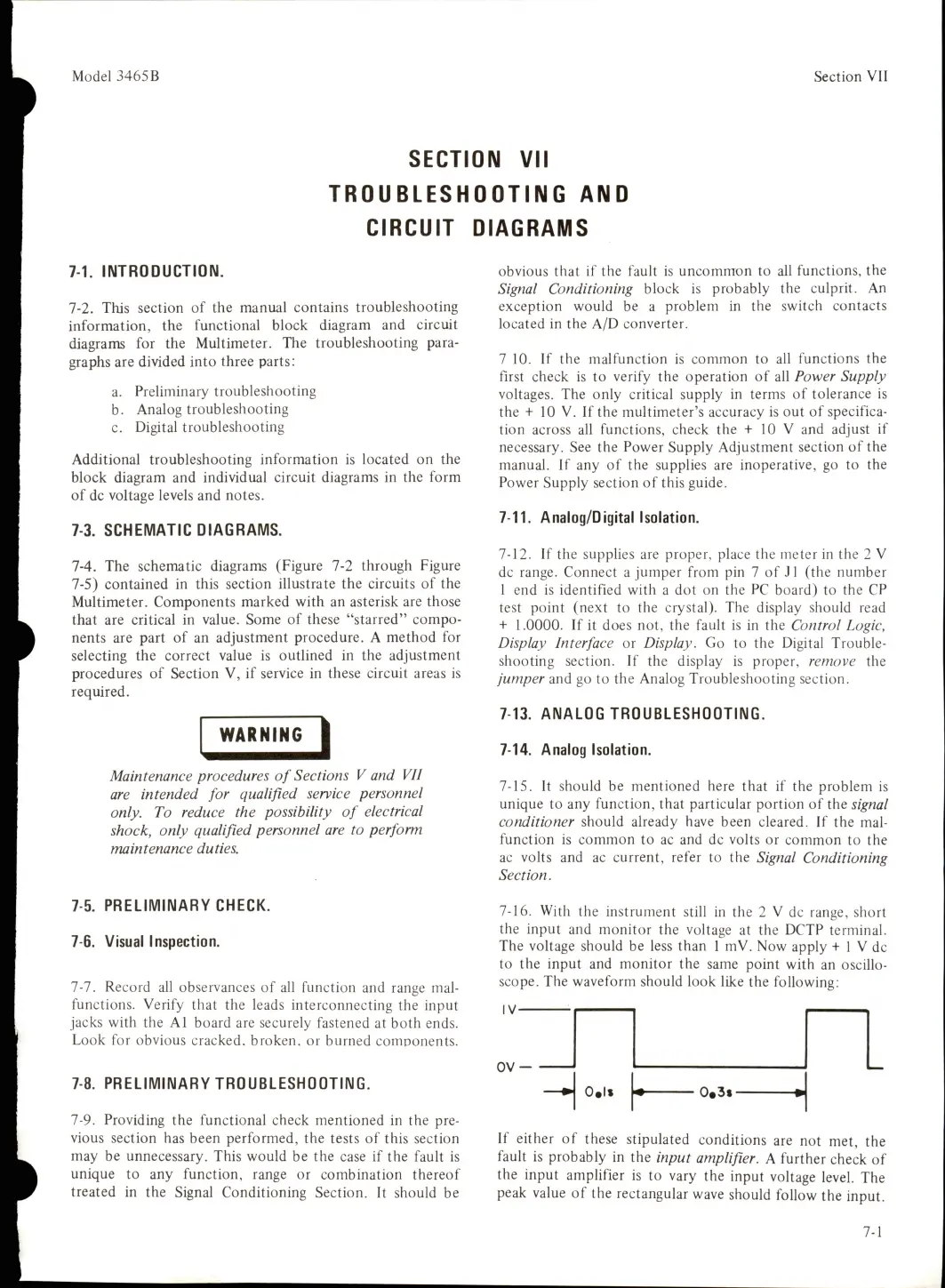
scope.
The
waveform
should
look
like
the
following:
IV-
H
O.ls
^
0«3i
If
either
of
these
stipulated
conditions
are
not
met,
the
fault
is
probably
in
the
input
amplifier.
A
further
check
of
the
input
amplifier
is
to
vary
the
input
voltage
level.
The
peak
value
of
the
rectangular
wave
should
follow
the
input.
7-1

Table of Contents

Related product manuals