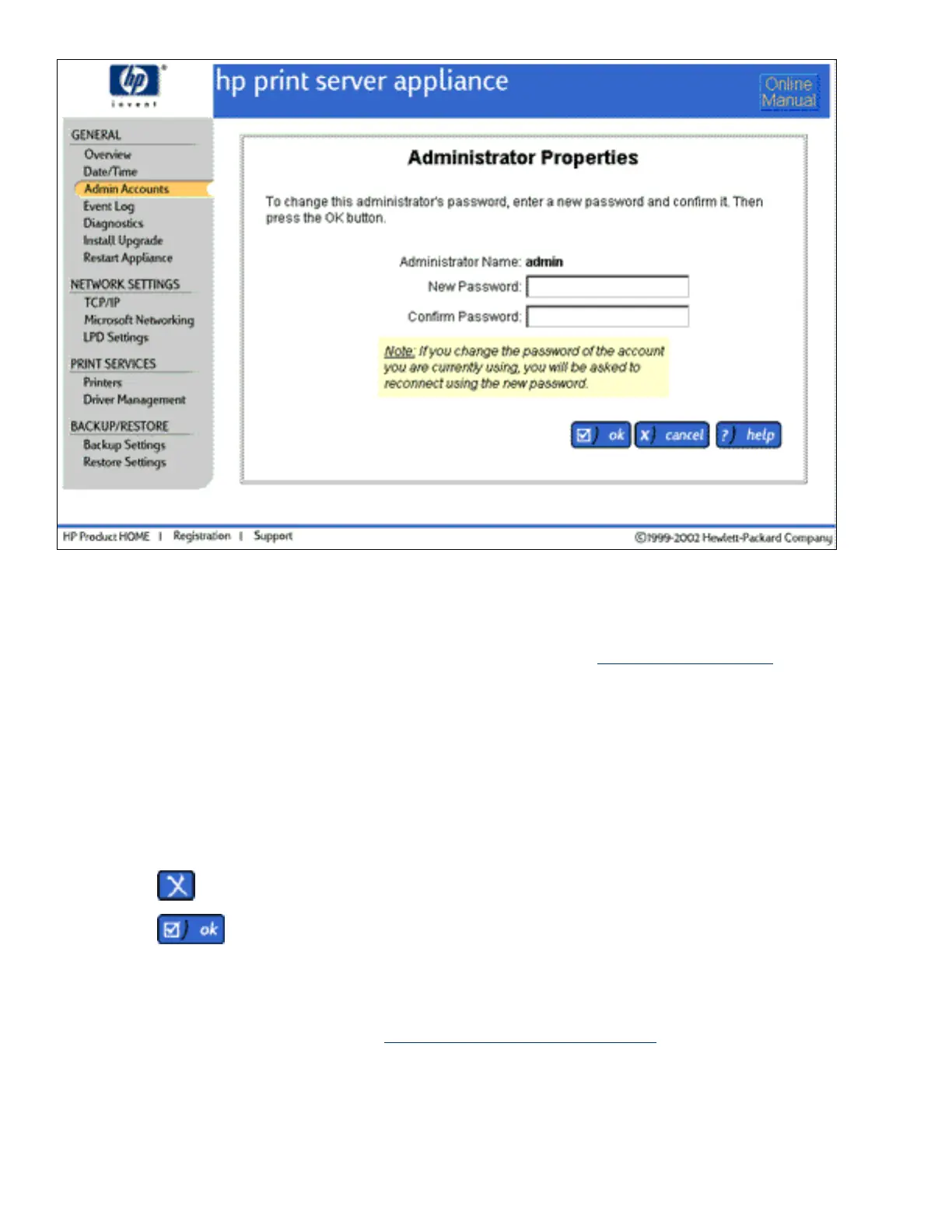
Once the administrator account name and password have been changed, the current browser session is no longer
authenticated and you will be prompted to re-enter your password. Re-connect to the appliance, using the new
administrator account name and password.
Note: Local accounts on the appliance cannot be renamed. If necessary, delete the local account and then add it
with its new administrator name.
Deleting an Administrator Account
To delete an administrator account, follow these steps:
Log on to the web interface.1.
On the menu under General, click Admin Accounts. (If the Domain Accounts page is displayed, click
the Local Accounts tab.)
2.
Click
next to the administrator account to delete. Two confirmation messages are displayed.3.
Click
. The Admin Accounts page will be displayed again.4.
Domain Accounts
If Domain Authentication is enabled on the Microsoft Networking Settings page, domain accounts can be added
to the appliance. The Domain Accounts page will be displayed automatically when the administrator selects
Admin Accounts. An administrator can select accounts from a domain and assign them administrator rights if
necessary. These accounts are synchronized with the NT domain controller.
If Domain Authentication is enabled, the administrator must either have a local account on the appliance with
the same username and password as their domain account, or a domain account for the administrator must be











 To Next Page